76
>>> MUSIC OPERATIONS
> D
> GB
> F
> I
> E
> P
> NL
> DK
> S
> N
> FIN
> TR
> GR
> PL
> CZ
> H
> SK
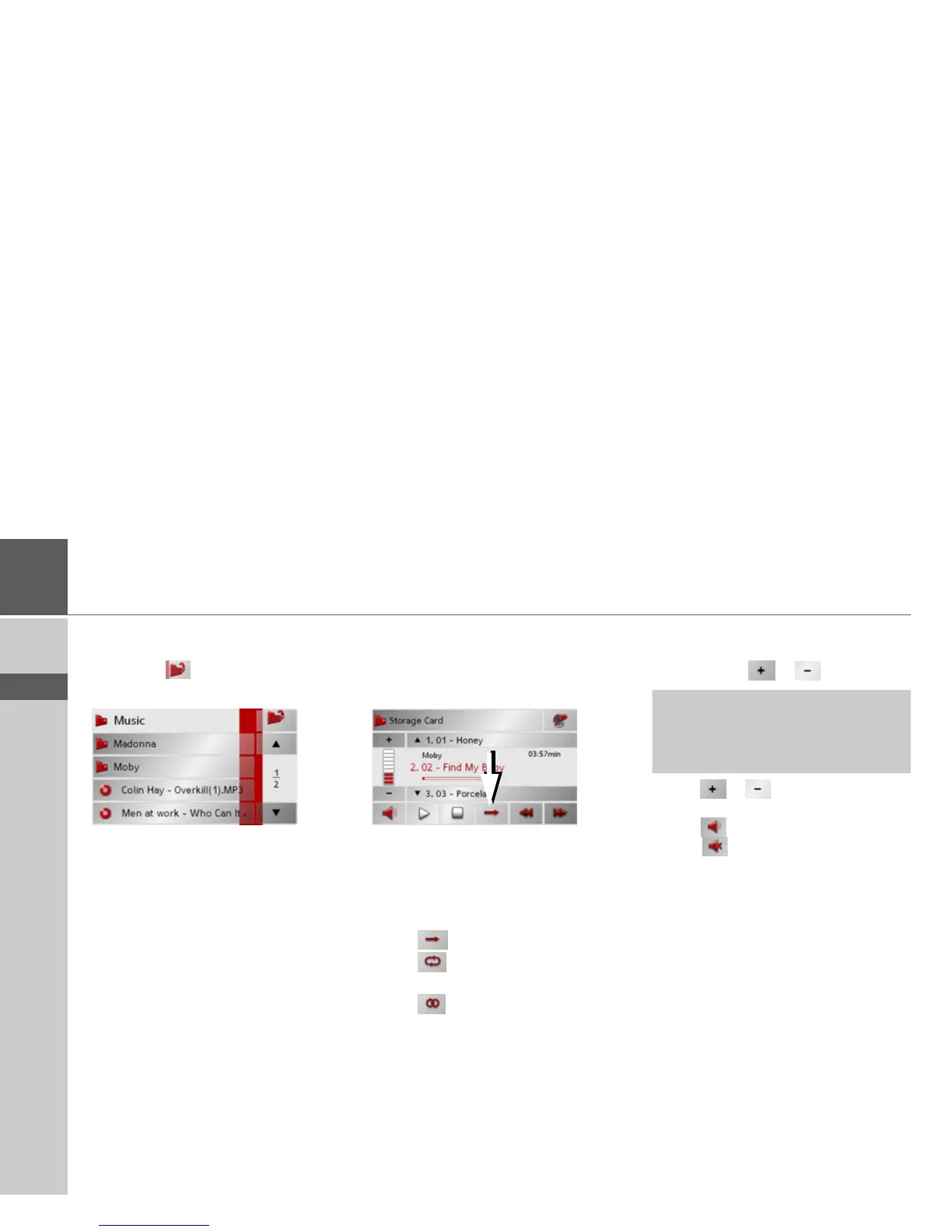
The currently playing track is surrounded
by a red frame.
> Press the
button in order to move
up one level in the folder structure.
Here as well, the name of the current
folder appears in the top line and
underneath it the subfolders and then the
tracks which it contains.
> Press on a folder in order to display its
contents.
> Press on a track in order to play it.
Track repeat/random play function
It is possible to have a track continuously
repeated or to have the tracks played in
random order.
> Press the button marked with the arrow
repeatedly until the desired function is
activated.
The displayed icon changes depending
upon the selected function.
• Icon - functions are deactivated
• Icon - random play function acti-
vated
• Icon - track repeat activated
Setting volume
You can increase or decrease the volume
by pressing the or buttons.
> Press
or to increase or decrease
the volume.
> Press
in order to mute the music.
> Press
again in order to cancel the
mute function.
!Warning
Always adjust the volume so that you
can still hear any ambient noise while
driving.



 To Next Page