58
>>> NAVIGATIONAL MODE
> D
> GB
> F
> I
> E
> P
> NL
> DK
> S
> N
> FIN
> TR
> GR
> PL
> CZ
> H
> SK
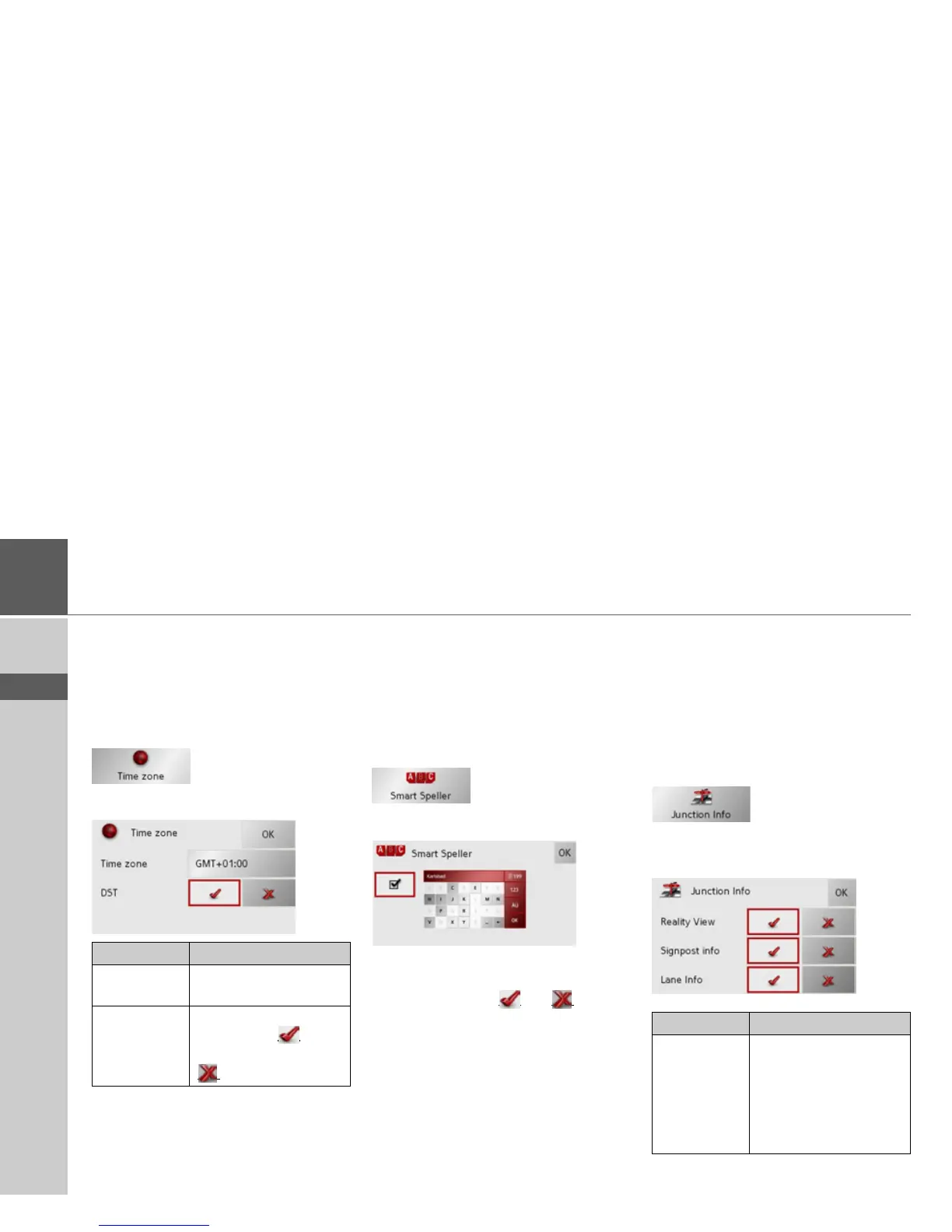
The Time Zone key
Set the relevant time zone for your region
in the Time Zone configuration window.
This is an important setting for calculat-
ing the estimated arrival times.
> Press
Time Zone in the settings menu.
The Time Zone settings menu appears.
> Confirm your settings by pressing
OK.
The Smart Speller button
The Smart Speller allows you to enter
towns, roads or other destinations that
you are searching for more quickly using a
logical process of elimination.
> Press
Smart Speller in the settings
menu.
The Smart Speller settings menu appears.
You can activate or deactivate the Smart
Speller in the Smart Speller settings win-
dow by pressing the
and buttons.
> Confirm your entry by pressing
OK.
The Junction info button
In the Junction info settings window you
can activate or deactivate the available aids
for complex turning manoeuvres, for ex-
ample at motorway junctions or certain
multi-lane roads.
> Press
Junction info in the settings
menu.
The Junction info settings window ap-
pears.
Setting Meaning
Time zone Specify the relevant time
zone for your region.
Summertime Set whether summer
time applies (
) to the
current time zone or not
(
).
Setting Description
Reality View When the function is ac-
tivated, realistic images
of the current lane situa-
tion at motorway junc-
tions are displayed if
available.



 To Next Page