23
>>>
> D
> GB
> F
> I
> E
> P
> NL
> DK
> S
> N
> FIN
> TR
> GR
> PL
> CZ
> H
> SK
Switching on
> Set the On/Off switch on the left side of
the unit to On.
> Press the key for a few seconds.
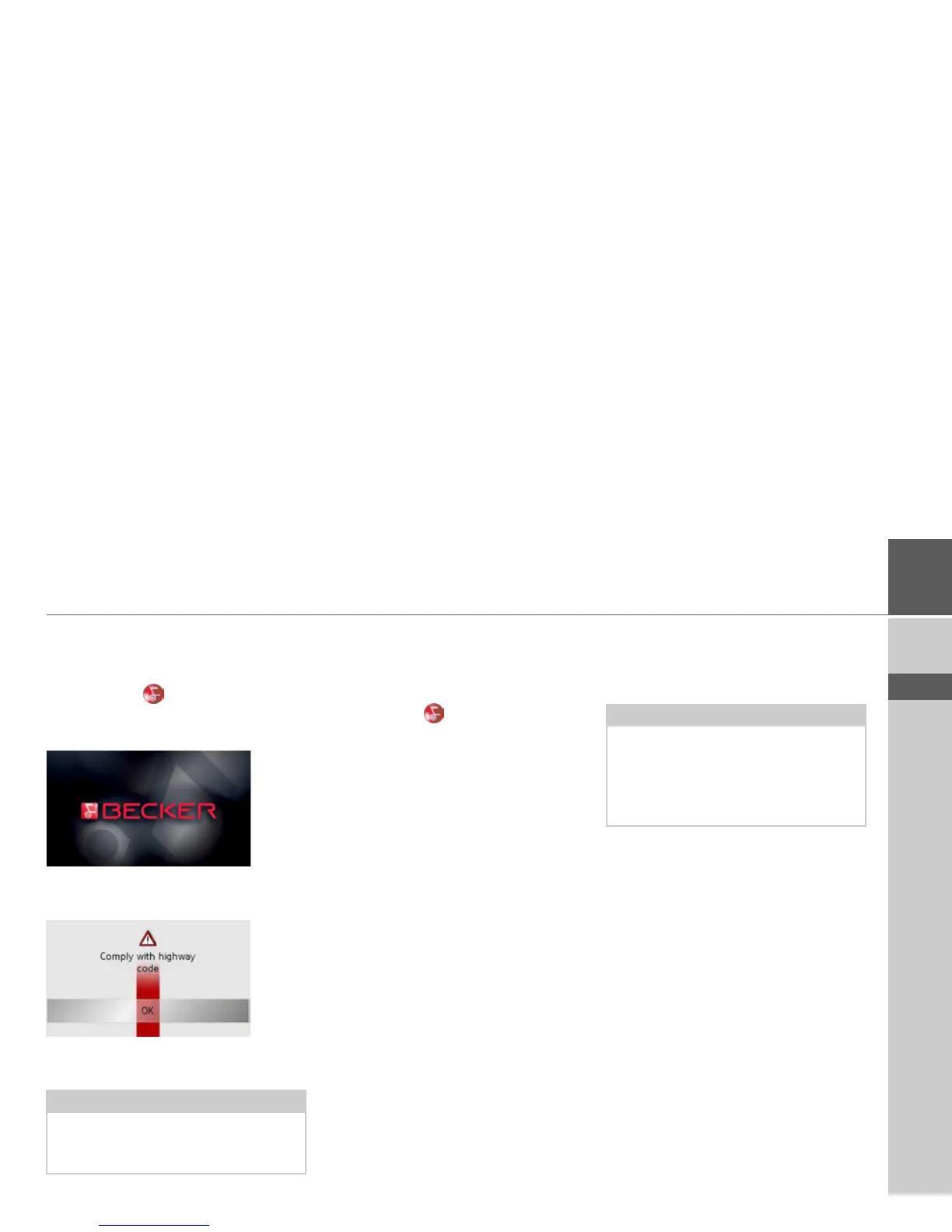
The unit is switched on. The manufactur-
er's logo appears on the touch screen.
The following question appears shortly
thereafter:
Comply with highway code
> If you agree with this request, press the
OK key.
Switching off
You can switch the unit off at any time. If
necessary, new destinations should first be
saved.
> Press the key for a few seconds.
The unit will enter sleep mode.
> Switch the On/Off switch to Off for fi-
nal deactivation of the unit.
Unit bracket
The Traffic Assist can be attached directly
to the windscreen with the unit holder.
Note:
The Traffic Assist may only be used in ac-
cordance with the applicable national
road traffic act!
Note:
The Traffic Assist and unit bracket must
not be exposed to long periods of direct
sunlight. Temperatures inside the
vehicle
of +70 C and higher may damage
parts of
the bracket.



 To Next Page