64
>>> NAVIGATIONAL MODE
> D
> GB
> F
> I
> E
> P
> NL
> DK
> S
> N
> FIN
> TR
> GR
> PL
> CZ
> H
> SK
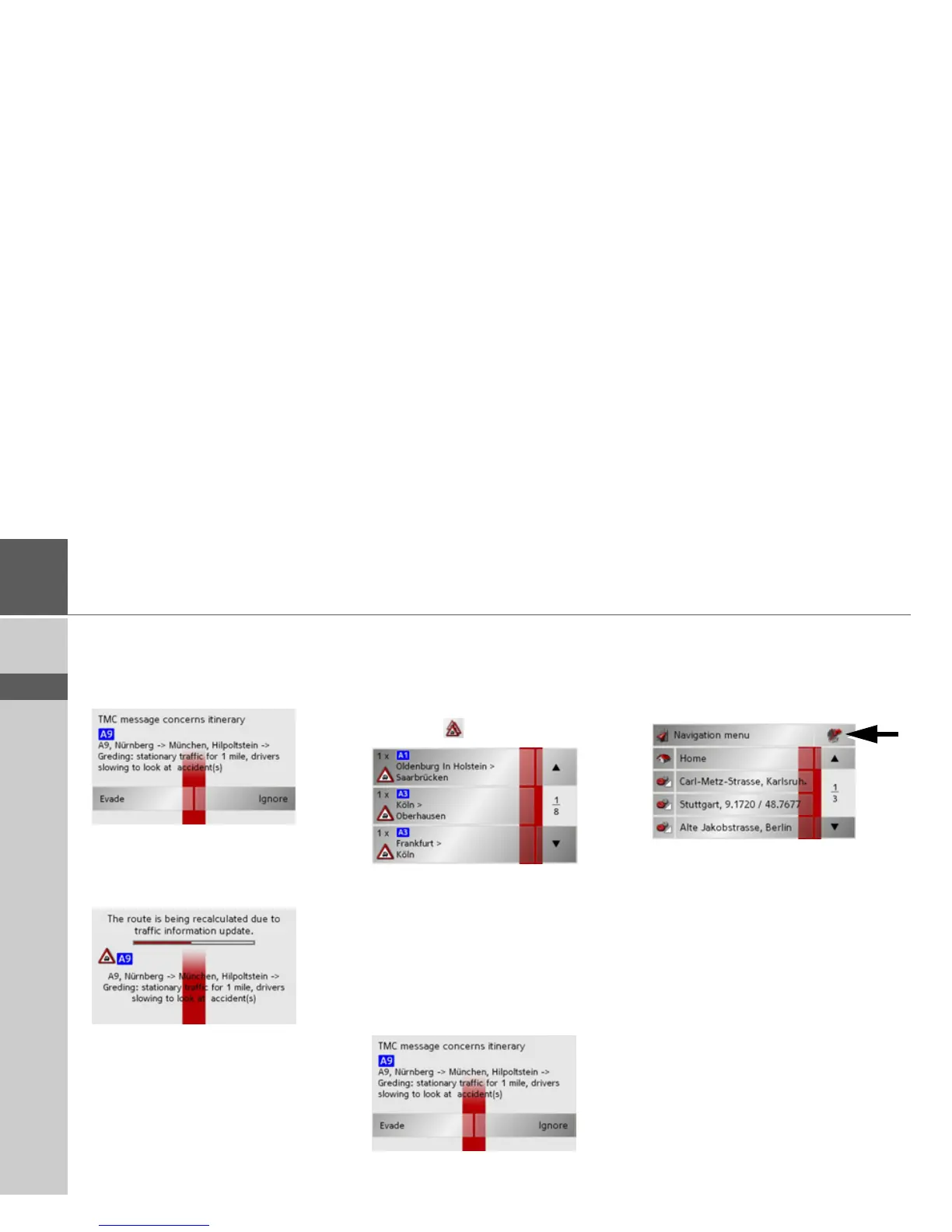
Manual recalculation
If a traffic announcement affects your
route, a window with detailed informa-
tion on the traffic announcement appears.
If you wish to calculate a detour around
the traffic problem, press
Evade or alter-
natively
Ignore.
Changing status
You can set the function to act upon or ig-
nore an announcement at any time.
> Activate the toolbar in the map display
(see also page 66).
> Press the
button.
The message list appears. Messages which
are relevant for your route are listed at the
beginning.
> Press the relevant traffic announce-
ment.
> Press the button at the bottom of the
screen to switch between
Evade and Ig-
nore
.
Map display
You can call the map display from various
applications using the miniature map
icon.
> Select the key with the map icon.
This opens the map display.



 To Next Page