68
>>> NAVIGATIONAL MODE
> D
> GB
> F
> I
> E
> P
> NL
> DK
> S
> N
> FIN
> TR
> GR
> PL
> CZ
> H
> SK
Additional information
Depending upon the selected setting, See
"The Route info key" on page 55., up to
three different information displays are
available.
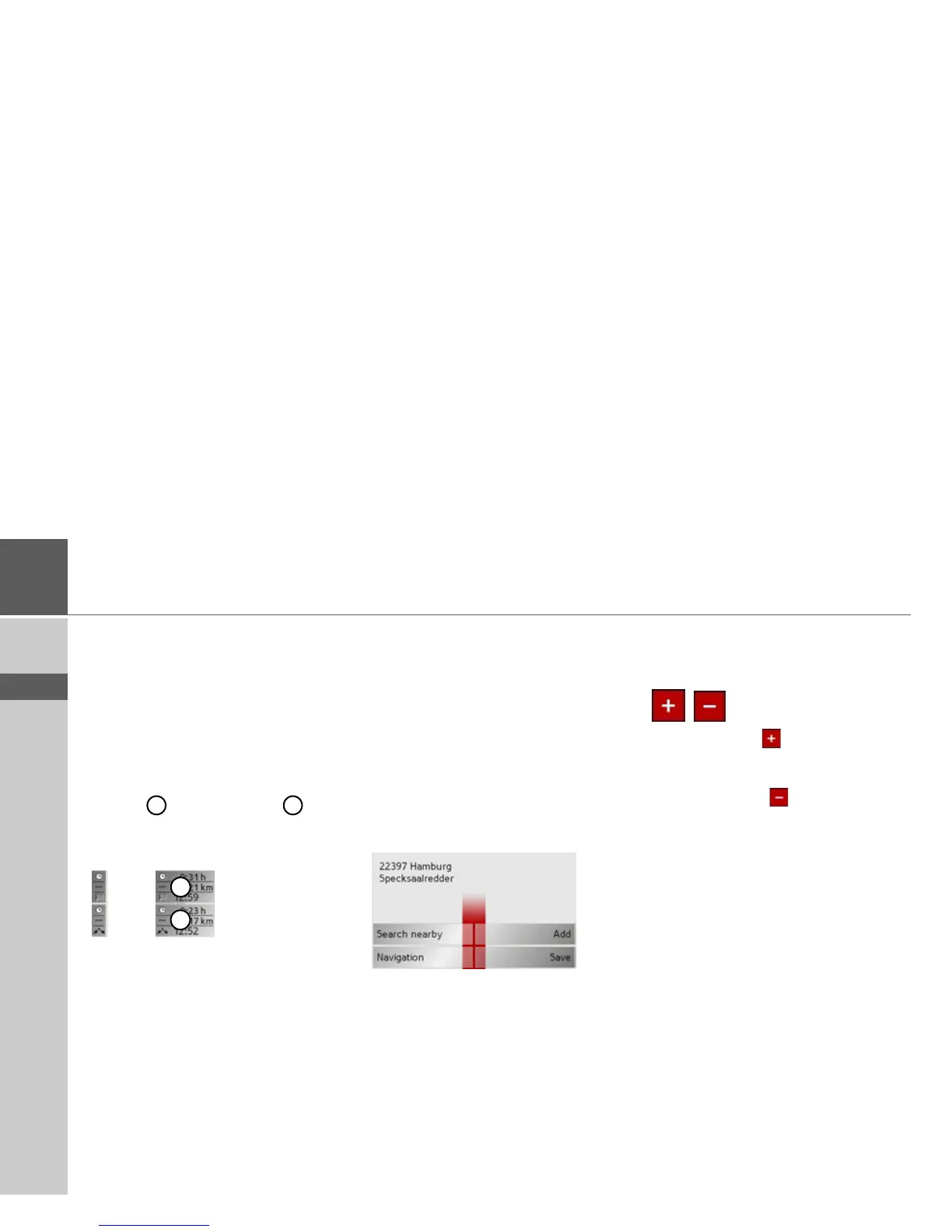
At the left edge of the screen, information
(estimated time of arrival, remaining jour-
ney time and remaining distance to desti-
nation/stopover) regarding the main des-
tination and the stopover can be
displayed/hidden. The left display win-
dow shows the hidden information.
In the bottom area of the screen (red
lines), the road currently being driven on
is displayed, provided that this function is
activated.
Position information
If you require information regarding a cer-
tain point on the map display, the infor-
mation window can be opened. This dis-
plays information on the selected point (if
any is stored in the map data) and pro-
vides various functions for further action.
> Move or zoom the map until you see the
desired point.
> Press and hold on the desired point un-
til the information window appears.
Make the necessary selection as necessary,
See “Navigation menu: Select on map” on
page 47.
Zooming and the map (toolbar)
The map can be zoomed into in steps via
the zoom buttons.
> Press Zoom in to expand or "zoom
in on the map" and view individual fea-
tures more closely.
> Press Zoom out to "zoom out from
the map" and get a broader overview of
the area.
1 2
1
2



 To Next Page