72
>>> NAVIGATIONAL MODE
> D
> GB
> F
> I
> E
> P
> NL
> DK
> S
> N
> FIN
> TR
> GR
> PL
> CZ
> H
> SK
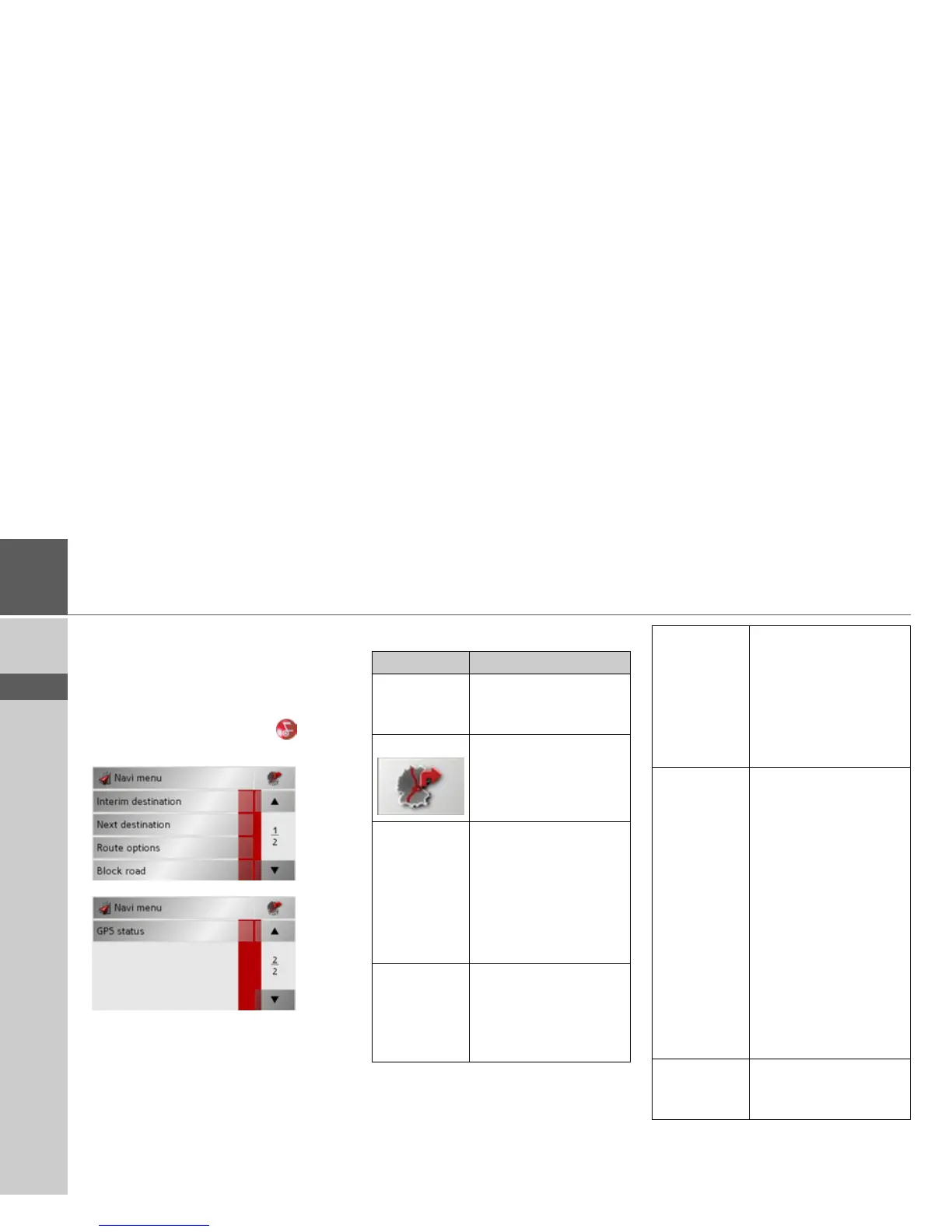
Calling up the options menu (toolbar)
The Options menu offers a range of useful
functions.
> Press the
Options button.
The Options menu is displayed. To close
this menu again, use the key or press
on the map icon.
The following options are available.
Selection Meaning
Navi menu Terminates driving guid-
ance and switches to rap-
id access mode.
Map icon Switches to map display
Interim desti-
nation
Allows you to enter a in-
terim destination (only if
driving guidance is acti-
vated).
• See "Navigation
menu: Address" on
page 38.
Next destina-
tion
Indicates the next desti-
nation, if multiple desti-
nations have been en-
tered (only if driving
guidance is activated).
Route
options
Allows you to change
route options (only if
driving guidance is acti-
vated).
• See "Options for the
drive profile" on
page 42.
Block road The driving directions
planned by the Traffic
Assist may be hindered
by unanticipated road
blocks.
This function notifies the
system of the length of a
road block. Existing road
block lengths may be se-
lected. Once the length
has been entered, the
route is replanned and
new directions given (on-
ly if driving guidance is
activated).
Preferences • See "Navigation
menu: Settings" on
page 51.



 To Next Page