86
1DYLJDWLRQRSHUDWLRQ
• ! !!
A list of the last 50 destinations is displayed. The desired
destination can be selected using the right rotary
control . Before confirming with the right rotary
control , details of the destination can be requested by
pressing the left rotary control . Stopovers are not
stored as last destinations.
(QWHULQJGHVWLQDWLRQ
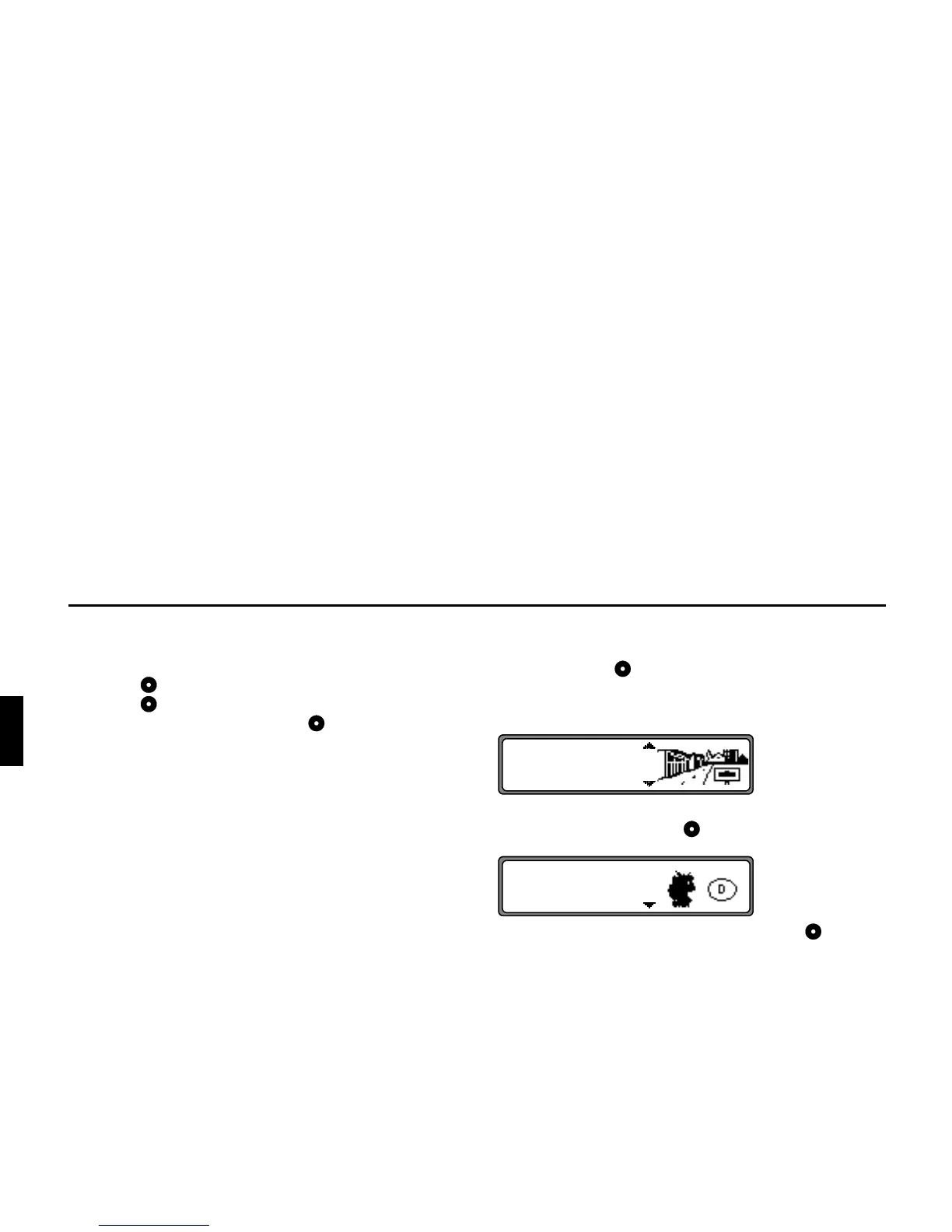
Select !! in the main navigation menu using the
right rotary control and press to confirm.
6HOHFWLQJWKHFRXQWU\
If your destination lies in another country, select
&
using the right rotary control and press to confirm.
Select the country using the right rotary control and press
to confirm.
1RWH We recommend the selection of a stopover
(page 96) at the half-way point to the destination.
&
!!















 To Next Page