117
1DYLJDWLRQRSHUDWLRQ
6HWWLQJWKHWLPHGLVSOD\
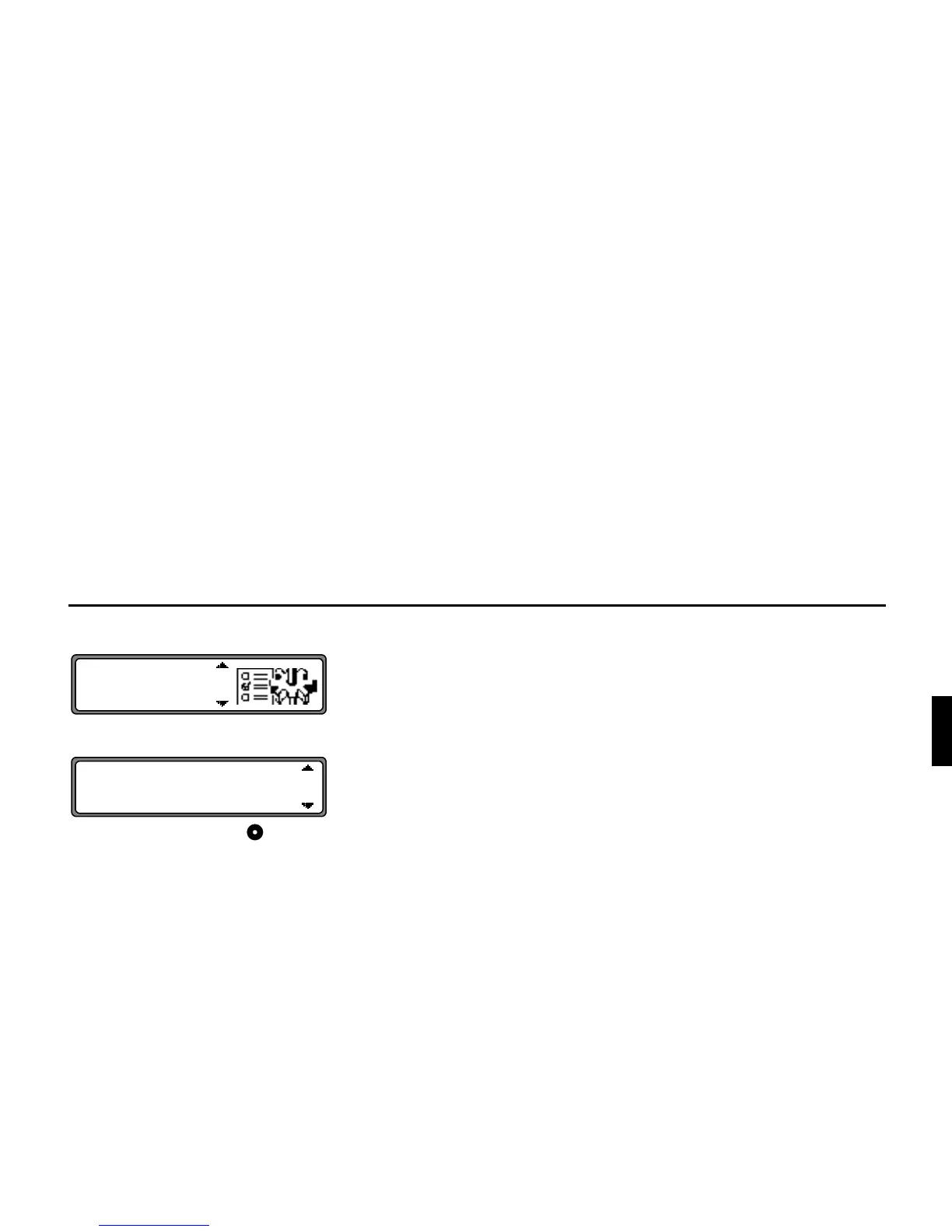
Select and confirm
"! in the system settings menu.
Use the right rotary control to select the desired setting.
•
Y#Y!
The display shows the remaining travel time.
•
!
The display shows the estimated time of arrival.
•
!
The display shows the current time.
Selection is confirmed by pressing the control.
The system returns to the system settings menu.















 To Next Page