104
1DYLJDWLRQRSHUDWLRQ
,QIRUPDWLRQGXULQJURXWHJXLGDQFH
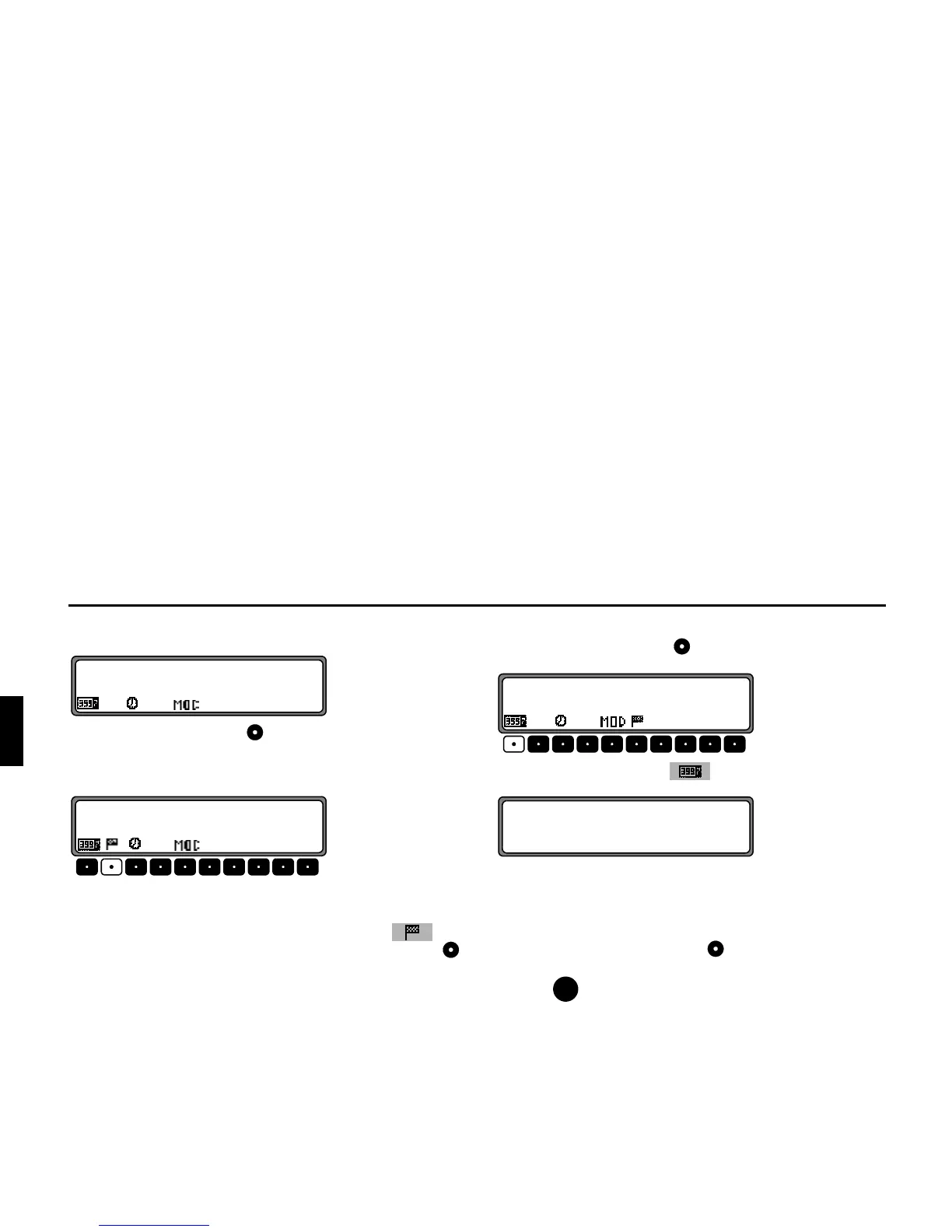
Press the left rotary control .
The destination, the distance and the estimated time of arrival
are displayed.
If a stopover has been specified, the stopover, the distance and
the estimated time of arrival are displayed. The main destina-
tion can be displayed via the multifunction button .
To return to route guidance, press the left rotary control
again or wait for 8 seconds.
5HTXHVWLQJMRXUQH\GXUDWLRQDQGNLORPHWUHVWUDYHOOHG
Press the left rotary control .
Press multifunction button .
The journey duration, kilometres travelled and the average
speed are displayed.
If navigation is not active, the values of the last journey are
displayed.
Pressing the right rotary control for more than 2 seconds
resets the values to zero.
Pressing returns to the navigation display, if navigation is
active. If navigation is not active, the display shows the infor-
mation menu.















 To Next Page