118
5DGLRPRGH
5DGLRPRGH
6ZLWFKLQJRQUDGLRPRGH
Press button.
The radio is set to the previously selected waveband.
6ZLWFKLQJRQUDGLRPHQXPRGH
In radio mode, press the button.
The radio menu mode is switched on and displayed. The unit
switches back to radio mode if no button is pressed within the
next 8 seconds.
6HOHFWLQJWKH)0ZDYHEDQG
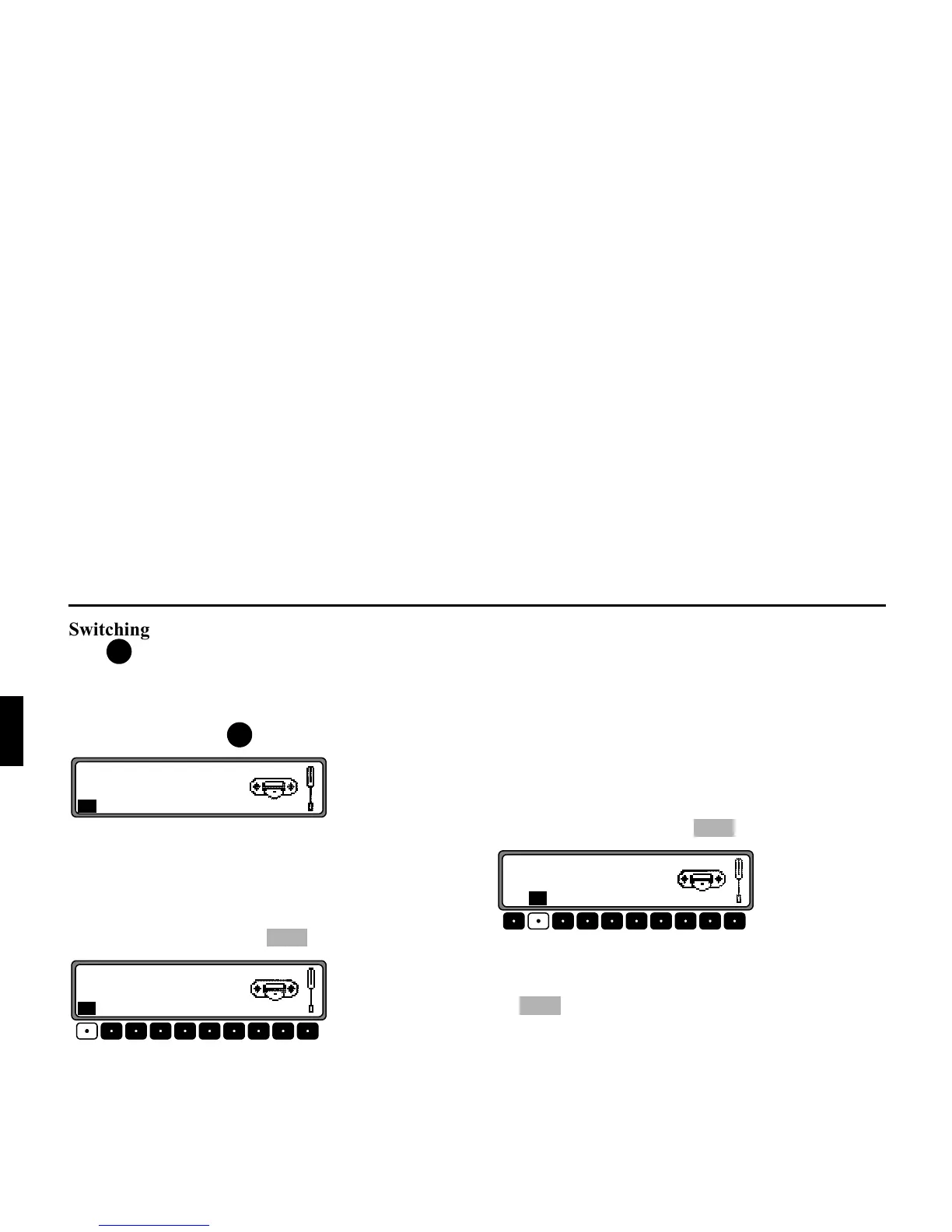
In radio menu mode, press the multifunction button.
The last selected transmitter and plane are displayed.
By pressing several times, the planes
,,2<(3Y,
,,2(4,
, ;(;065: and ;(;065:0? can be se-
lected.
•
,,2<(3Y (see also page 144).
•
,,2(4,(see also page 144)
•
;(;065: (see also page 144)
•
;(;065:0? (see also page 144)
6HOHFWLQJWKH$0ZDYHEDQG
In radio menu mode, press the multifunction button.
The last selected waveband and transmitter are set.
To select the wavebands MW (
4,+Y >(=,), LW (365.
>(=,
) and SW (:/69;>(=,), press the multifunction but-
ton repeatedly until the required waveband is selected.
6HWWLQJRSWLRQVIRUWUDQVPLWWHUVHOHFWLRQ
The desired transmitter can be selected via dynamic autostore
(FM), autostore (MW, LW), transmitter search, scan search,
manual tuning, and station buttons.
5DG
5DG















 To Next Page