113
1DYLJDWLRQRSHUDWLRQ
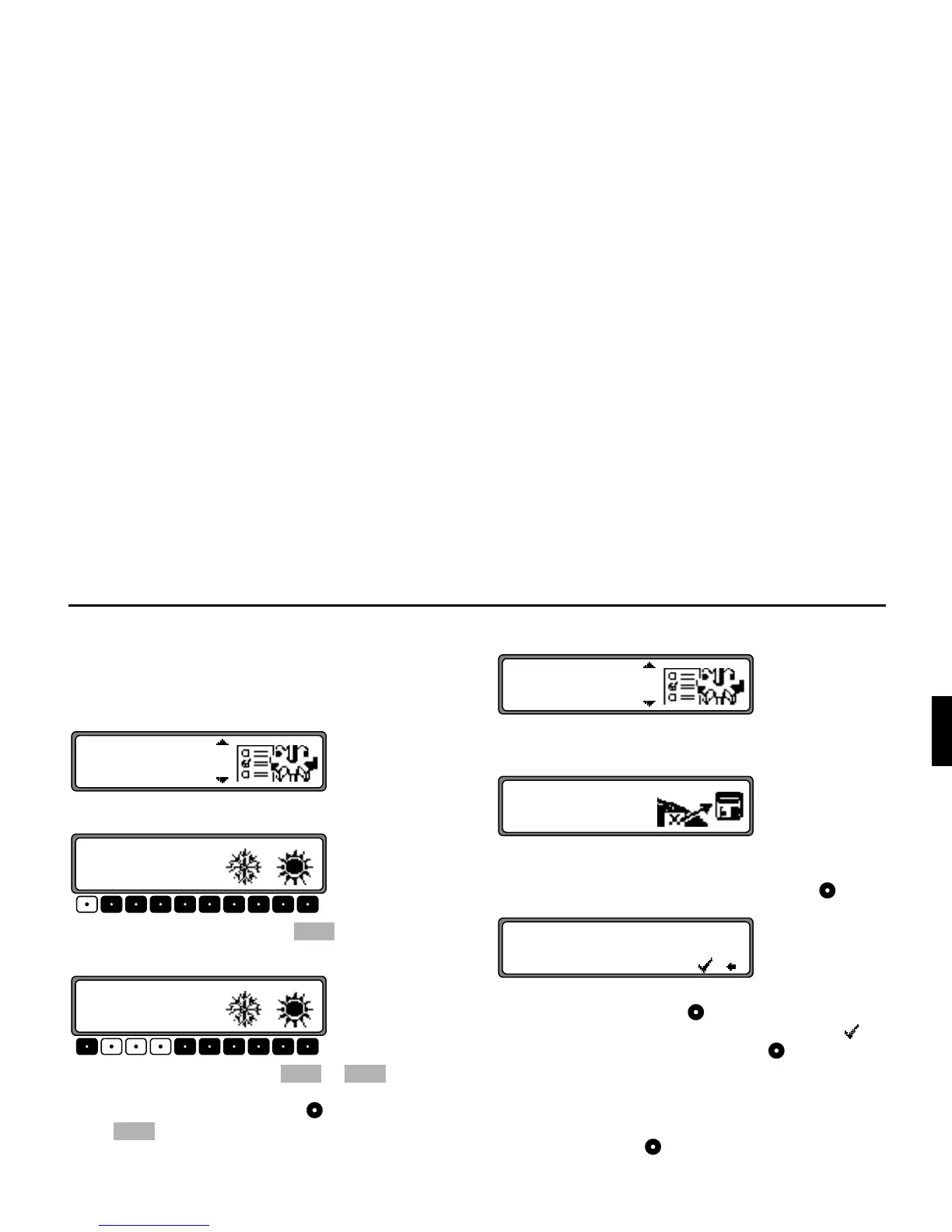
6HWWLQJWKHWLPH
In order to achieve correct navigation on routes requiring
guidance under time restrictions and to calculate the estimat-
ed time of arrival, it is necessary to set the GMT time trans-
mitted from satellites to the current time zone.
Select
! in the system settings menu and confirm.
Using the multifunction button the time can be
changed from the 24 hour to the 12 hour display.
Using the multifunction buttons or the time is
changed every half an hour.
By pressing the right rotary control or the multifunction
button the time set is accepted.
The program returns to the system settings menu.
6DYLQJWKHSRVLWLRQ
Select
# ! in the system settings menu and con-
firm.
The current co-ordinates (degrees of longitude and latitude)
for the position are displayed.
Confirm again by pressing the right rotary control .
Enter the name of the position.
Press the right rotary control for more than 2 seconds to
confirm the name entered. To confirm, the small tick can
also be marked and the right rotary control briefly pressed.
The destination memory is automatically requested
(see page 107).
Select the desired position in the destination memory using
the right rotary control and press to confirm.















 To Next Page