90
1DYLJDWLRQRSHUDWLRQ
The road nearest to the entry appears in capital letters in the
road selection list.
The scroll marks indicate that more roads are available for se-
lection in alphabetical order.
Select the road by turning the right rotary control and press
to confirm.
If the entry is unequivocal, the program switches to route
menu.
The road-distinguishing list is displayed if the selection is am-
biguous.
Select the required place using the right rotary control and
press to confirm.
The program switches to route menu.
(QWHULQJWKHGHVWLQDWLRQFHQWUH
Using the right rotary control , select
! and press to
confirm.
If the place selected only has one centre, the program switch-
es immediately to route menu.
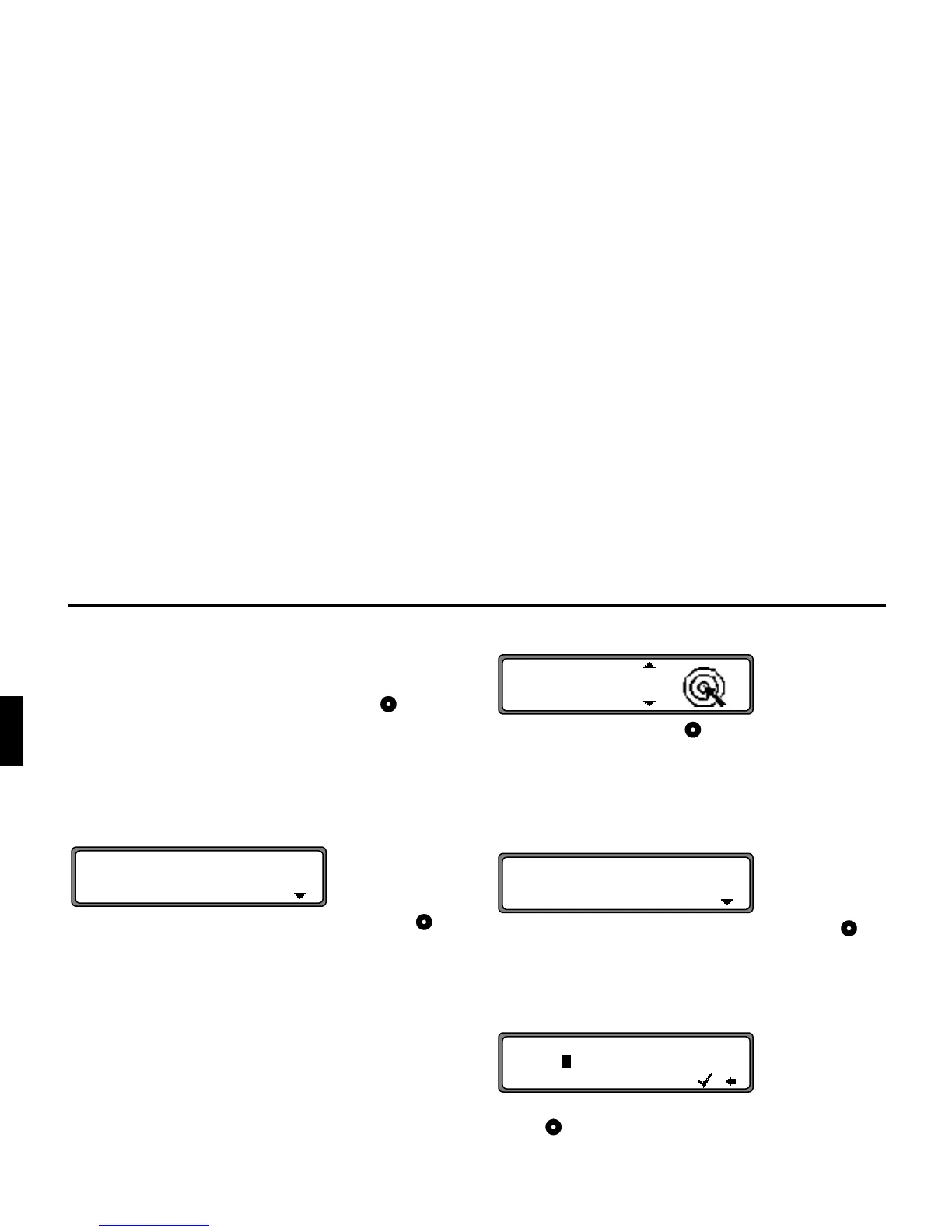
If the number of centres is less than 10, the centre list is dis-
played.
Select the centre by turning the right rotary control and
press to confirm.
If the number of centres is greater than 9, the program switch-
es to centre entry.
Select the letters one after the other by turning the right rotary
control and press to confirm. The enlarged selected letter
appears at the right of the display.















 To Next Page