96
1DYLJDWLRQRSHUDWLRQ
6WRSRYHU
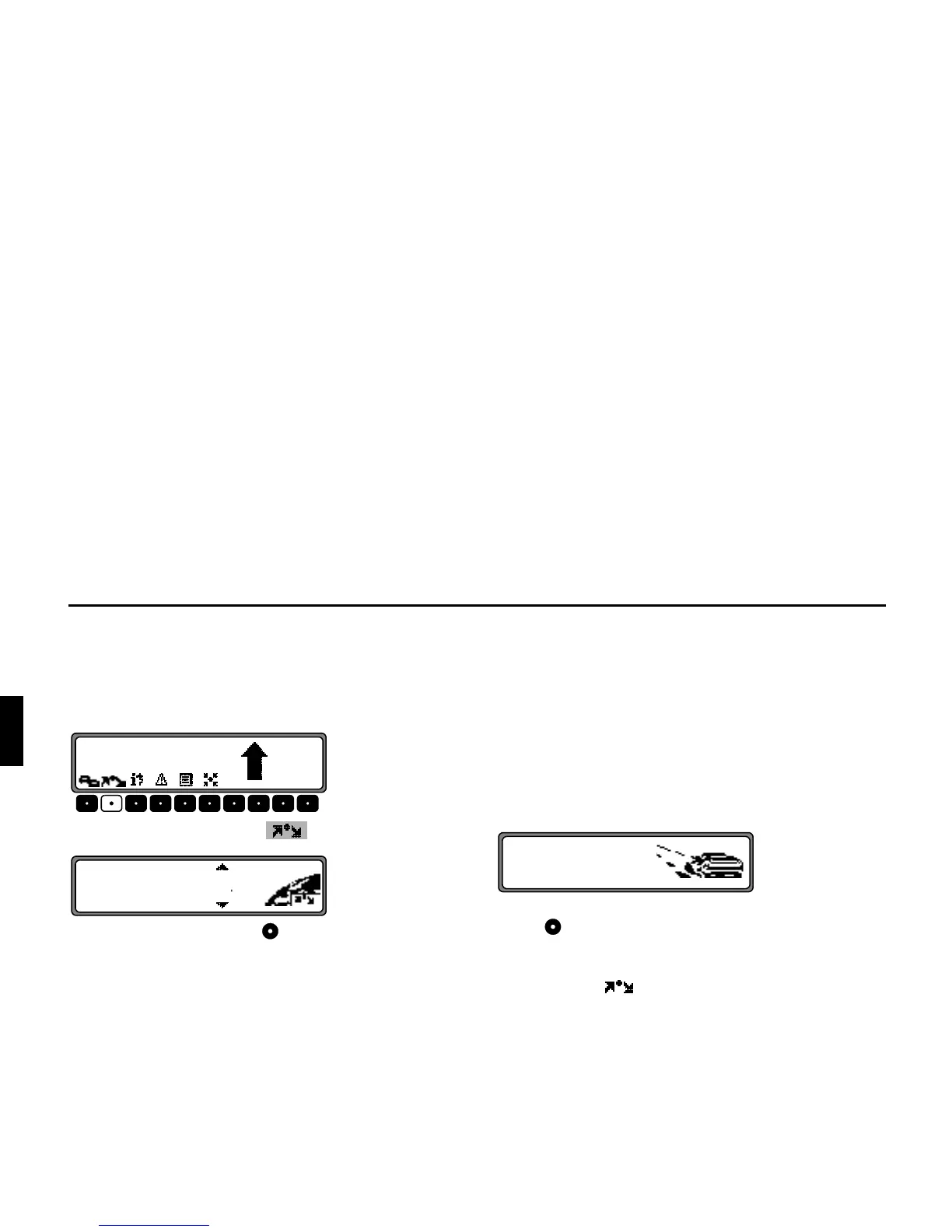
This function enables a stopover to be entered when route
guidance is active.
(QWHULQJDVWRSRYHU
Press the multifunction button .
Using the right rotary control , make a selection and press
to confirm.
•
!Y&
(see page 107) Select the stopover from the destination
memory.
•
!!
(see page 86) allows entry of a stopover with the precise
specification of the address.
•
YY
(see page 107) enables the selection of special destina-
tions as stopovers via
, &
!!
and !$F"!&, e.g. petrol stations
or airports.
6WDUWLQJURXWHJXLGDQFHWRDVWRSRYHU
To start route guidance to the stopover, press the right rotary
control .
The route is calculated and route guidance begins.
1RWH The symbol is displayed inversely during
route guidance to a stopover.















 To Next Page