133
&'FKDQJHURSHUDWLRQ
1DPLQJD&'
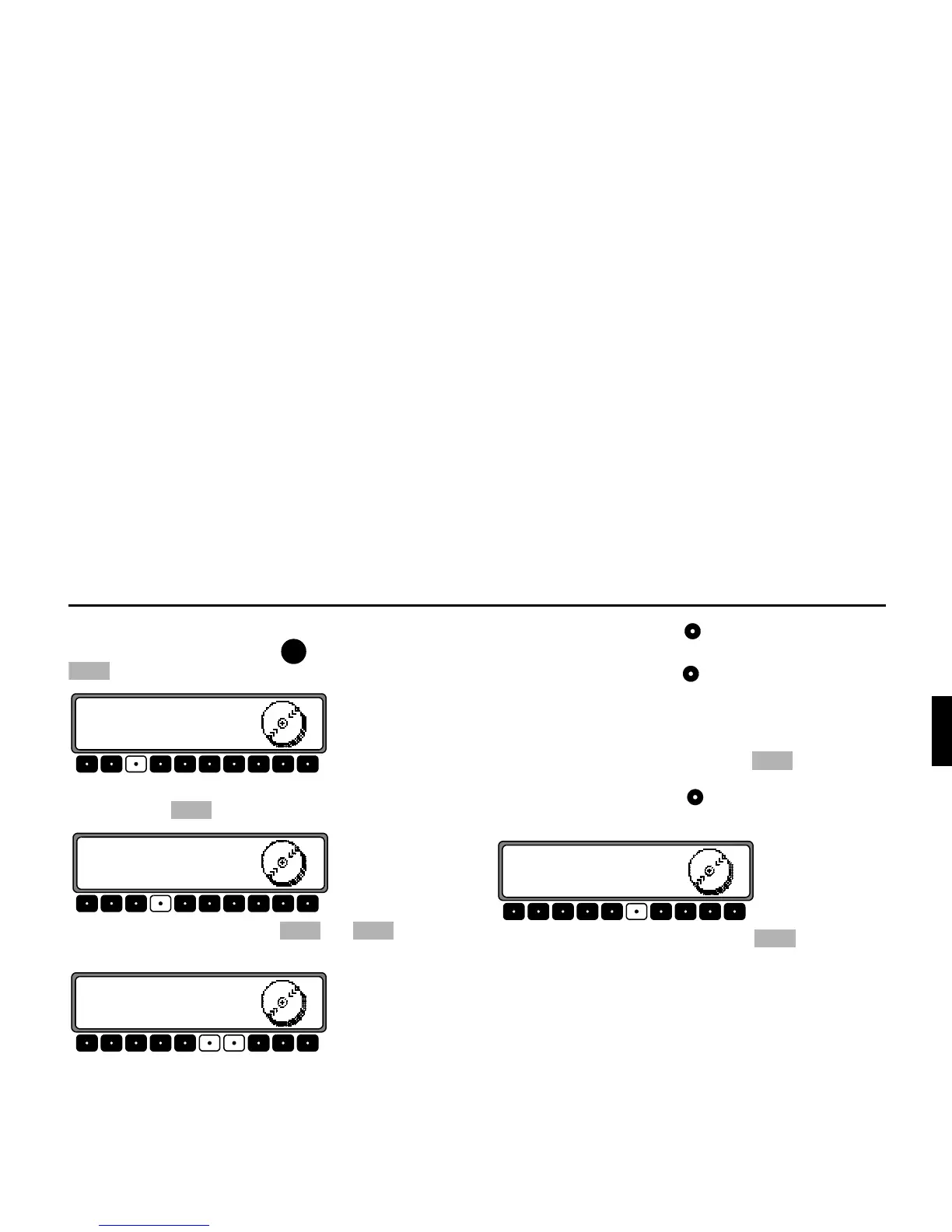
In CD changer mode, press the button. Then press the
multifunction button.
To enter a name or change an existing name, press the multi-
function button .
Using the multifunction buttons and select the
desired position (inverse editing symbol).
Using the right rotary control , select the desired letters and
press to confirm.
Press the right rotary control to move one place further.
A maximum of 8 characters can be entered.
The name is stored after quitting the CDC menu.
To delete an existing name, press the multifunction
button.
Using the right rotary control , select the name to be delet-
ed.
The name can be deleted by pressing the multifunction
button.
&'















 To Next Page