116
1DYLJDWLRQRSHUDWLRQ
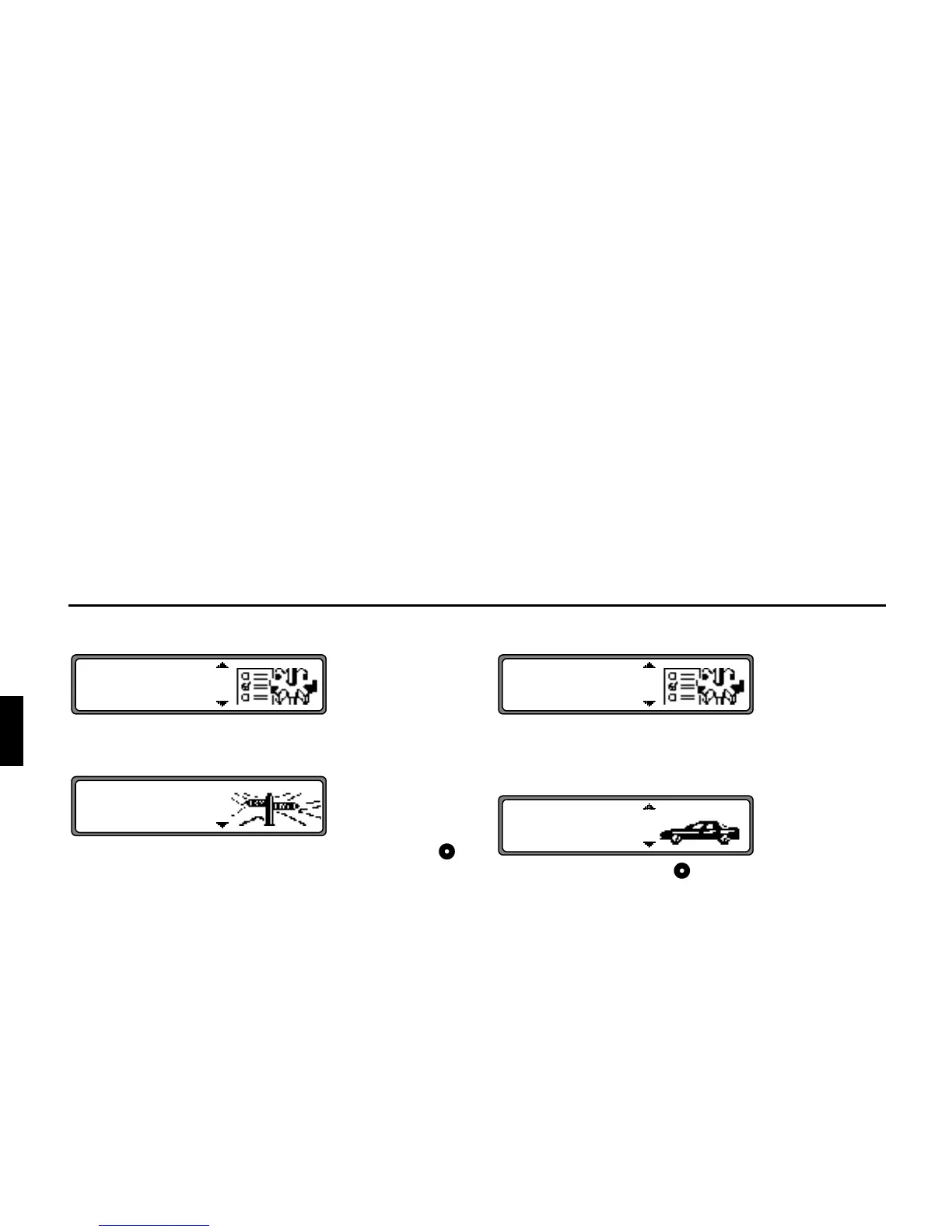
6HOHFWLQJWKHPHDVXULQJXQLW
Select
""! from the system settings menu and
confirm.
Select the measuring unit using the right rotary control .
The measuring unit is accepted by pressing the control.
The system returns to the system settings menu.
1RWH
! indicates calculation in metres.
indicates calculation in yards.
,QIOXHQFLQJWKHFDOFXODWLRQRI(7$
Select and confirm
! "! in the system set-
tings menu.
(7$ stands for (stimated 7ime of $rrival.
Use the right rotary control to select the desired setting.
•
!&
With this setting the unit adjusts ETA for faster drivers.
An earlier ETA is calculated.
•
This is the default setting. It offers a sufficiently accurate
calculation of ETA for most drivers.
•
$p
With this setting the unit adjusts for drivers who may take
longer for the planned journey. This setting could be used,
for example, in areas of dense traffic.
Selection is confirmed by pressing the control.
The system returns to the system settings menu.















 To Next Page