112
1DYLJDWLRQRSHUDWLRQ
6\VWHPVHWWLQJV
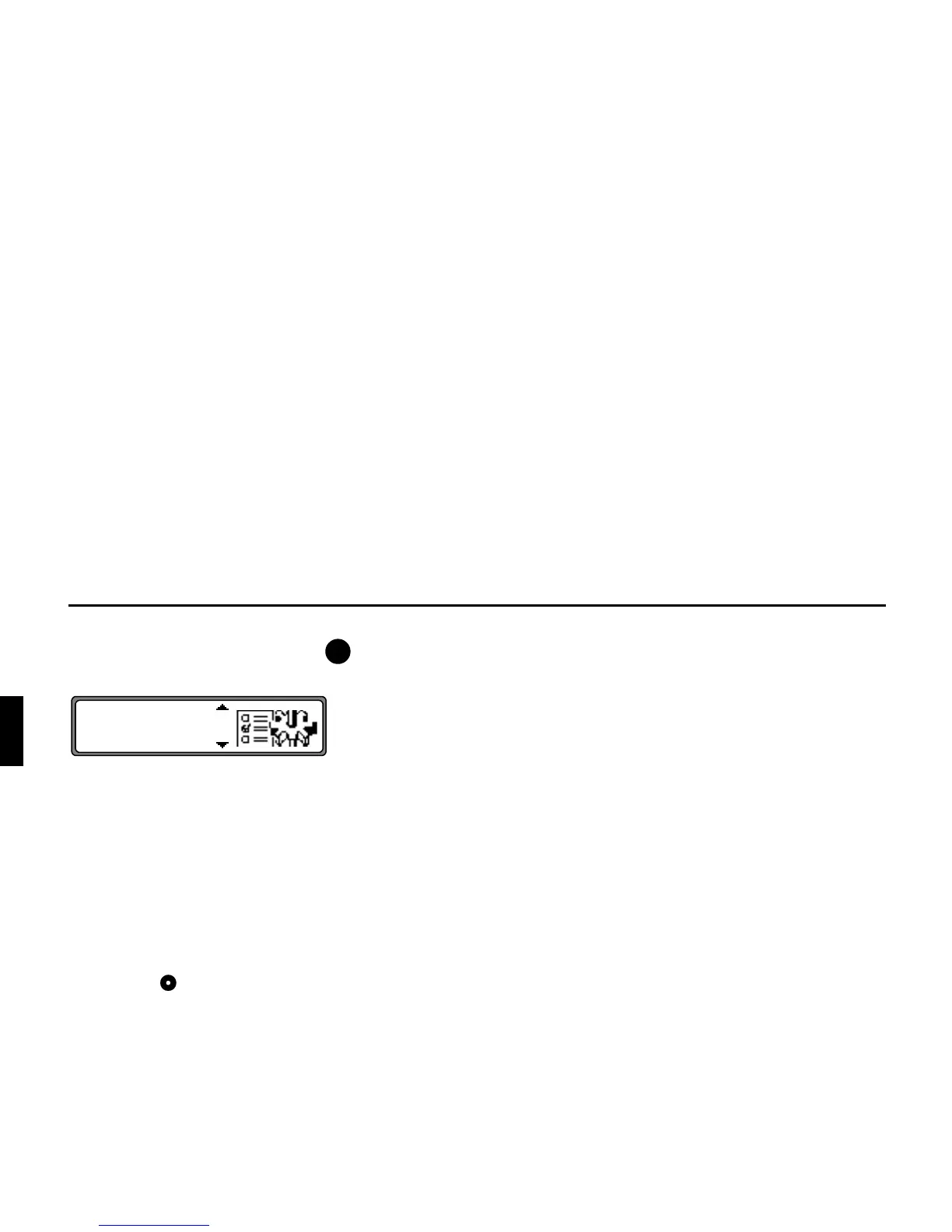
In the main navigation menu, press the button.
The system settings menu is requested.
Selection from
!,
# !,
,
",
! ,
""!,
"!!,
!"!,
"!
can be made by turning, and confirmed by pressing the right
rotary control .
•
!
The internal system clock can be set to local time.
•
# !
The current position can be saved and stored in the desti-
nation memory.
•
A selection of games is available.
•
"Q
Language setting for the navigation system.
The star also enables recognition of the entry for setting a
language, even if an unknown language is active.
•
!
The display animations can be switched on or off.
•
""!
The display units can be changed from metres to yards.
•
"!!
Announcement of the estimated time of arrival can be
switched on / off.
•
!"!
Calculation of the ETA can be influenced.
•
"!
Whether ETA, the current time or the remaining travel
time should be displayed on the right side of the display
during navigation, is a setting option.
1DY















 To Next Page