81
*HQHUDORSHUDWLRQ
*HQHUDORSHUDWLRQ
6ZLWFKRQRII
Press button.
Additional options for switching on / off: Via ignition. In or-
der to switch on via the ignition, the unit must have been
switched off previously via the ignition. After switching off
the ignition, the unit can be prevented from switching off by
pressing the button within 3 seconds.
1RWH With the ignition switched off, the unit can also be
switched on via the button. The unit switches
off automatically after 1 hour.
$GMXVWLQJWKHYROXPH
Turn the left rotary control . The volume is increased or de-
creased.
$FWLYDWLQJWKHWRQHPHQX
Press button. The tone menu is activated. The following
functions can be requested:
(: (Bass), !9) (Treble), (+
(Fader), (3 (Balance), 3; (Linear setting) <) (Subwoof-
er) and
+5 (Loudness).
Settings for the bass, treble, fader, balance and loudness are
stored separately for wavebands MW, LW, SW, FM, for traf-
fic announcements, navigation messages, telephone opera-
tion, CD and CDC/AUX operation.
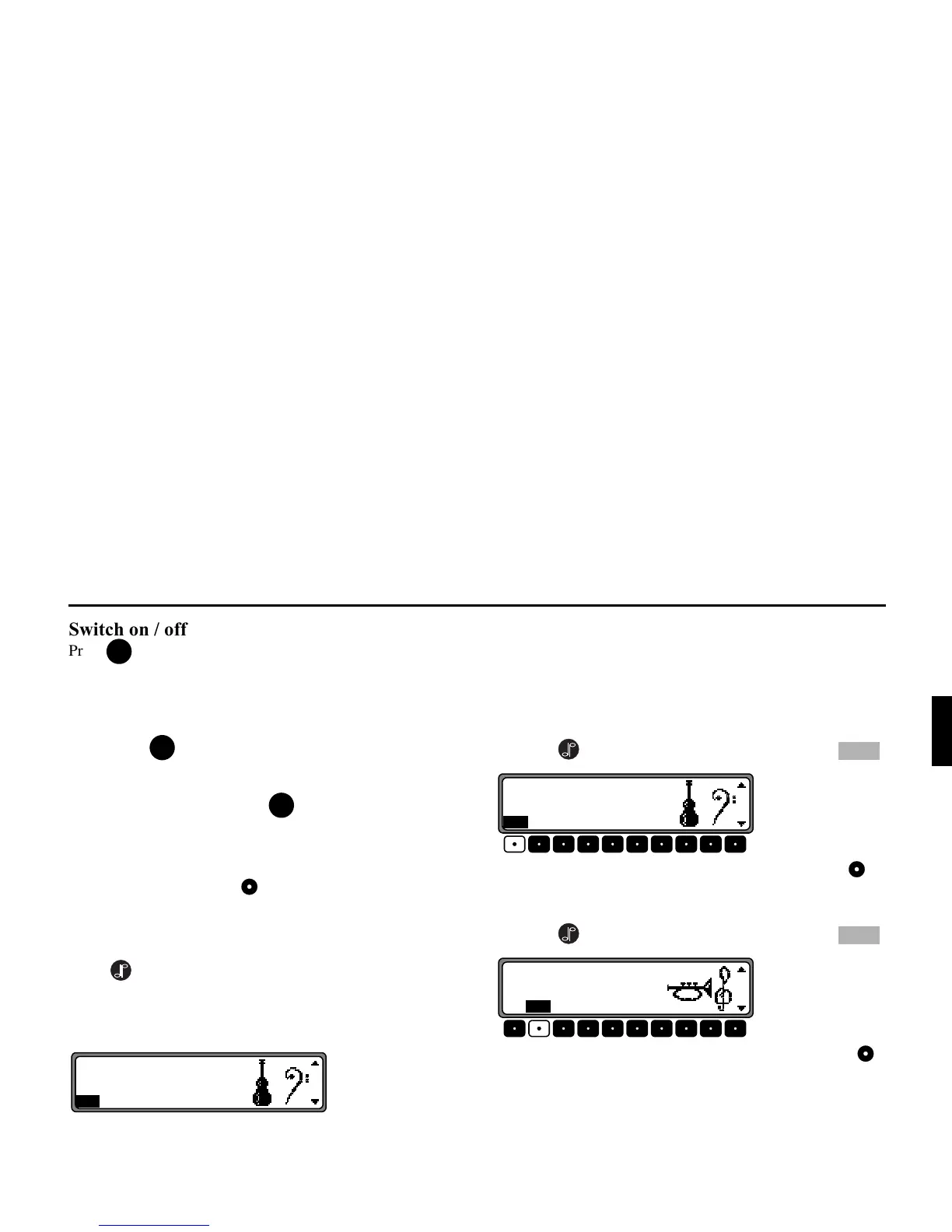
6HWWLQJWKHEDVV
Press the button and then the multifunction button .
Set the desired bass level using the right rotary control .
6HWWLQJWKHWUHEOH
Press the button and then the multifunction button .
Set the desired treble level using the right rotary control .
21
21
21















 To Next Page