122
5DGLRPRGH
0:/:DXWRVWRUH
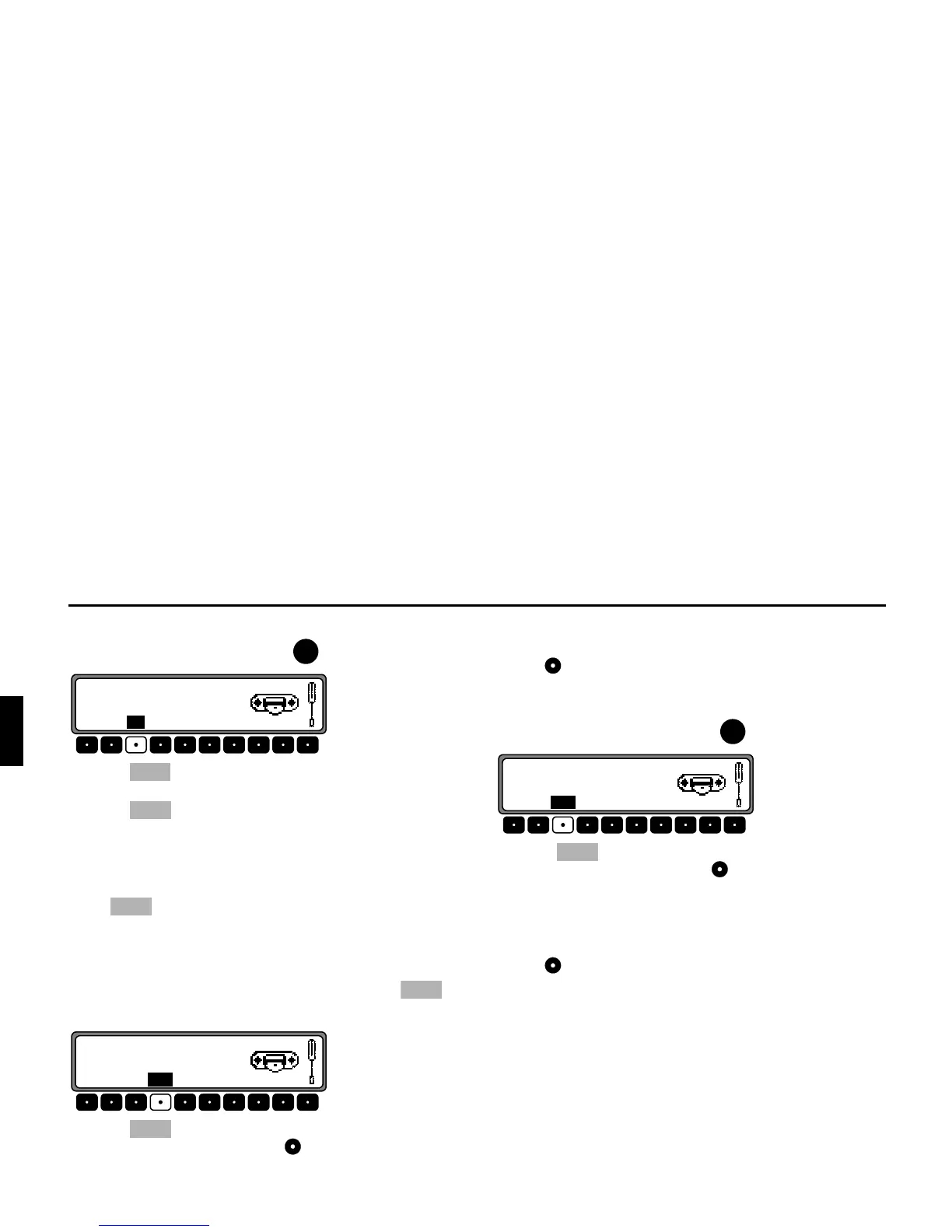
In the desired waveband, press the button.
Press the multifunction button repeatedly until
<;6
:;69,65
is displayed.
Press the multifunction button until
,,2<;6:;69, is displayed.
The 6 transmitters with the best reception are stored under the
station buttons in order of quality.
In order to quit the autostore storage plane, use the multifunction
button to switch off the autostore storage plane (
6--). The
radio switches back to the station button plane.
)0PDQXDOWXQLQJ
In radio menu mode, use the multifunction button to
select the
;(;065:0? plane.
Press the multifunction button twice.
Then turn the right rotary control .
100 kHz tuning steps are performed.
On the display, active manual tuning is indicated by
. Af-
ter a short delay and without turning the right rotary
control ,
disappears and manual tuning is switched off.
0:/:6:PDQXDOWXQLQJ
In the desired waveband, press the button.
Press the multifunction button twice.
Then turn the right rotary control .
9kHz (MW), 3kHz (LW) or 5kHz (SW) tuning steps are per-
formed.
On the display, active manual tuning is indicated by
. Af-
ter a short delay and without turning the right rotary
control ,
disappears and manual tuning is switched off.
5DG















 To Next Page