126
5DGLRPRGH
6HOHFWLQJDXWRPDWLFWUDFNLQJ
Only applies when 70&LVVZLWFKHGRII.
In all modes and wavebands, automatic tracking can be
switched on by pressing the button for more than
2 seconds.
To switch on automatic tracking in the TP menu, press the
multifunction button repeatedly until
! 65 is
displayed.
$WWHQWLRQ ,I D 73 WUDQVPLWWHU KDV DOUHDG\ EHHQ
SURJUDPPHG GLUHFWO\ LW ZLOO RQFH DJDLQ EH
VHOHFWHGDVWKH73WUDQVPLWWHU
6HOHFWLQJGHOHWLQJGLUHFWSURJUDPPLQJ
Only applies when70&LVVZLWFKHGRII.
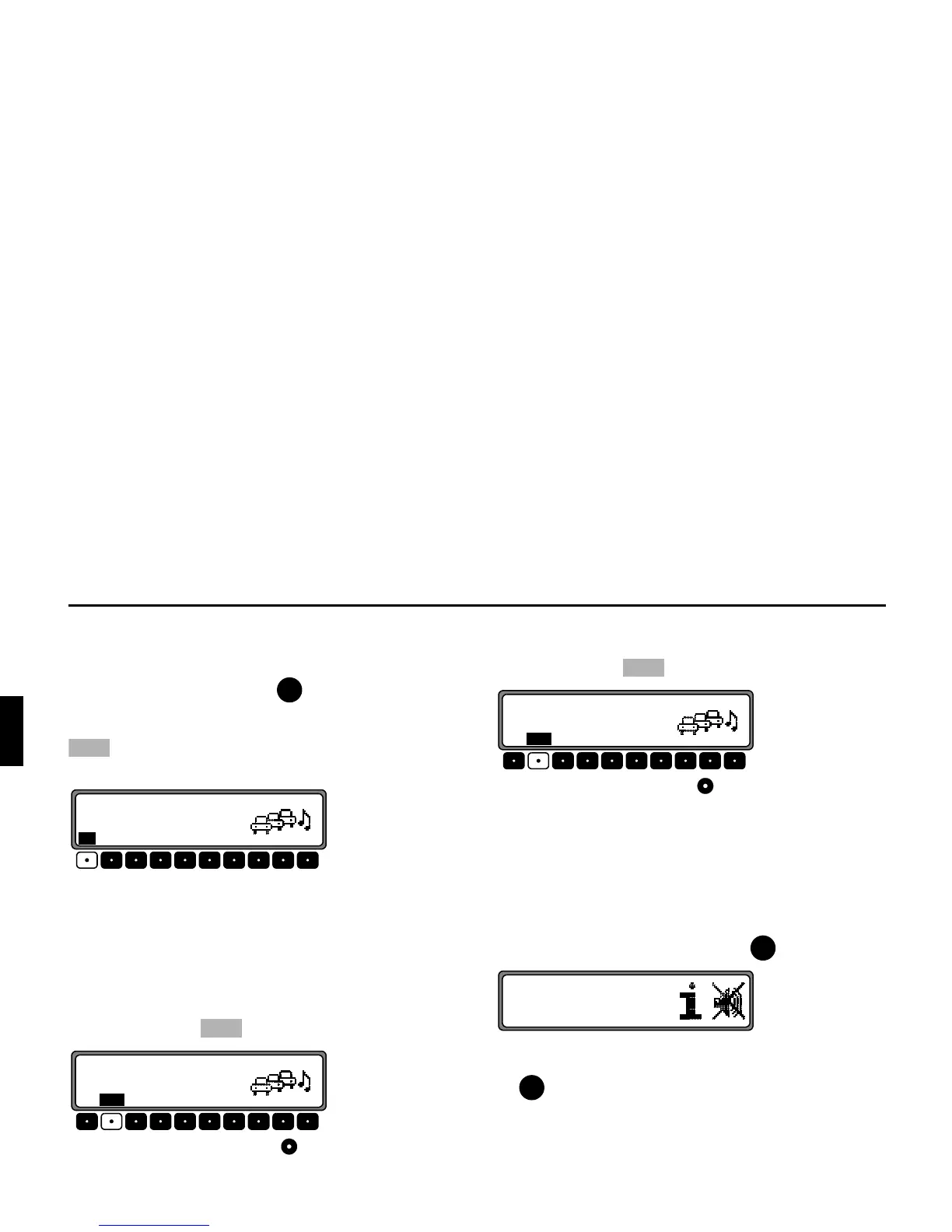
Activate the TP menu.
6HOHFWLQJ Press the multifunction button.
Using the right rotary control , select the desired TP
transmitter. After a short delay and without actuation, the
selected transmitter is accepted.
'HOHWLQJ Press the multifunction button.
Using the right rotary control , select
<;6:,3,*; and
press to confirm. After a short delay and without actuation,
the direct programming is deleted.
Quit the TP menu.
6ZLWFKLQJPXWHRQRII
After selecting a TP or EON transmitter, the mute function
can be activated by briefly pressing the button.
Thereafter, only traffic announcements and navigation
announcements will be switched through. After pressing
the button again, muting is cancelled.
73















 To Next Page