121
5DGLRPRGH
6ZLWFKLQJ37<GLVSOD\RQRII
Select radio menu mode.
Using the multifunction button select either
!& (PTY
display switched on) or
9,8<,5*@ (PTY display switched
off).
5HTXHVWLQJVWRULQJ)0WUDQVPLWWHUV
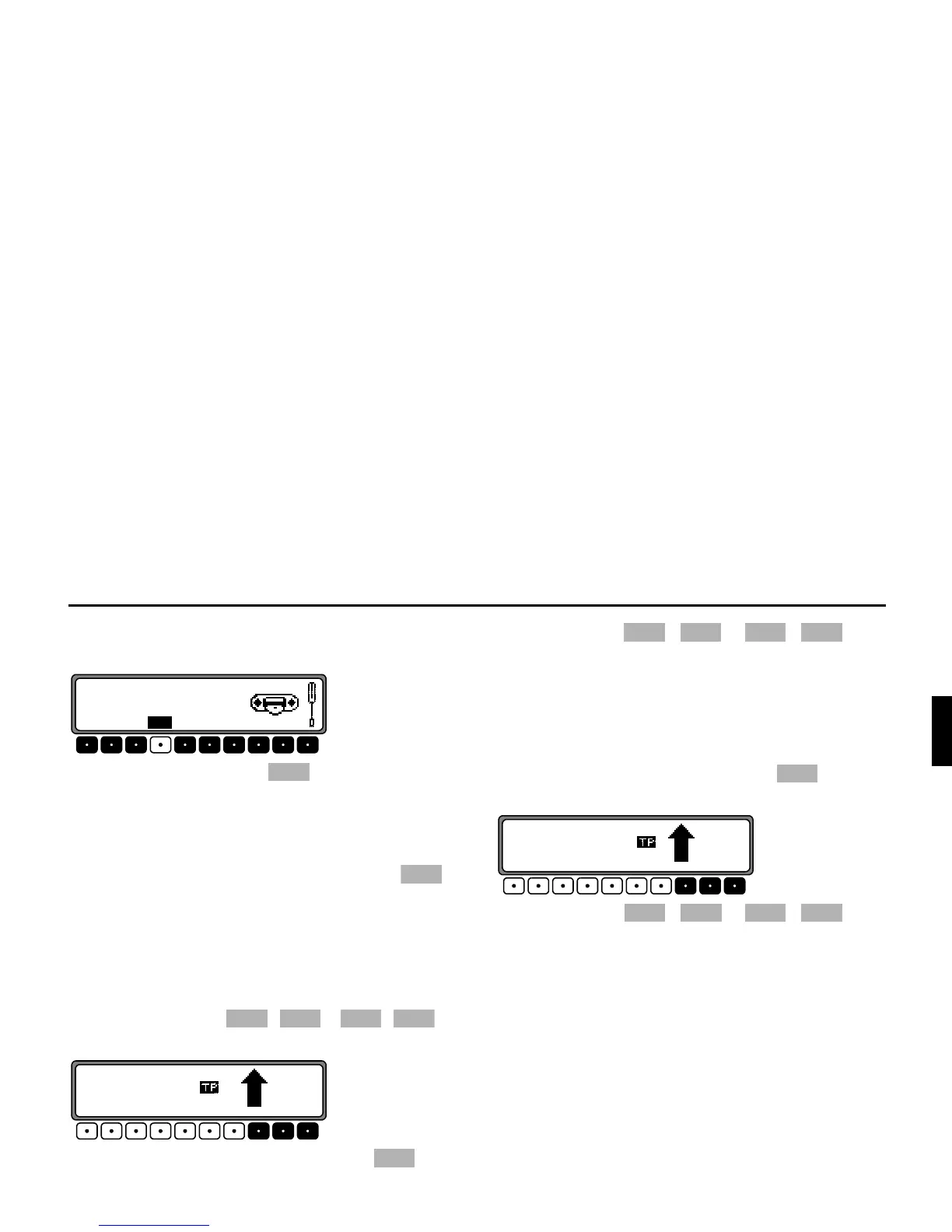
In radio menu mode, use the multifunction button to
select the plane
;(;065: or ;(;065:0?.
•
;(;065: (see also page 144)
•
;(;065:0? (see also page 144)
6WRULQJ: 12 frequencies or programmes can be stored per
waveband.
In order to store the desired transmitter or programme, press
the multifunction button - or - un-
til a signal tone sounds.
To access memory locations 7 - 12, press the multi-
function button.
5HTXHVW: Press the - or - multi-
function button. The stored transmitter is requested.
5HTXHVWLQJVWRULQJ0:/:6:WUDQVPLWWHUV
6WRUH 12 transmitters can be stored under station buttons.
Search for the desired transmitter and press the desired multi-
function button until a signal tone sounds.
To access memory locations 7 - 12, press the multifunc-
tion button.
5HTXHVW Press the - or - multi-
function button. The stored transmitter is requested.















 To Next Page