103
1DYLJDWLRQRSHUDWLRQ
Information menu:
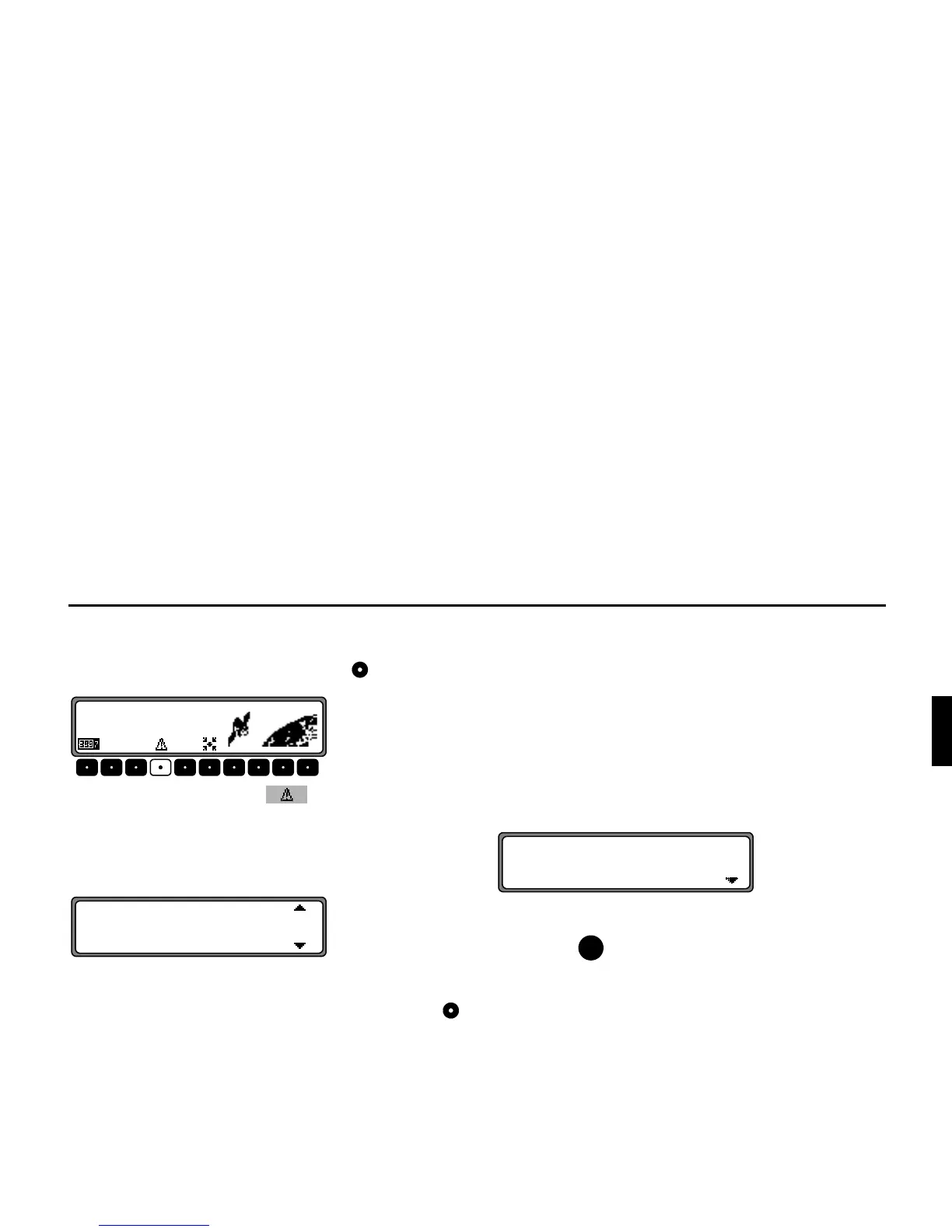
For inactive route guidance, the information menu can be
requested by pressing the left rotary control .
Press the multifunction button .
A list of currently available traffic information is displayed.
More detailed information on the individual announcements
can be requested in the list of current traffic information.
The scroll marks at the right edge of the display indicate that
additional traffic information is available.
A selection can be made by turning the right rotary control
and pressing to confirm.
After the desired traffic information has been confirmed, the
information is displayed in full. A typical traffic announce-
ment consists of:
• a motorway or road number
• approximate direction information
• detailed location and direction information
• the incident
• the cause, if known
If scroll marks are visible at the right edge of the display, then
more than 3 lines are used to display the traffic information.
Pressing the button, switches back to the list of current
traffic information.















 To Next Page