109
1DYLJDWLRQRSHUDWLRQ
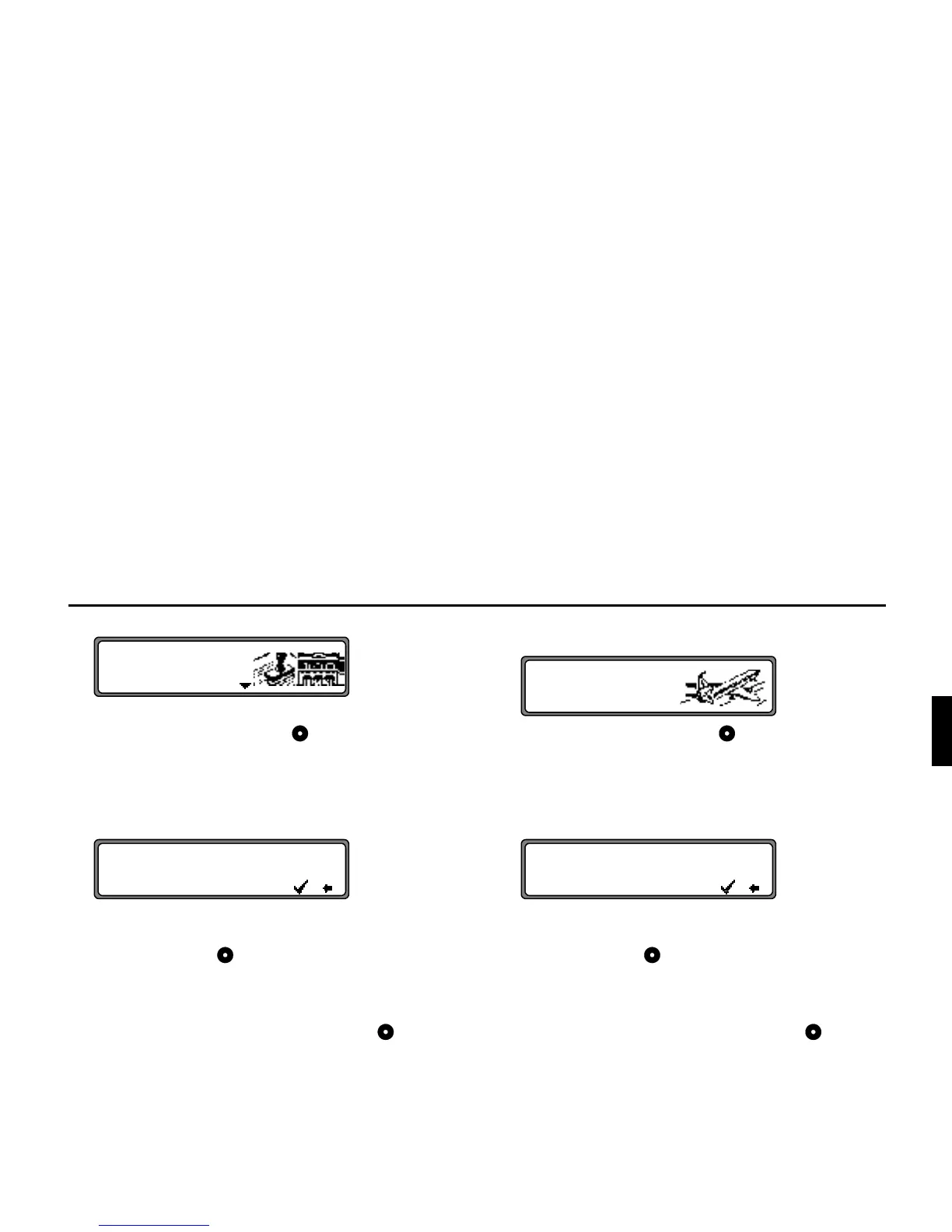
The special destinations for the selected town are displayed.
Using the right rotary control , select a category and
press to confirm.
A list with special destinations is displayed or if there are
more than 9 entries in the list, you will be requested to en-
ter text.
Enter the special destination and confirm. Confirm the
special destination in the list displayed by pressing the
right rotary control .
The system jumps to the route menu.
1RWH A list of possible special destinations is displayed
by pressing the right rotary control for more
than 2 seconds without having selected any letters.
Select
!$
Using the right rotary control , select a category and
press to confirm.
A list with special destinations is displayed or if there are
more than 9 entries in the list, you will be requested to en-
ter text.
Enter the special destination and confirm. Confirm the
special destination in the list displayed by pressing the
right rotary control .
The system jumps to the route menu.
1RWH A list of possible special destinations is displayed
by pressing the right rotary control for more
than 2 seconds without having selected any letters.
!
!$&"! P
YYYYYYYYYYYYYYYYYYYYY'
YYYYYYYYYYYYYYYYYYYYY
!$&"! P
YYYYYYYYYYYYYYYYYYYYY'
YYYYYYYYYYYYYYYYYYYYY















 To Next Page