CUBE® CONTROLLER
6-6 Belanger, Inc. * PO BOX 5470 * Northville, MI 48167-5470 * Ph (248) 349-7010 * Fax (248) 380-9681 1MANUL964
Chapter 6 Operator Interface / Advanced Configuration
Setup / Advanced Configuration
Advanced Configuration / Application Configuration
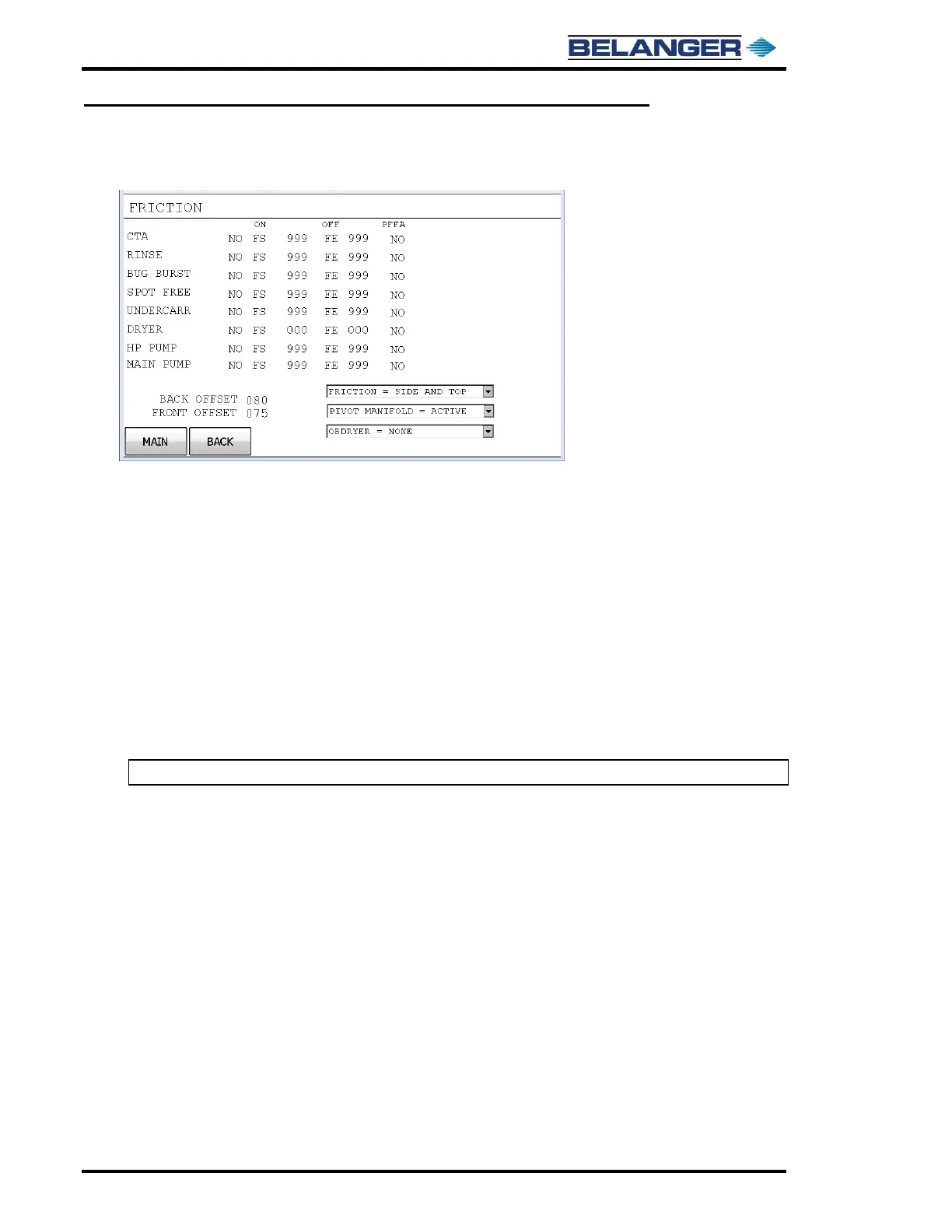
BACK OFFSET: Position from back of the vehicle that the speed change will occur.
This position separates “MID” and “BACK” speeds. This is offset from back roof position.
MID and BACK speeds are set in the PACKAGE SETUP area.
FRONT OFFSET: Position from front of the vehicle that the speed change will occur.
This position separates “FR” and “MID” speeds. This is offset from upper windshield position (front roof).
FR and MID speeds are set in the PACKAGE SETUP area.
FRICTION = NONE: Touch the screen in this area to select a friction application type, TOP ONLY, SIDE ONLY, SIDE
AND TOP, SIDE TOP RINSE. SIDE TOP RINSE is only available for AC1 to AC6 from Advanced Configuration /
Application Configurations. For additional information on SIDE TOP RINSE, see Techniques in Programming chapter.
PIVOT = NONE: Touch the screen in this area to select if Smart Spray pivoting & back position adjust is active for
application.
OBDRYER = NONE: Keep this setting selected to NONE.
Note: Top Wheel will not operate if application begins at the entrance of the wash.



 To Next Page