59
Firmware Upgrade
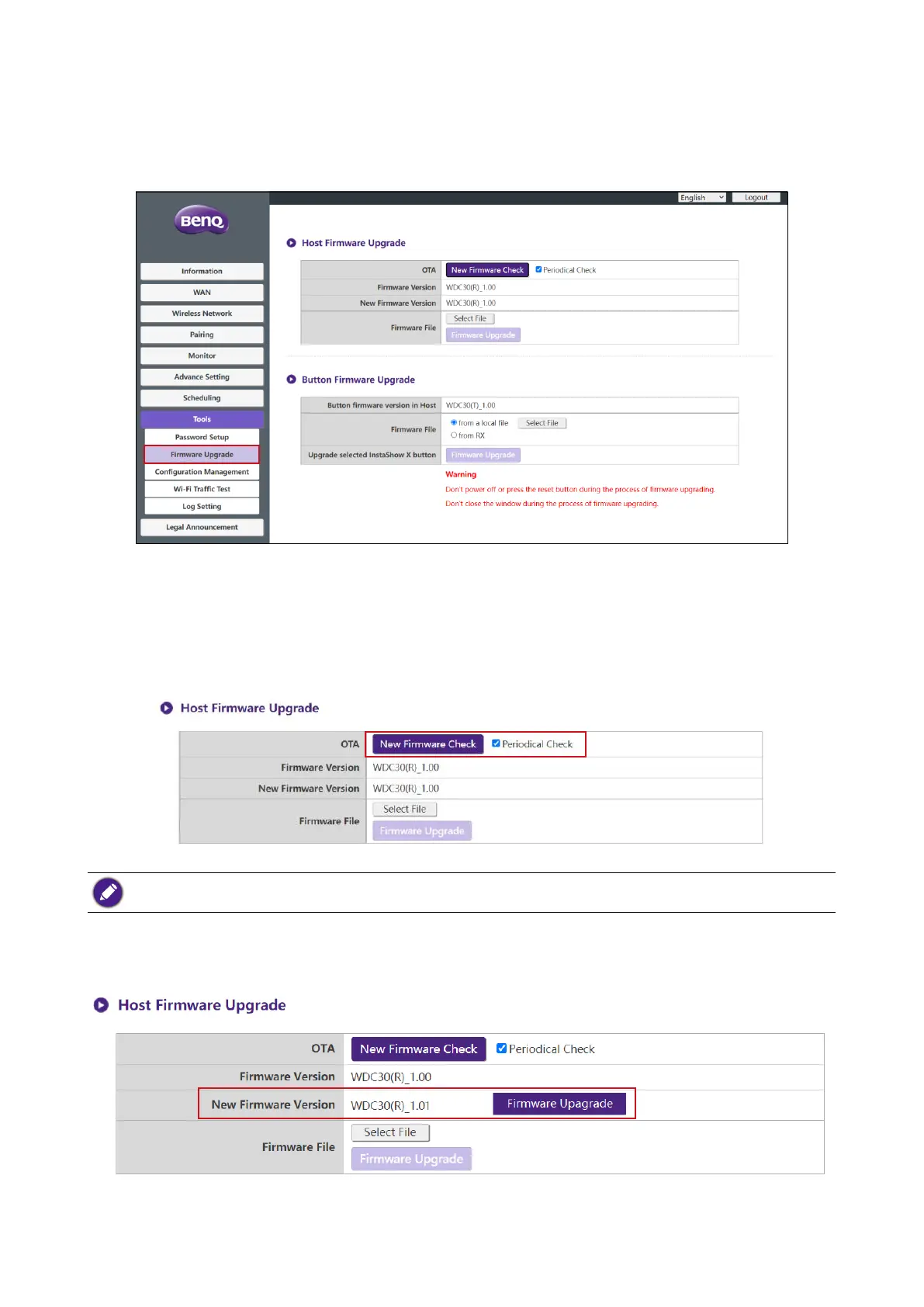
The Firmware Upgrade sub-menu allows you to check for and execute rmware upgrades for
both the Host and Button.
• Checking for Upgrades (for Host)
Before checking for a new rmware upgrade for your Host, ensure that the Host is connected via
the WAN port to a router with access to the Internet, then click the New Firmware Check
button to check for a rmware upgrade. To have the Host periodically check for rmware upgrades
check the Periodical Check box.
Periodic checks for upgrades can only occur when the Host is connected via the WAN port to a router with
access to the Internet.
If a new rmware upgrade is available the new rmware version will be listed in the
New Firmware Version eld.



 To Next Page