63
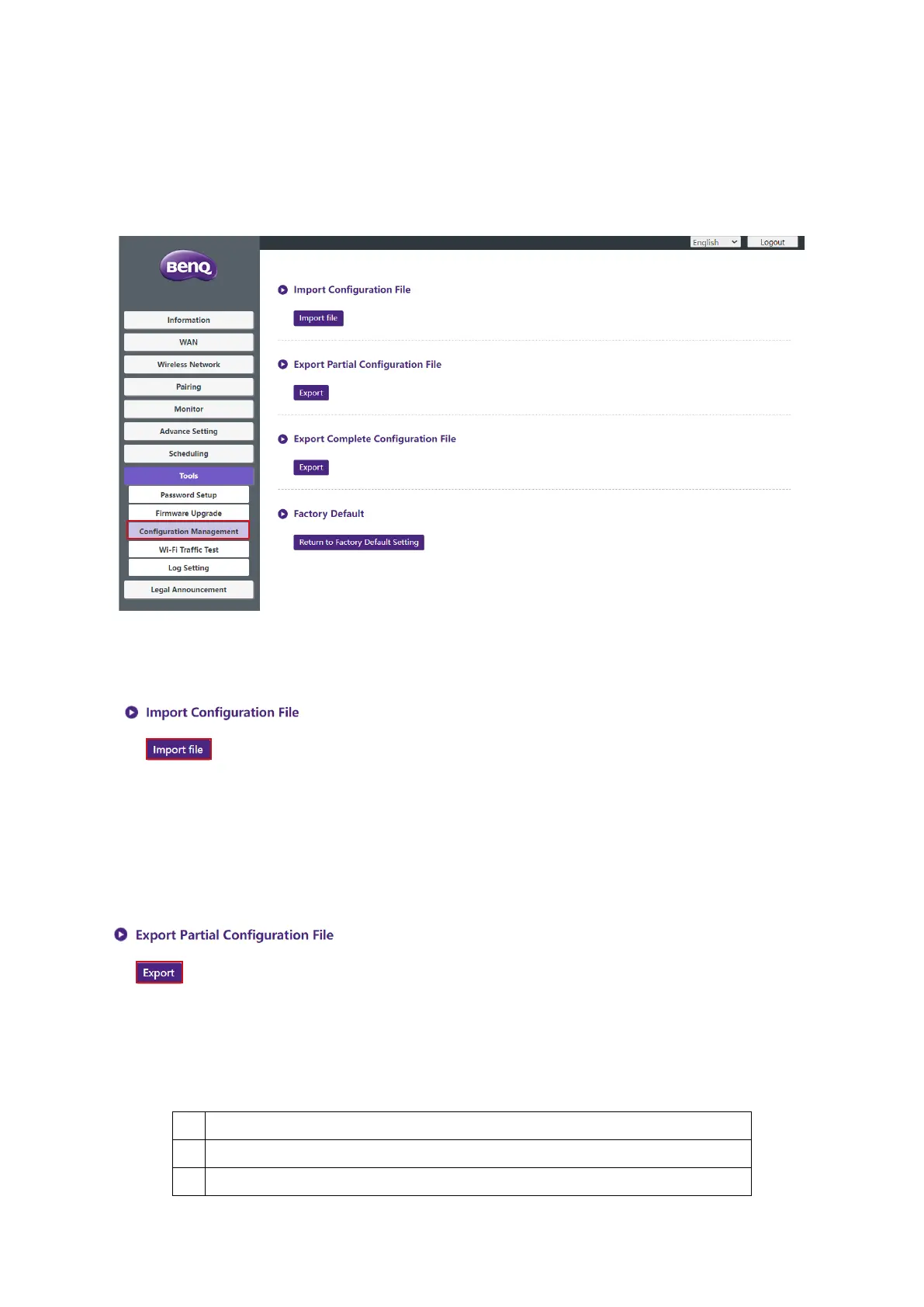
Conguration Management
Conguration backup les feature the conguration settings for your Host except for the host
name, SSID and wireless password settings, and pairing status. In Conguration Management,
you can choose Import Conguration File, Export Partial Conguration File,
Export Complete Conguration File, and Factory Default.
You can import congurations les by:
1. Clicking Import File to choose the le to import.
2. Navigating to and selecting the conguration le you want to import from your local computer.
You can export a partial conguration backup in the Export Partial Conguration File sub-
menu by:
1. Clicking Export.
2. Navigating to the folder you want to save the backup le to in your local computer and then
choosing Save.
3. The following set values will not be exported:
a. Information: Host Name
b. Wireless Network: SSID setting and password setting
c. Pairing: Pairing Status



 To Next Page