64
You can export a full conguration backup in the Export Complete Conguration File sub-
menu by:
1. Clicking Export.
2. Navigating to the folder you want to save the backup le to in your local computer and then
choosing Save.
The exported conguration le can only be imported by the same Host that exported the le. The conguration
le cannot be imported by any other Hosts.
You can have the Host restore to Factory Default by clicking
Return to Factory Default Setting.
When the process is conrmed the Host will begin restoring to Factory Default and the LED
will quick ash red (ash red twice every second) then restart. After the Host restarts the entire
process is complete.
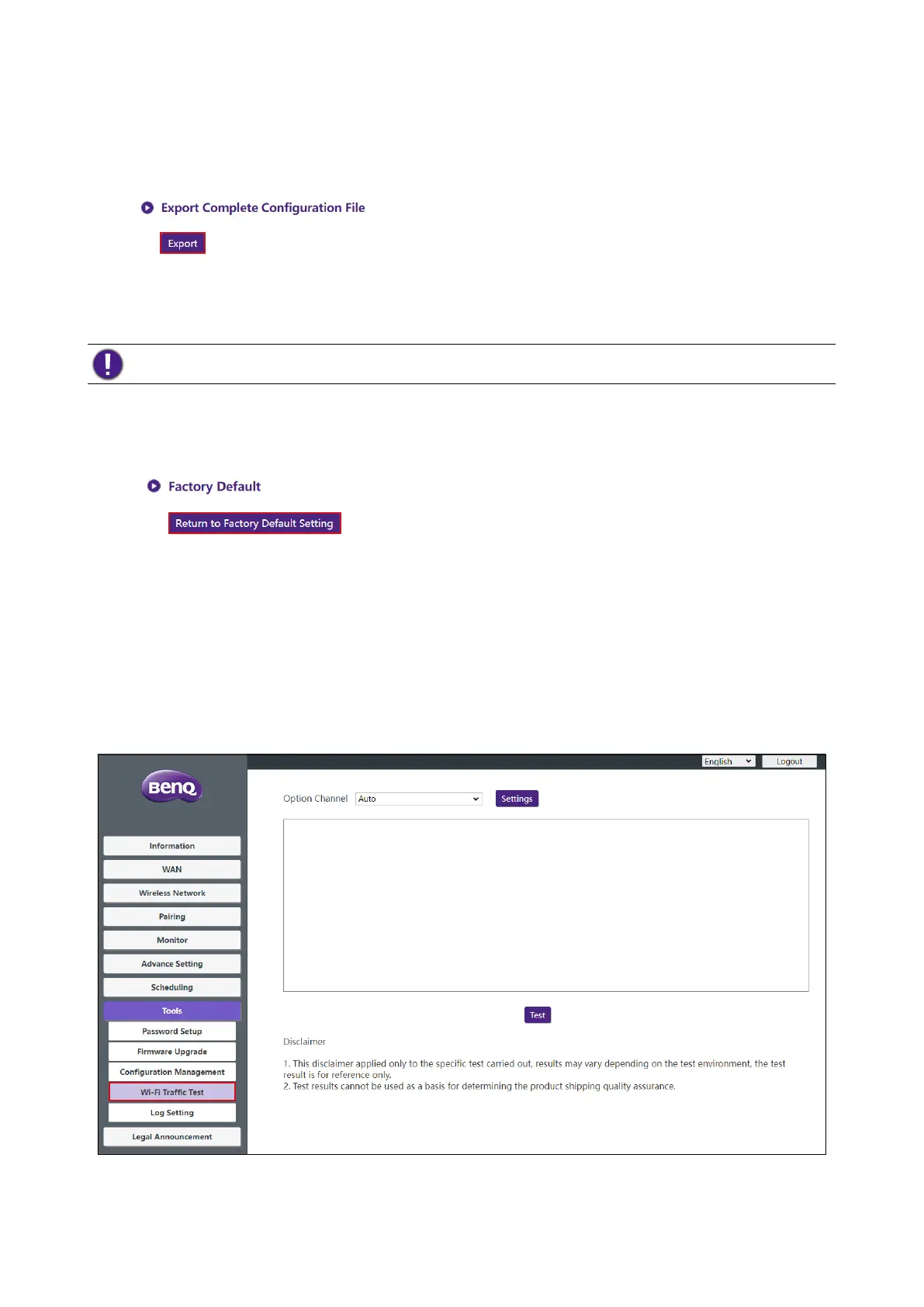
Wi-Fi Trafc Test
The Wi-Fi Trafc Test sub-menu allow you to test the speed of the connection between your
Host and the Button.
To test the speed of the connection follow the steps below:



 To Next Page