Parts and Functions8
Parts and Functions
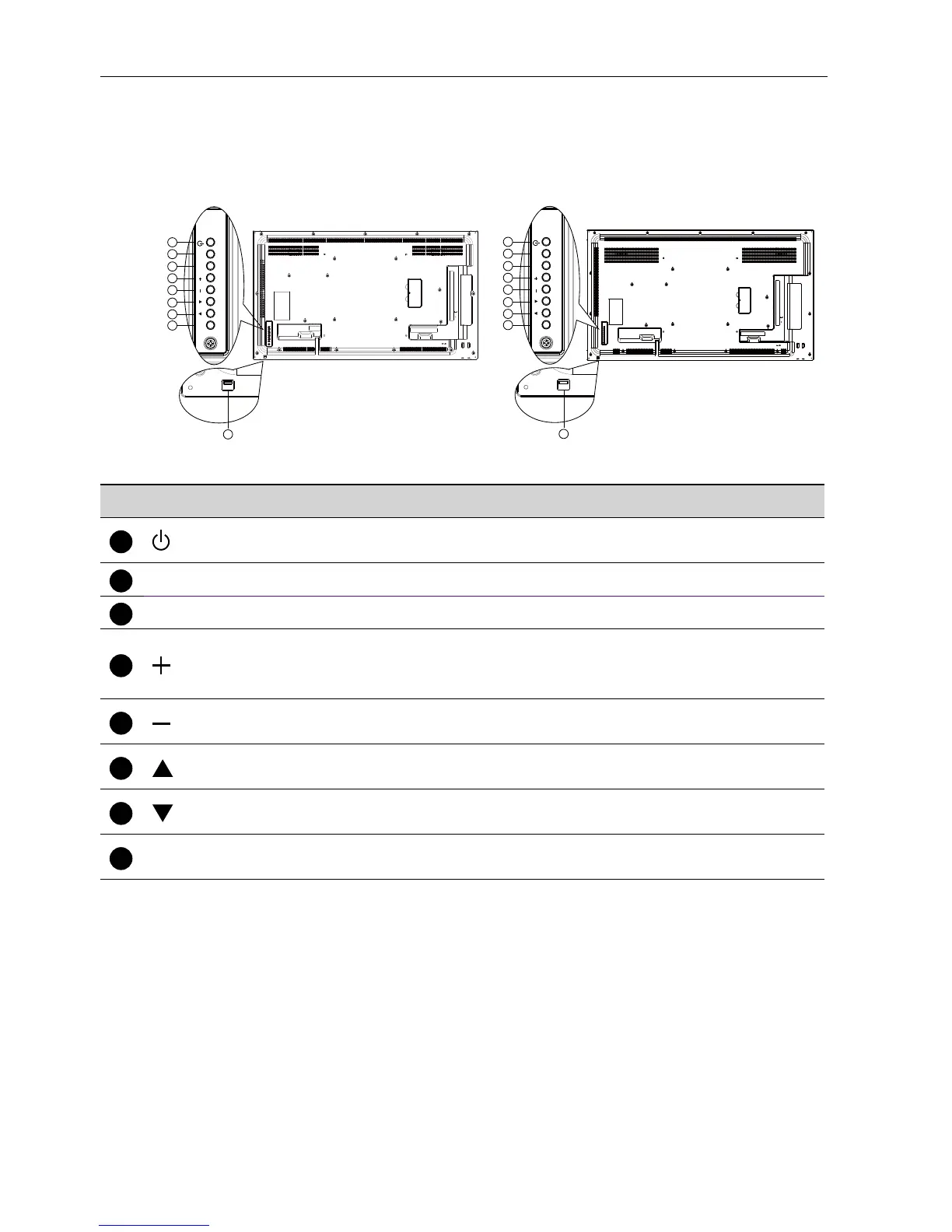
Control Panel
1
2
3
4
5
6
7
8
MUTE INPUT
MENU
9
1
2
3
4
5
6
7
8
MUTE INPUT
MENU
9
SL490 SL550
No. Name Description
1
button
Use this button to turn the display on or put the display to
standby.
2
MUTE button
Switch the audio mute ON/OFF.
3
INPUT button
Choose the input source.
button
Increase the adjustment while OSD menu is on, or increase the
audio output level while OSD menu is off.
• Used as OK button in the On-Screen-Display menu.
button
Decrease the adjustment while OSD menu is on, or decrease
the audio output level while OSD menu is off.
button
Move the highlight bar up to adjust the selected item while OSD
menu is on.
7
button
Move the highlight bar down to adjust the selected item while
OSD menu is on.
8
MENU button
Return to previous menu while OSD menu is on, or to activate
the OSD menu when OSD menu is off.



 To Next Page