Operation34
• Set OSD menu > Conuration1 > Boot on source > If Input is BROWSER and Play List
is 0.
Then PD will show Browser after reboot.
• Set OSD menu > Conuration1 > Boot on source > If Input is BROWSER and Play List
is 1.
Then PD will show web page with 1st URL in Browser app.
7.2 Demonstration: Scheduling
Set OSD menu > Advanced option > Schedule > On time1, Off time2, Input is
BROWSER, any day you want of week, and Play List.
Then PD will show web page with URL in Browser app at time1 and nish at time2.
PDF reader play
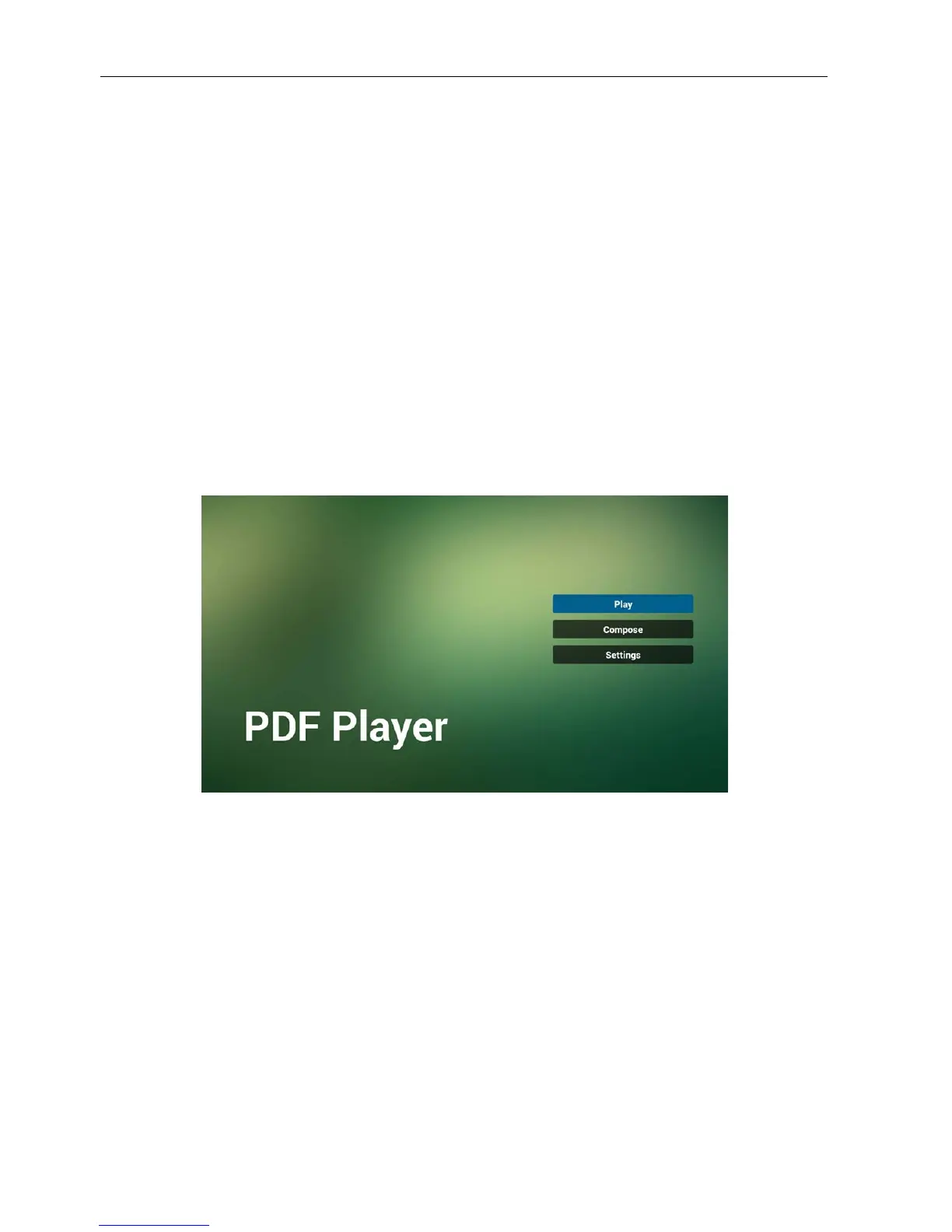
1. Home page of PDF Player, this page has three items: “Play”, “Compose” and
“Settings”.
Play : select playlist to play.
Compose: edit playlist.
Settings: setting play properties.
2. Select “Play” on home page, rst you should choose one playlist to play between FILE
1 and FILE 7.
The pencil icon means the playlist is non-empty.



 To Next Page