EasyManua.ls Logo

BenQ SL490 - OSD Menu Overview

BenQ SL490
95 pages
Print Icon
To Next Page IconTo Next Page
To Previous Page IconTo Previous Page
Loading...
OSD Menu 57
1
2
3
4
5
6
7
8
MUTE INPUT
MENU
9
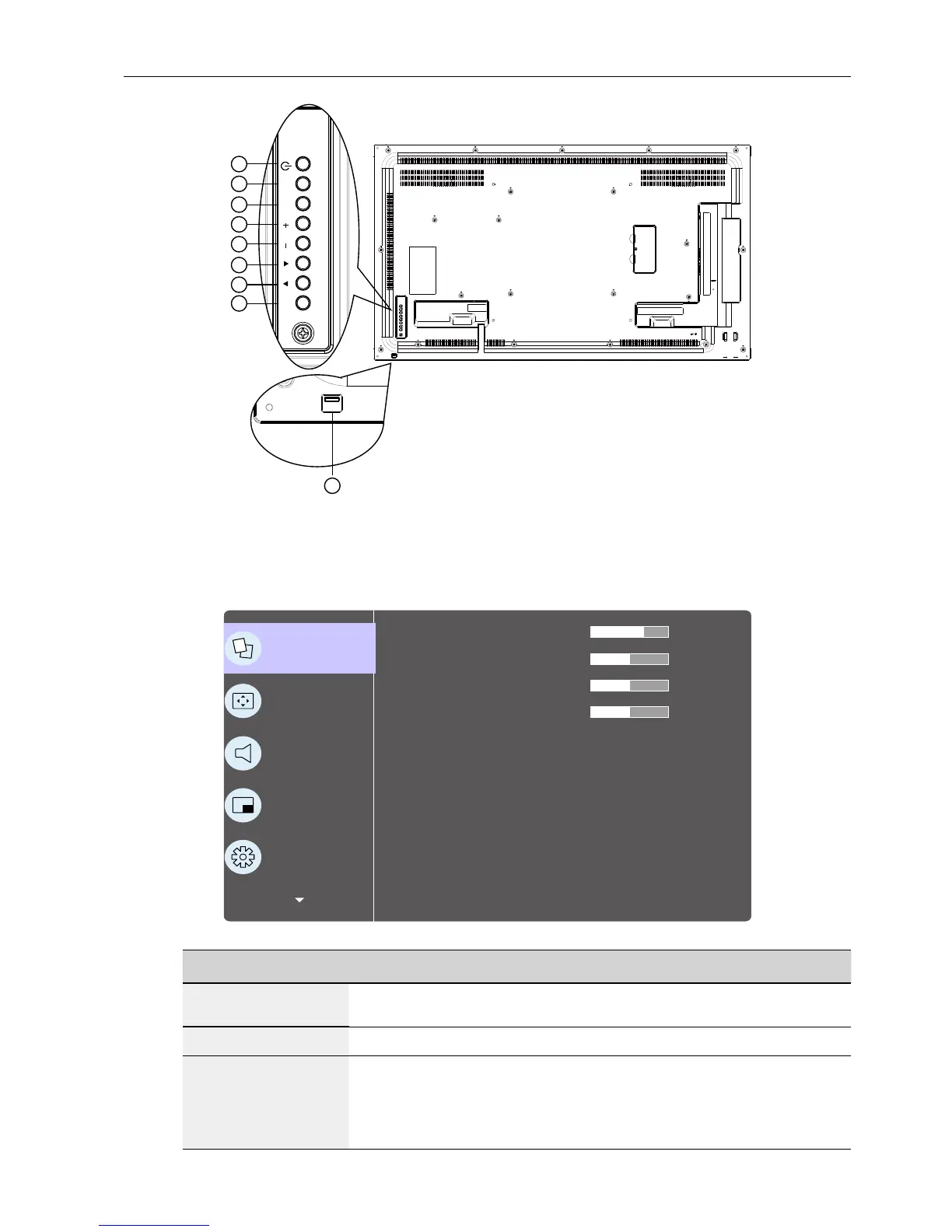
OSD Menu Overview
Picture menu
P
Picture
Screen
Audio
PIP
Conguration 1
Brightness
Contrast
Sharpness
Black level
Tint
Color
Noise reduction
Gamma selection
Color temperature
Color control
Medium
Native
Native
70
50
50
50
Name Description
Brightness
(Picture)
Adjust the overall image and background screen
brightness(backlight).
Contrast
Adjust the image contrast ratio for the input signal.
Sharpness
This function is digitally capable to keep crisp image at any
timings.
It is adjustable to get a distinct image or a soft one as you prefer
and set independently for each picture mode.

Table of Contents

Other manuals for BenQ SL490

Related product manuals