Pixel Defect Policy84
Bright Dot Defects
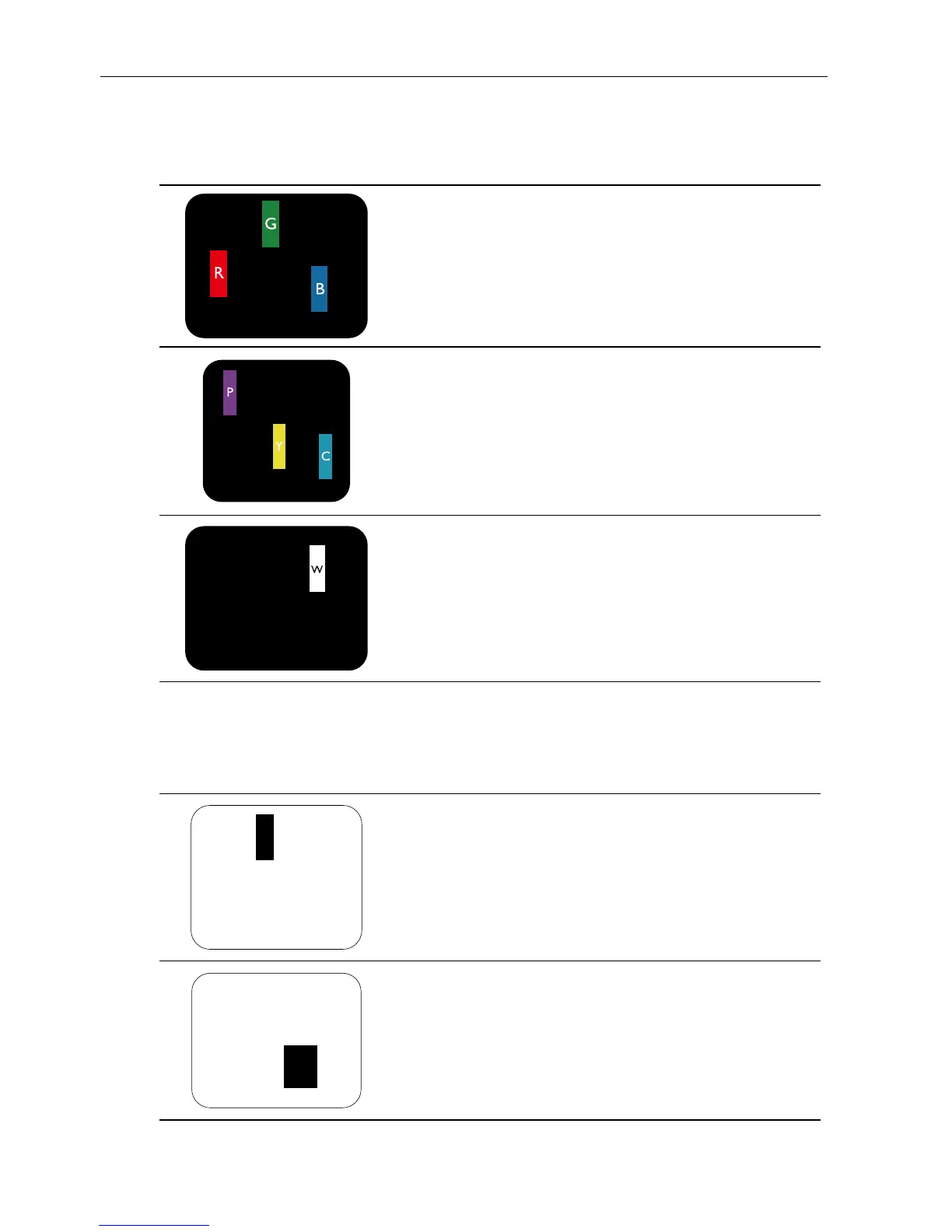
Bright dot defects appear as pixels or sub-pixels that are always lit or “on”. These are the
examples of bright dot defects:
One lit red, green or blue sub pixel
Two adjacent lit sub pixels:
Red + Blue = Purple
Red + Green = Yellow
Green + Blue = Cyan (Light Blue)
Three adjacent lit sub pixels (one white pixel)
Dark Dot Defects
Black dot defects appear as pixels or sub-pixels that are always dark or “off”. These are
the examples of black dot defects:
One dark dot
Two adjacent dark dots = 1 pair of dark dots



 To Next Page