signage display42
B. Browser
C. PDF Player
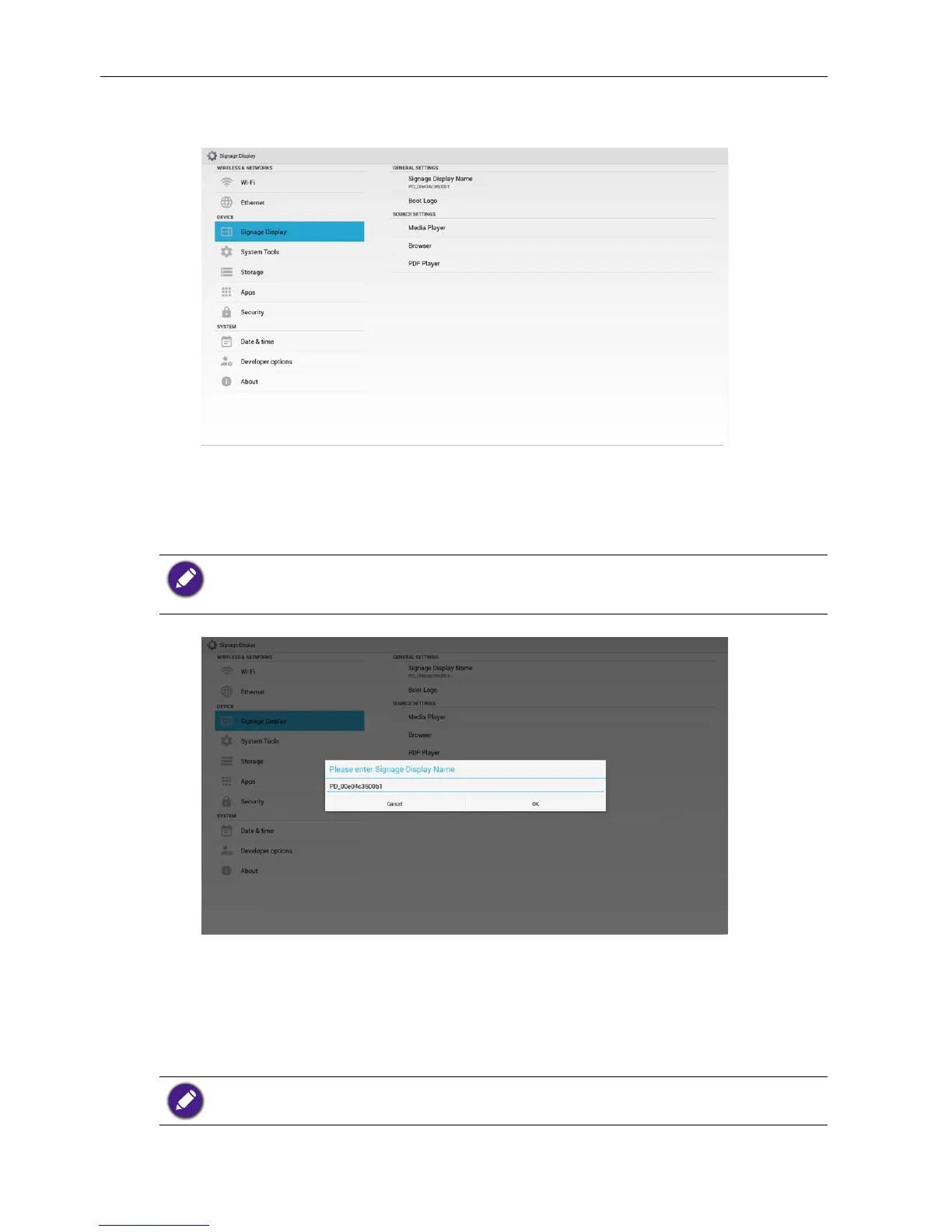
General Settings
1. Signage Display Name
Set up PD name “PD_” + Ethernet Mac Address.
Input limitation:
1. length: Max 36 characters
2. format: no limit
2. Boot Logo
1) Scalar OSD menu to control Android boot logo enable/disable.
Scalar OSD Menu operation:
RCU: Home > Conguration2 > Logo > On/Off/User
In User mode, user can choose their own boot logo animation le.
1. Boot animation le name must be: bootanimation.zip
2. Will pop-up a window for user to select USB and SD card. No priority issue.



 To Next Page