OSD Menu62
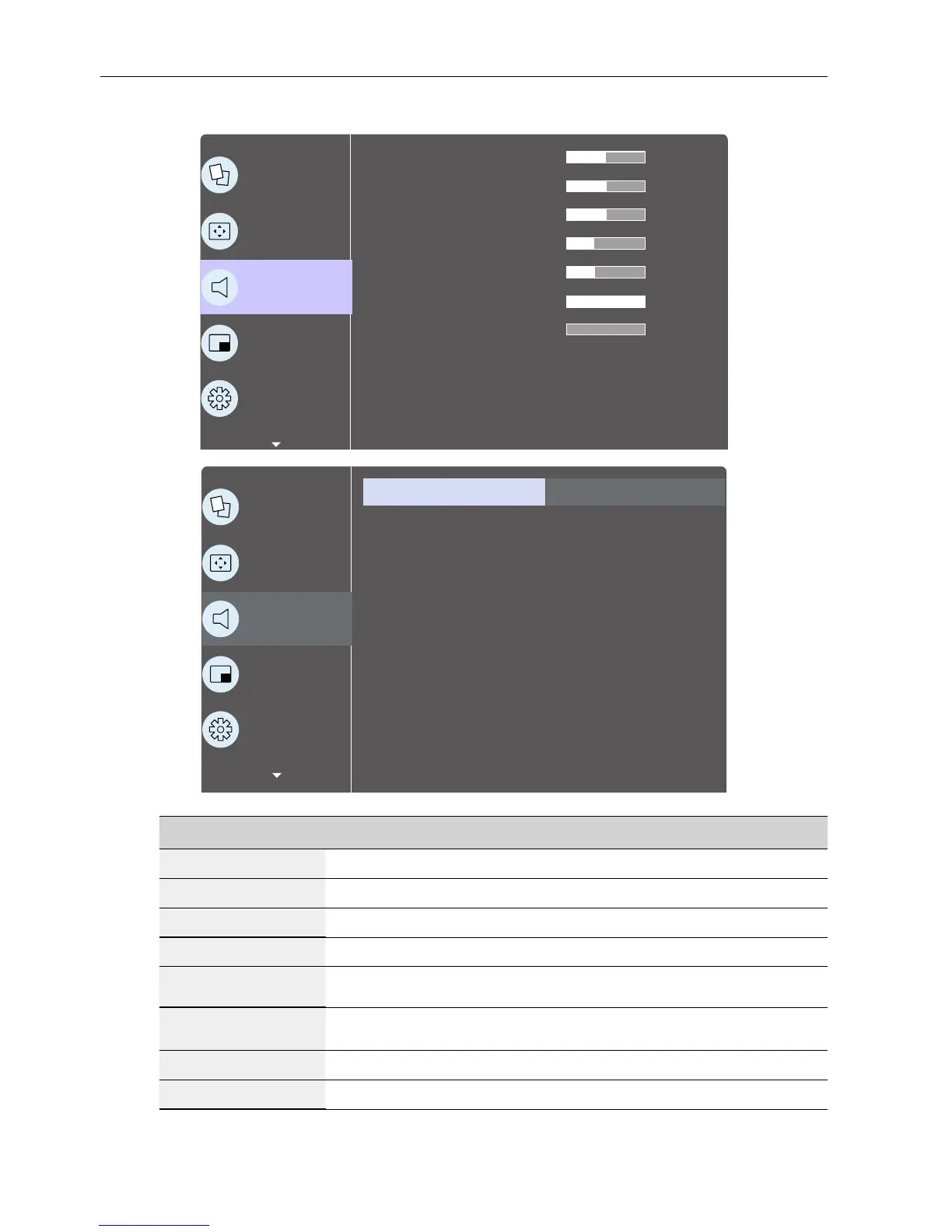
Audio menu
P
Picture
Screen
Audio
PIP
Conguration 1
Balance
Treble
Bass
Volume
Audio out (line out)
Maximum volume
Minimum volume
Mute
Audio source
Sync. Volume
Off
Digital
Off
50
50
50
30
30
100
0
P
Picture
Screen
Audio
PIP
Conguration 1
Audio reset Action
Name Description
Balance
Adjust to emphasize left or right audio output balance.
Treble
Adjust to increase or decrease higher-pitched sounds.
Bass
Adjust to increase or decrease lower-pitched sounds.
Volume
Adjust to increase or decrease the audio output level.
Audio out (line
out)
Adjust to increase or decrease line out output level.
Maximum
volume
Adjust your own limitation for the maximum volume setting. This
stops the volume from being played too loudly.
Minimum volume
Adjust your own limitation for the minimum volume setting.
Mute
Turn the mute function on/off.



 To Next Page