OSD Menu66
Power LED light
Choose to set power indicate LED on or off.
Choose On for normal use.
Conguration1
reset
Reset all settings in Conguration1 menu to the factory preset
values.
Factory reset
Reset all settings in the OSD menus of Picture, Screen, Audio,
PIP, Conguration1, Conguration2, and Advanced
option to the factory preset values.
Android settings will also reset when factory reset.
Press
or button to select Reset, and press OK button to
do the reset.
Factory reset
Cancel Reset
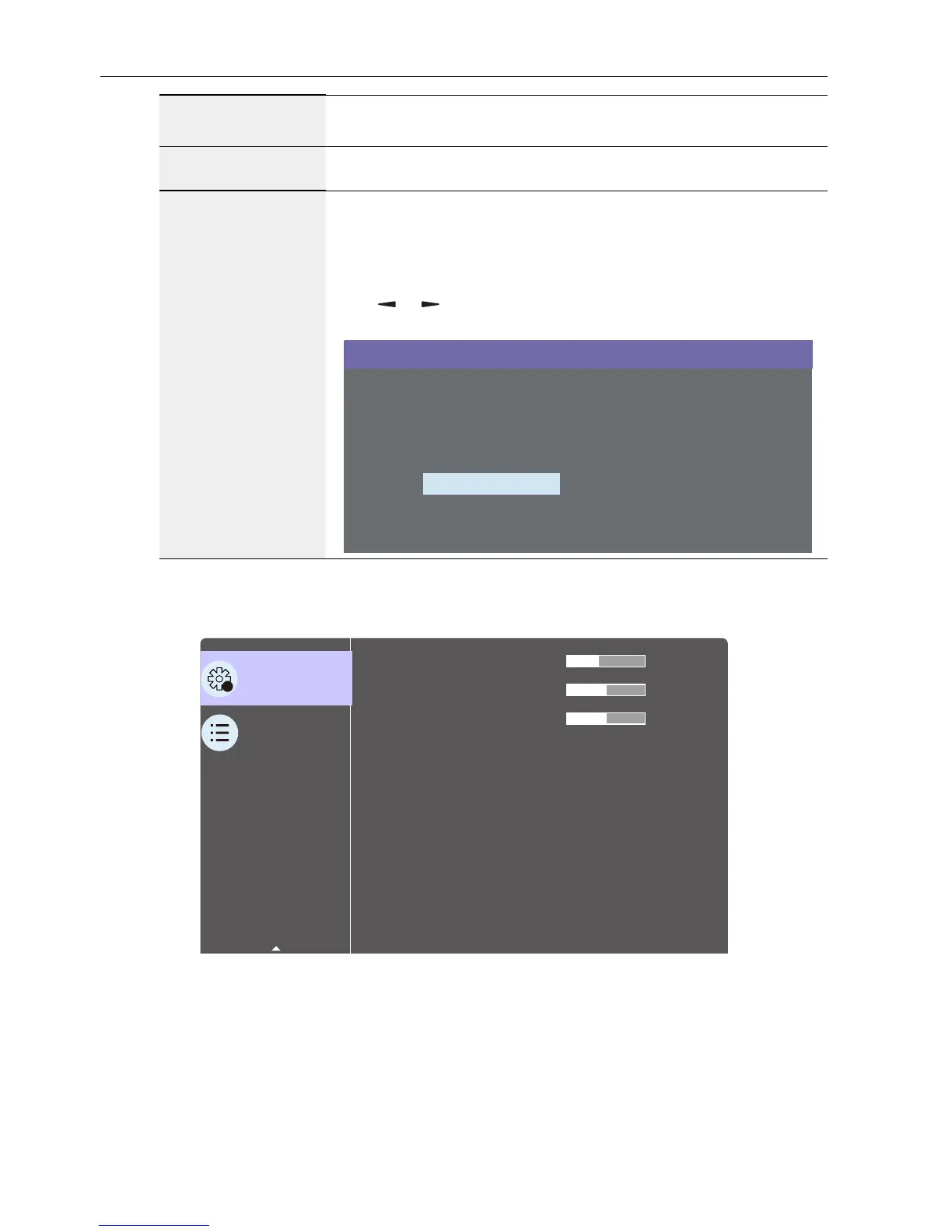
Conguration2 menu
2
Conguration 2
Advanced option
OSD turn off
OSD H-position
OSD V-position
OSD transparency
Information OSD
Logo
Monitor ID
Heat status
Monitor information
DP Version
40
10 Sec.
On
1
Action
Action
DP1.1
45
50
50



 To Next Page