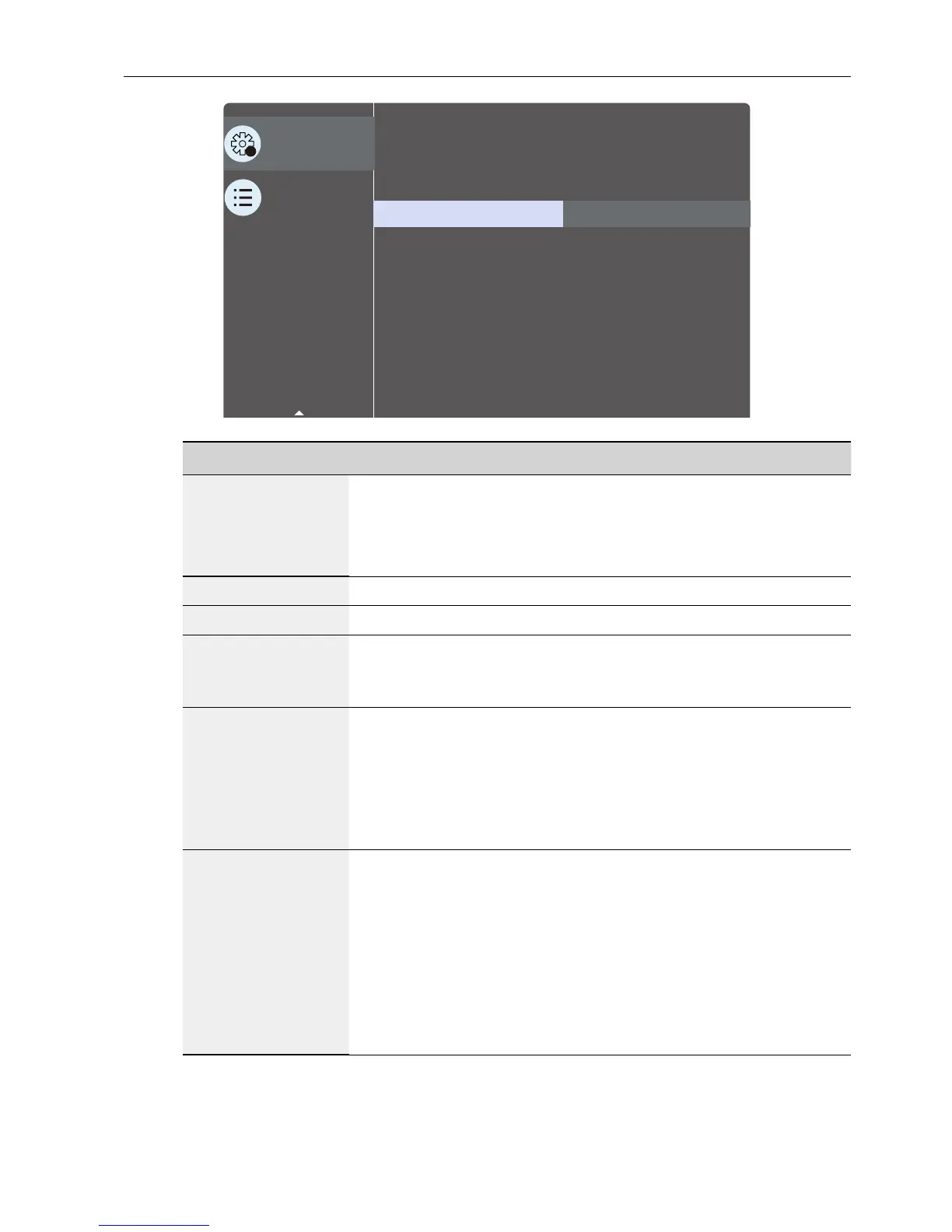
OSD Menu 67
2
Conguration 2
Advanced option
Window Selection
Rotation
Language
Conguration2 reset
Main
Action
English
Action
Name Description
OSD turn off
Set the period of time the OSD (on-screen display) menu stays
on the screen.
The options are: 0 ~ 120 seconds.
* 0 does not disappear automatically.
OSD H-position
Adjust the horizontal position of the OSD menu.
OSD V-position
Adjust the vertical position of the OSD menu.
OSD
Transparency
Adjust OSD transparency.
• Off - Transparency off.
• 1-100 - Transparency level 1-100.
Information OSD
Set the period of time the information OSD is displayed on the
upper right corner of the screen. The information OSD will
display when input signal is changed.
The information OSD will remain on the screen with Off
selection.
The options are: 1 ~ 60 seconds.
Logo
Choose to enable or disable the picture of Logo when turn on
your display.
The options are:
• Off (Default)
• On*
• User**
** If Logo set to USER.
User logo does NOT support rotation function.



 To Next Page