signage display 41
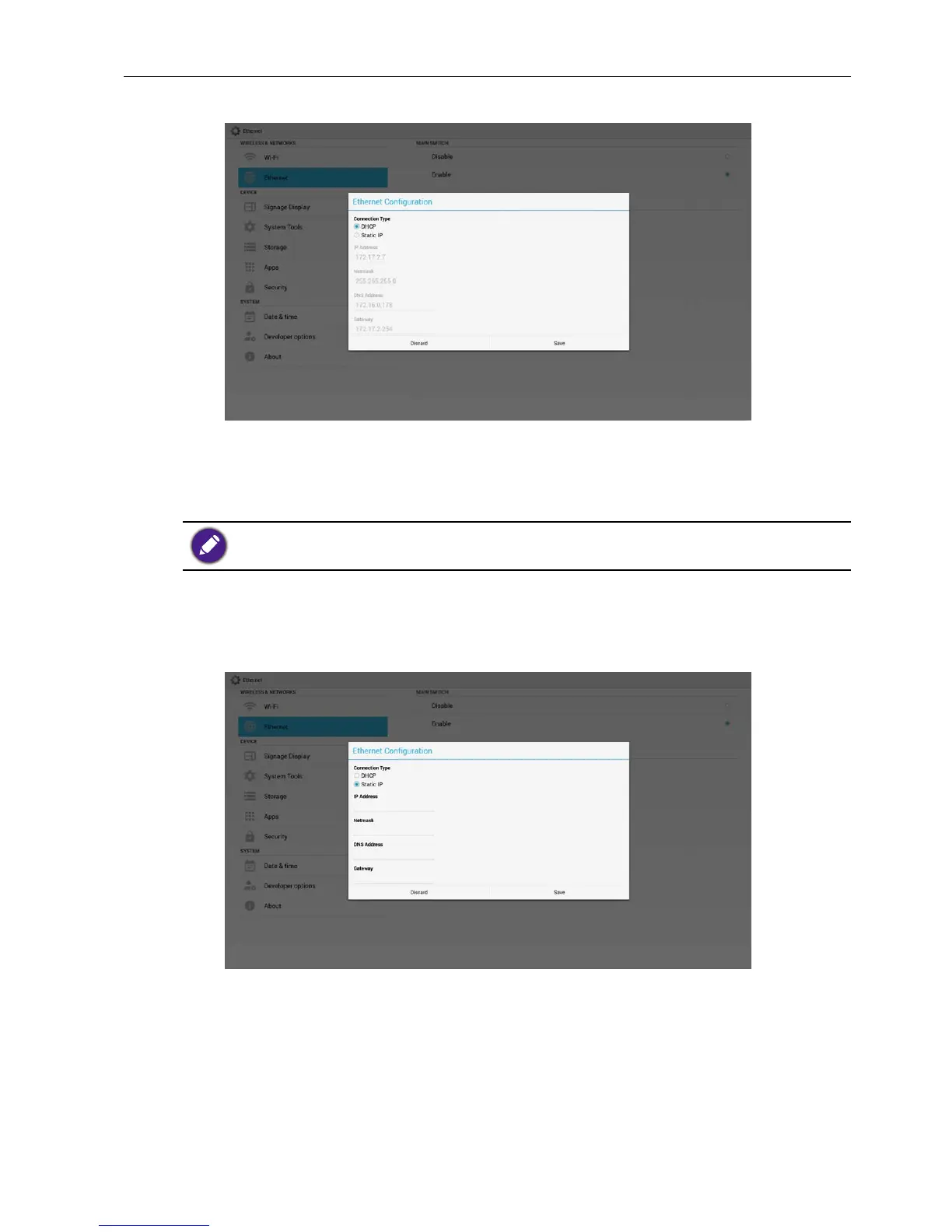
2. If connect successfully, it will display current network conguration.
Static IP
Under Static IP. User can manually input IP Address, Netmask, DNS Address and
Gateway.
IP address, netmask, DNS address and gateway address input limitation.
1. Format:
I. number 0-9
II. decimal point “.”
Signage Display
Divide into 2 groups: General Settings / Source Settings
1. General Settings
A. Signage Display Name
B. Boot Logo
2. Source Settings
A. Media Player



 To Next Page