Operation 27
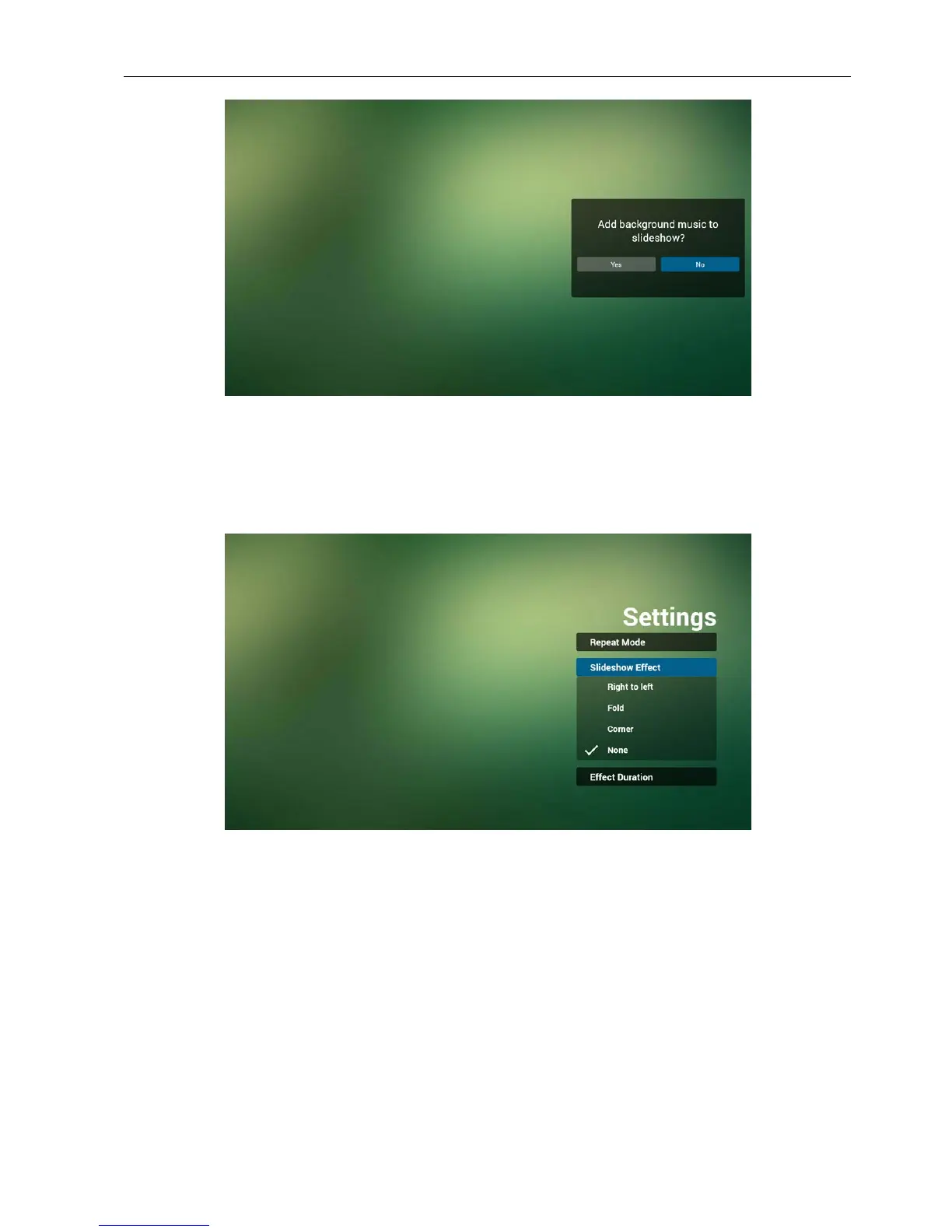
11. Select “Settings” on home page, this page has three parts, “Repeat Mode”, “Slideshow
Effect” and “Effect Duration”.
Repeat Mode : play mode.
Slideshow Effect : photo slideshow effect.
Effect Duration : photo effect duration.
12. Media Hotkey
Play : Playback le.
Pause: Pause le.
Fast forward: forward 20 second. (photo not support).
Rewind: back 20 second. (photo not support).
Stop: Stop le and return to start. For GIF format, it will be paused.
Browser manual
1. Home page of Browser app, this page has one item: “Settings”.
Press Settings then enter next page.



 To Next Page