Operation26
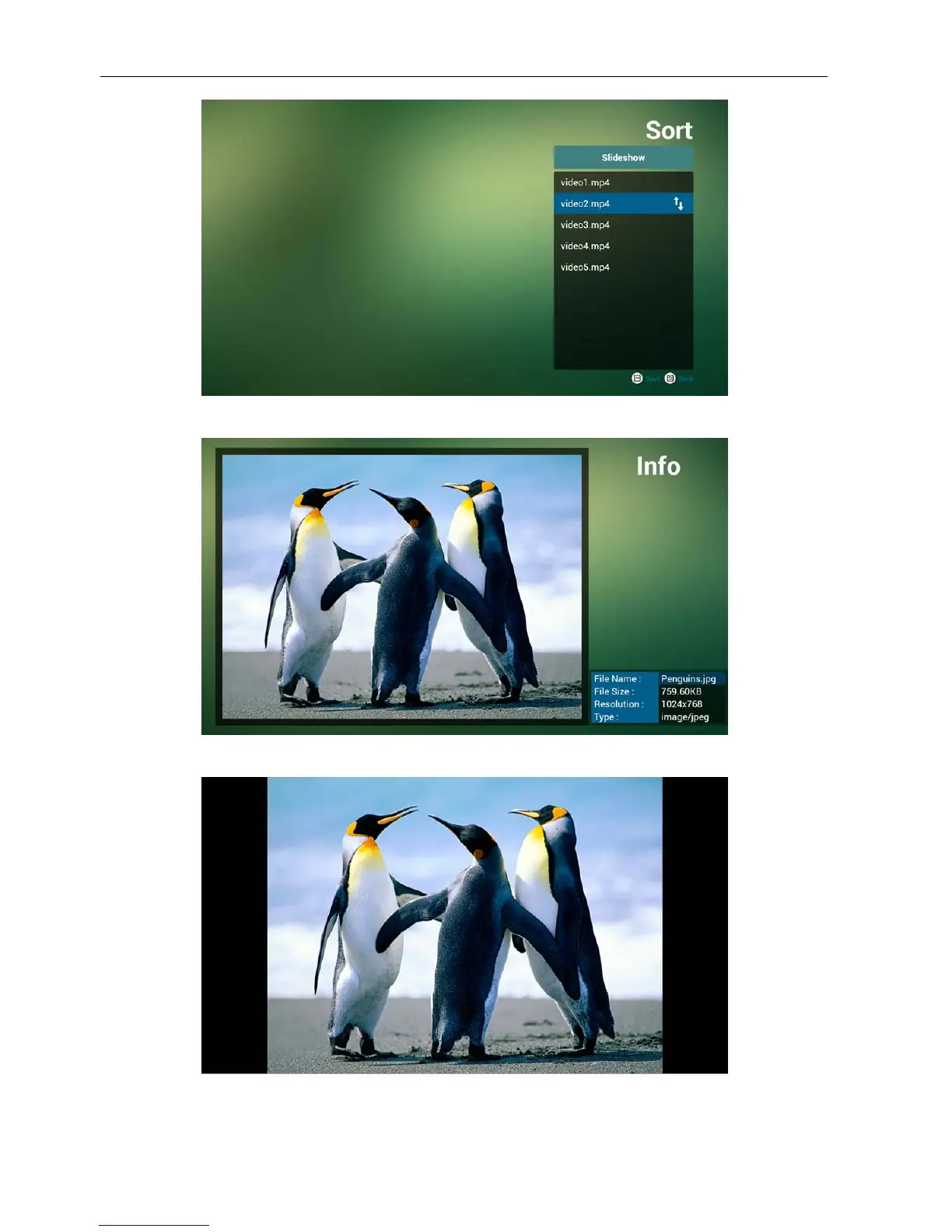
8. Press info key after you choose desired le, you will get the detail information.
9. Press play key after you choose desired le, you will play the media le directly.
10. If you make a playlist with all image les, before saving, the app will ask you if you want
to have background music while playing slideshow.



 To Next Page