Operation 25
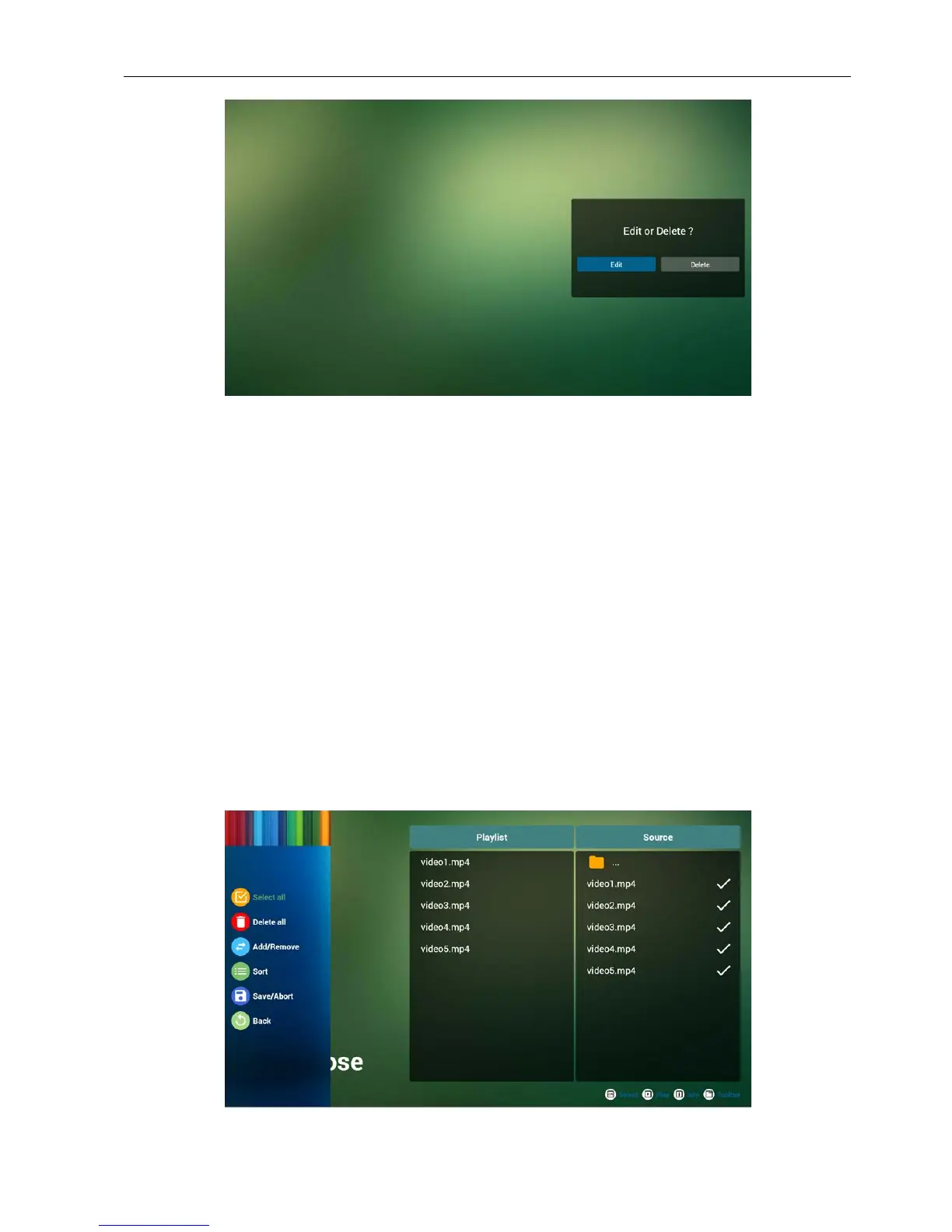
6. Once you start to edit a playlist, you will see below screen.
Source - les in storage.
Playlist – les in playlist.
There are 4 icons which map to the keys of remote controller.
Option key – launch slide bar
Play key – play media le.
Info key – show media info.
Ok key – select/unselect le.
6-1 In the slide bar, it helps you to do the following:
• select all : select all storage les.
• delete all : delete all playlist les.
• add/remove : update playlist from source.
• sort : sort playlist.
• save/abort : save or abort playlist.
• back : return.
7. if you choose “Sort” in the slide bar, you can change the order of les one by one.



 To Next Page