Operation22
Operation
The control button described in this section is mainly on the remote control unless specied
otherwise.
Watch the Connected Video Source
See page 18 for external equipments connection.
1. Press
SOURCE button.
2. Press
or button to choose a device, then press OK button.
Change Picture Format
You can change the picture format to suit the video source. Each video source has its
available picture formats.
The available picture formats depend on the video source:
1. Press
FORMAT button.
2. Press
or button to choose a picture format, then press OK button.
• PC mode: Full/4:3/1:1/16:9/21:9/Custom.
• Video mode: Full/4:3/1:1/16:9/21:9/Custom.
Android reminder page
1. Android reminder page:
• Every app leaves by pressing the back key. The screen will go to Android reminder
page.
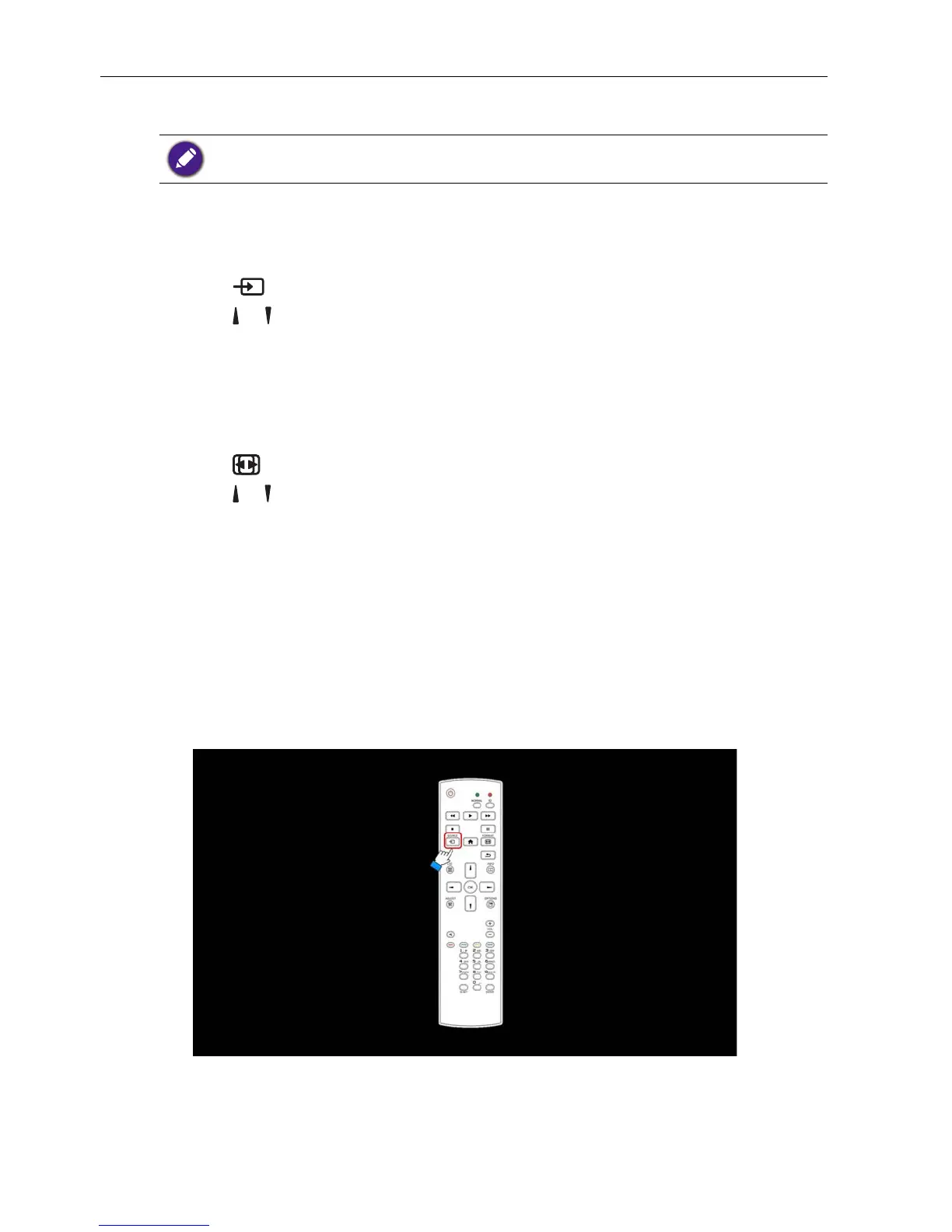
• When you return to Android reminder page, the screen will show hint image as
below:
• The hint image will notify you can press source key to change source.



 To Next Page