OSD Menu 61
Custom zoom
You can use this function to further customize the zoom settings
to suit the image you want to display.
This item is functional only when the Zoom mode is set to Custom.
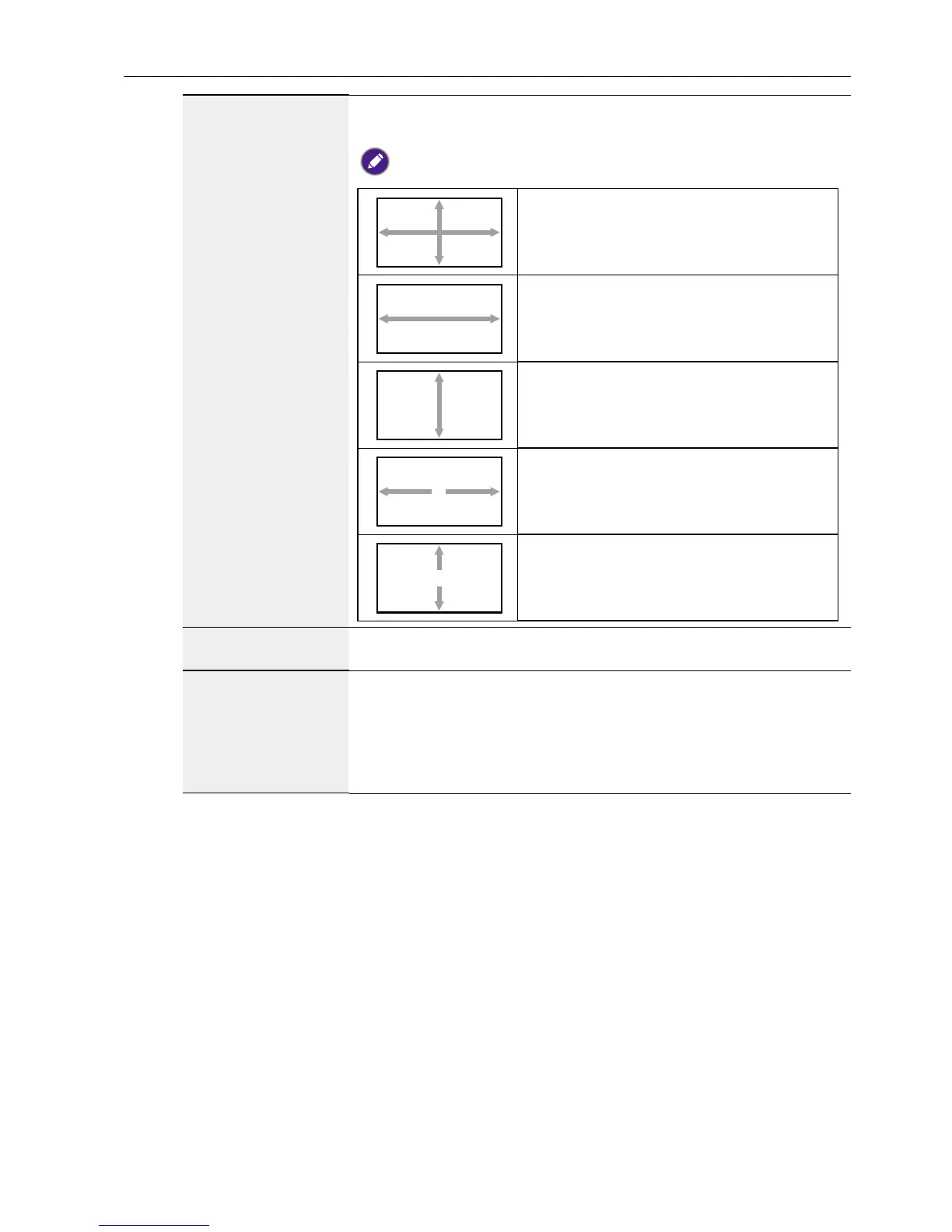
Zoom
Expands the horizontal and vertical sizes
of the image simultaneously.
H zoom
Expands the horizontal size of the image
only.
V zoom
Expands the vertical size of the image
only.
H position
Moves the horizontal position of the
image left or right.
V position
Moves the vertical position of the image
up or down.
Auto adjust
Press “Set” to detect and adjust H position, V position, Clock,
Phase automatically.
Screen reset
Reset all settings in the Screen menu to factory preset values.
Select “Yes” and press “SET” button to restore the factory
preset data.
Press “EXIT” button to cancel and then return to the previous
menu.



 To Next Page