Operation 35
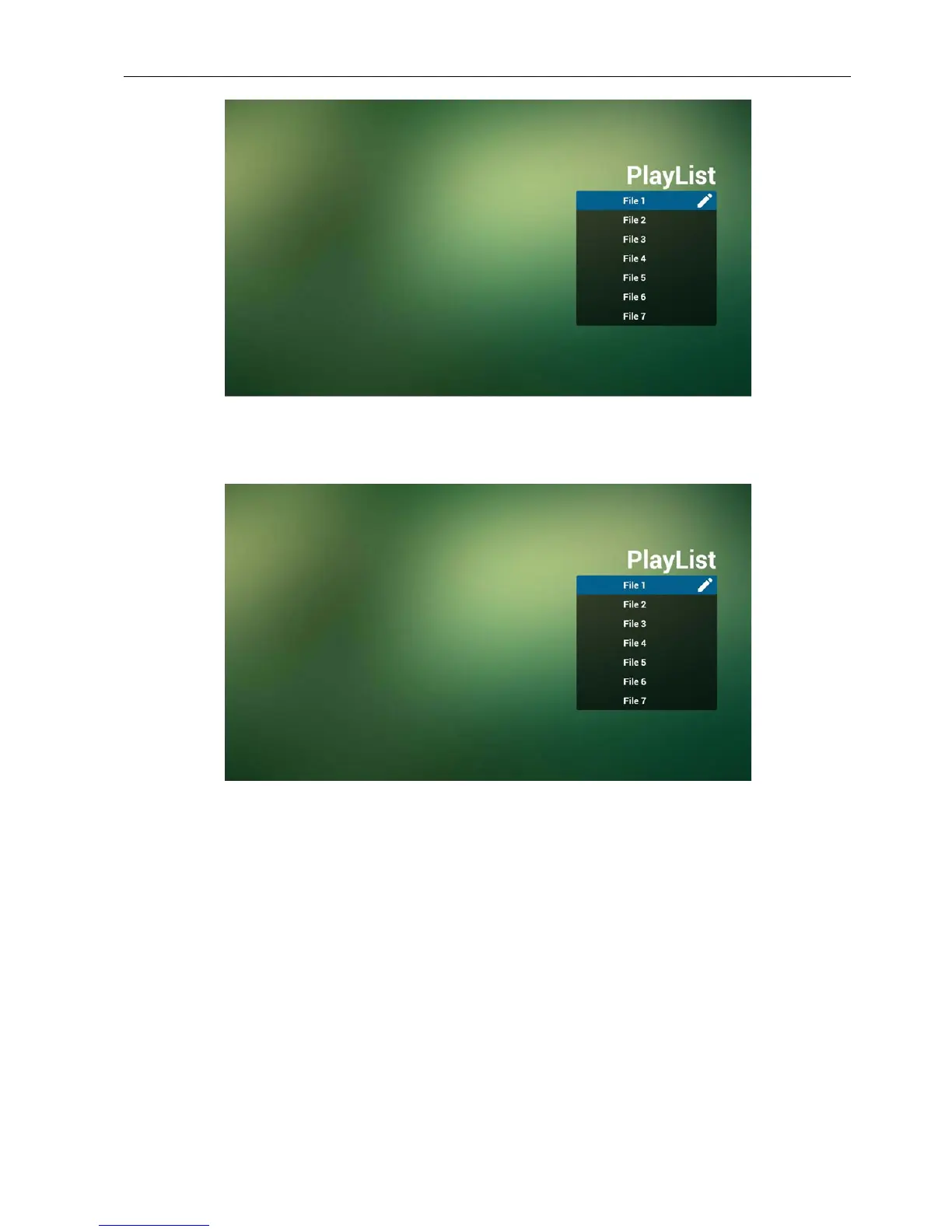
3. Select “Compose” on home page, rst you should choose one playlist to edit between
FILE 1 and FILE 7.
The pencil icon means the playlist is non-empty.
4. If an empty playlist is chosen, the app will guide you to select the media source.
All media les should be placed in /benq/ of root directory.
For example,
• pdfs in /root/benq/pdf/



 To Next Page