OSD Menu64
PIP position
Select the position of the sub picture in the PIP (Picture-in-Picture)
mode.
Choose from: Bottom-Right / Bottom -Left / Top-Right / Top-
Left.
PIP change
Exchange Main and PIP / PBP / Quick swap input signal.
PIP source
Select the input signal for the sub picture.
PIP audio
Select the audio source in the Sub mode.
• Main - Select audio from the main picture
• Sub - Select audio from the sub picture.
PIP reset
Reset all settings in the PIP menu to factory preset values.
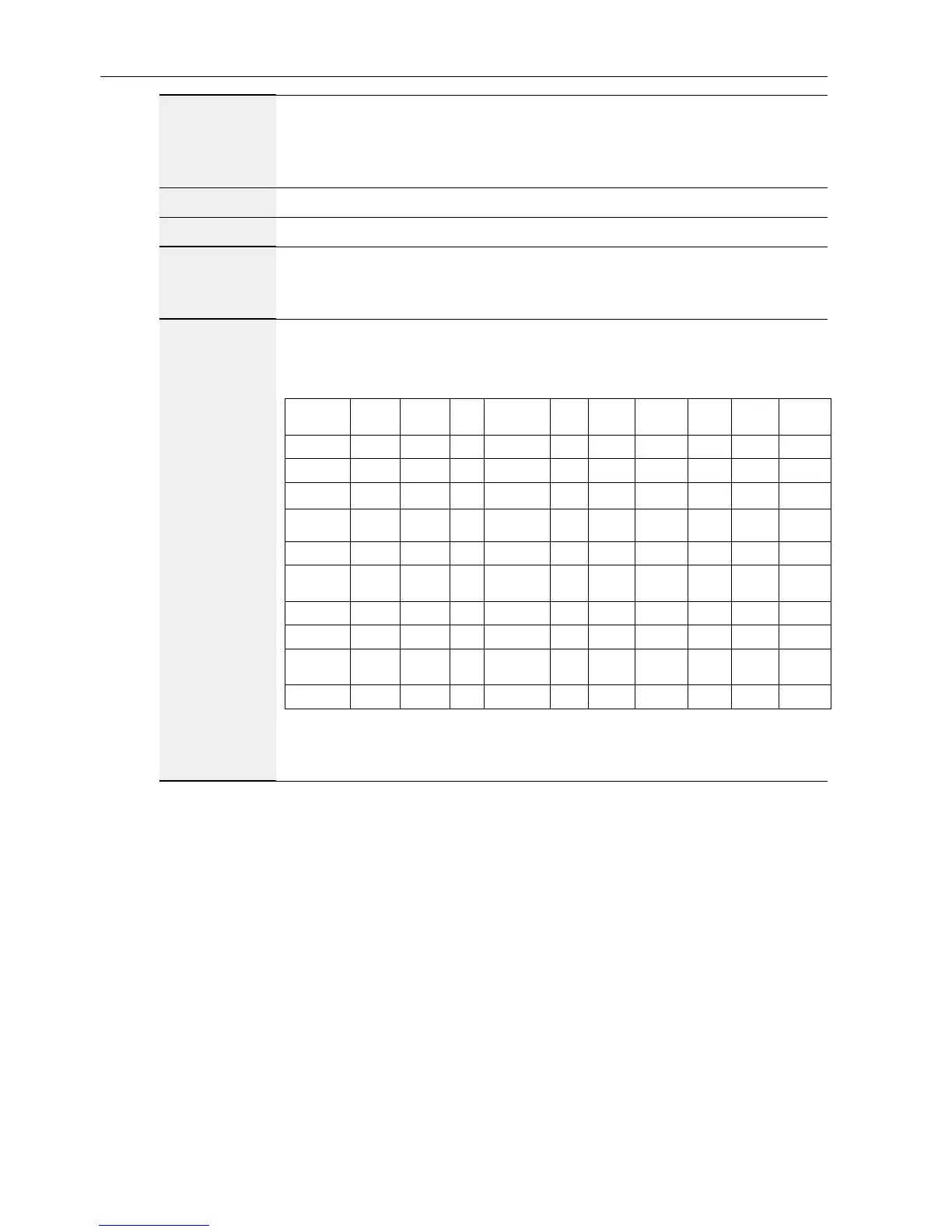
• The PIP function is available only for certain signal source combinations
as shown in the table below.
HDMI1 HDMI2 DVI DisplayPort VGA
Medoa
Player
Browser X-Sign
PDF
Reader
Android
HDMI1 O X X O O X X X X X
HDMI2 X O X O O X X X X X
DVI X X O O O* X X X X X
DisplayPort O O O O O O O O O O
VGA O O O* O O O O O O O
Medoa
Player
X X X O O O X X X X
Browser X X X O O X O X X X
X-Sign X X X O O X X O X X
PDF
Reader
X X X O O X X X O X
Android X X X O O X X X X O
(O: PIP function available, X: PIP function unavailable)
• The availability of the PIP function will also depend on the resolution of
the input signal being used.



 To Next Page