OSD Menu 75
Schedule
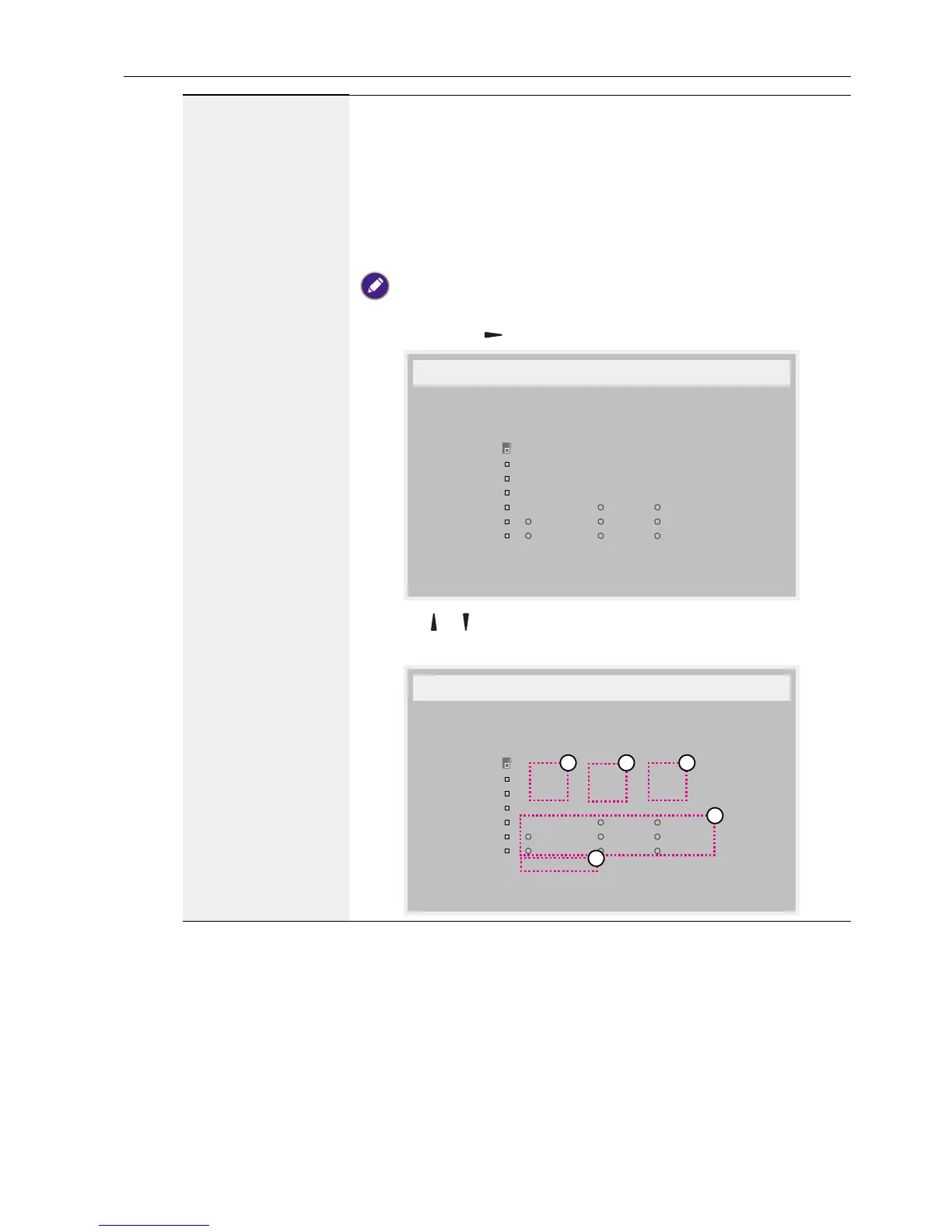
This function allows you to program up to 7 (seven) different
scheduled time intervals for the display to activate.
You can select:
• The time for the display to turn on and turn off.
• The days in a week for the display to activate.
• Which input source the display will use for each scheduled
activation period.
We recommend you to set up current date and time in the Date and
time menu before using this function.
1. Press OK or button to enter the submenu.
:
_
:
_ _ _ _
Schedule
Today 2015 . 01 . 04 SUN 04 : 14 : 01
1
2
3
4
5
6
7
MON TUE
WED THU FRI
SAT SUN Every week
playlist 0
Clear all
On Off Input
2. Press or button to select a schedule item (item number 1 ~
7), and then press OK button to mark it the item number.
:
_
:
_ _ _ _
4
1 32
5
Schedule
Today 2015 . 01 . 04 SUN 04 : 14 : 01
1
2
3
4
5
6
7
MON TUE
WED THU FRI
SAT SUN Every week
playlist 0
Clear all
On Off Input



 To Next Page