Section 1: Quick Start Guide8
English
9. Initialize your TV
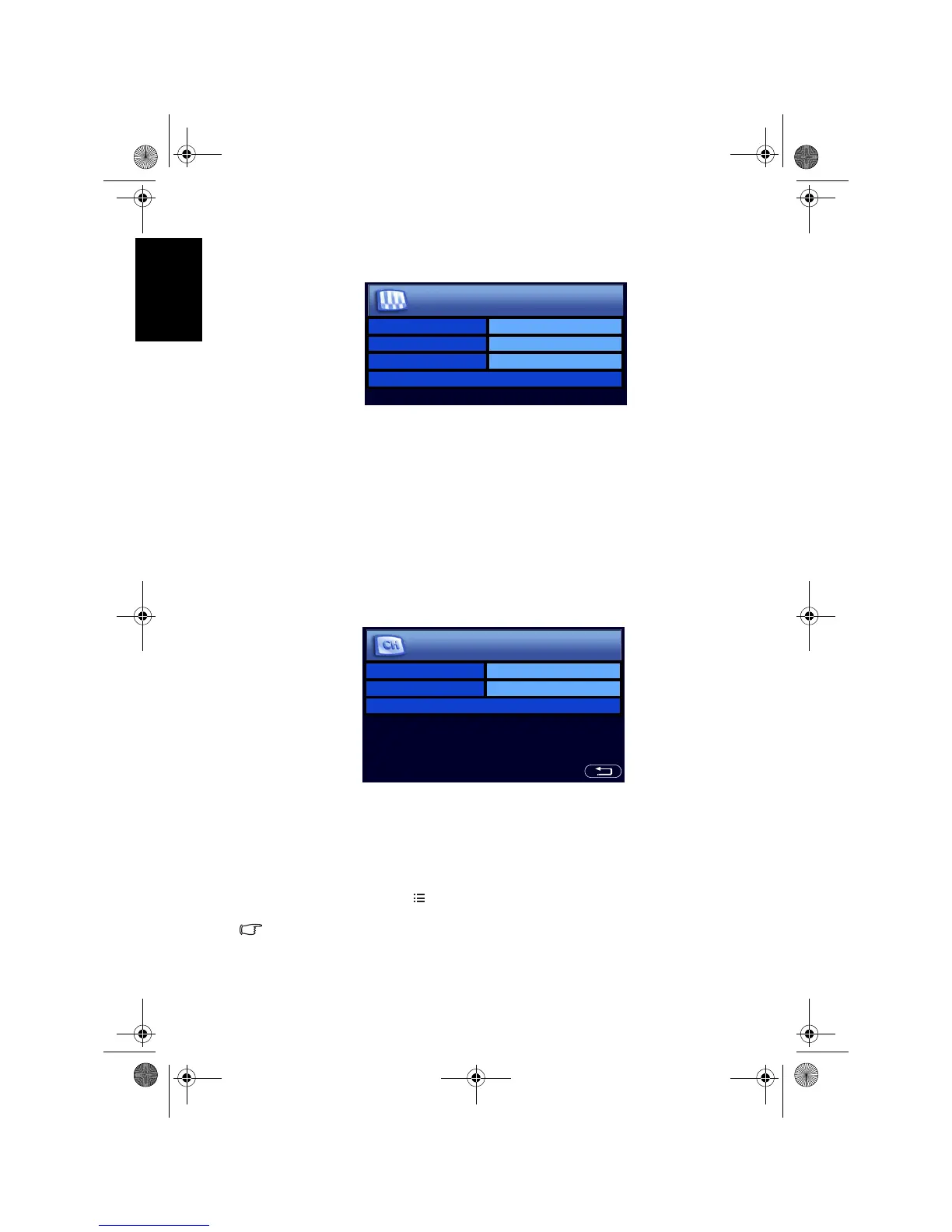
When first turned on (and until tuned), the First Turn On menu will display:
Before you can use your TV to view TV programs, you need to let it search for
and tune TV station programs appropriate to your region. This process only
needs to be done when the TV is newly installed, or whenever you install it in
a new location. You also need to select your language for the on-screen display
(OSD) menu for convenience of operation.
1. Press or on the remote control to select
Language, and then press +
or - to select your language.
2. When you select a
Language, the Country and TV Standard items will
change automatically to suit. If your country is not displayed in the
Country item, you can press or to select it and then press + or - to
select your country. If
Others is selected as the Country, you will also need
to select the TV broadcast standard suitable for your region (see page 38).
3. Press or to select
Auto Installation and then press OK. The following
menu will display:
4. Press or to select
Start and then press OK. The TV will start searching
for available programs and tune and store them for you. This may take
several minutes, depending on the available TV programs in your local
reception area. Please allow the TV to complete this tuning process. If you
want to stop this auto installation process, press
OK.
5. When the tuning process is complete, the
Program Edit menu will display.
You can now edit the stored programs if you want (see "Editing programs"
on page 39), or press
MENU on the remote control to close it and start
viewing TV programs.
• You can alter the settings in the future using the OSD menu. See "OSD (On-
Screen Display) menu" on page 30 for more information.
• This LCD TV is a high resolution display device. To achieve the best possible
display results, it is recommended that you connect it to a digital video source,
and select an appropriate aspect ratio. See "Adjusting aspect ratio" on page 24.
Language English
Country Middle East
Standard BG
Auto Installation >
First Turn On
Country Middle East
Standard BG
Start
Auto Installation
V32B_V37B_EN.book Page 8 Wednesday, January 23, 2008 10:55 AM



 To Next Page