OSD (On-Screen Display) menu 31
English
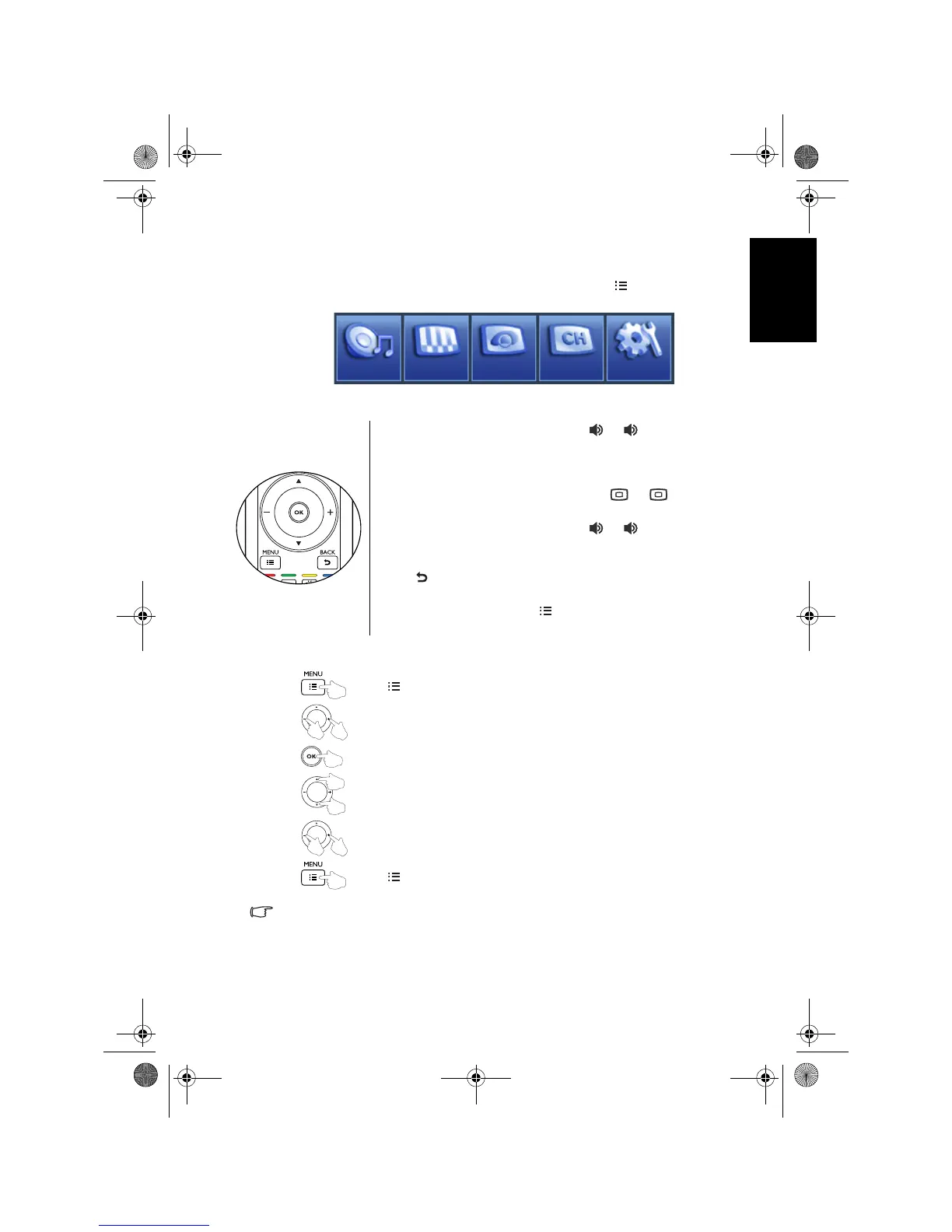
Navigating the OSD menu
You can use the On-Screen Display (OSD) menu to adjust the settings of your
TV. To display the OSD menu, press
MENU on the TV, or MENU on the
remote control.
Operations in the OSD menu
For example, to adjust picture sharpness using the remote control:
For details see:
• "Audio menu" on page 32
• "Picture menu" on page 34
• "Senseye menu" on page 37
• "TV menu" on page 38
• "Setup menu" on page 43
Audio
TV Setup
Senseye
Picture
• Press + / - on the remote control, or / on the TV to
select an item in the menu.
• Press
OK on the remote control, or INPUT on the TV to
enter the submenu.
• Press
/ on the remote control, or / on the
TV to select an item in the submenu.
• Press
+ / - on the remote control, or / on the TV to
adjust settings. Press
OK on the remote control, or INPUT
on the TV to enter the submenu if available.
• Press
BACK on the remote control to return to the
previous menu layer
• Press
MENU on the TV, or MENU on the remote control
to close the OSD menu.
1. Press MENU to display the OSD menu on-screen.
2. Press
+/- to select Picture.
3. Press
OK to enter the Picture menu.
4. Press / to select
Sharpness.
5. Press
+/- to adjust setting.
6. Press
MENU to close the OSD menu.
V32B_V37B_EN.book Page 31 Wednesday, January 23, 2008 10:55 AM



 To Next Page