Using the remote control 23
English
before expiration in the Sleep Timer item in the Setup menu (See "Sleep
Timer" on page 43). 1 minute before the expiration of the set time, a message
will display on-screen as a reminder. You can press
OK to reset the sleep timer
and the TV will remain on. At the expiration of this time, the TV will be
turned off automatically. To turn off this function, set the time to
Off.
Adjusting backlight
To adjust the intensity of your TV's backlight system, press Backlight on
the remote control, and then press
+ or - to select a suitable level.
When viewing the TV in dimly lit rooms it is recommended to reduce the
backlight which will reduce the image brightness and make the dark areas of
the image darker, thus maintaining a high contrast image in a dark
environment.
Using the Teletext function
Press TEXT on the remote control to display Teletext, and again to turn it
off.
Teletext is only available when ATV is selected as the input source, and a signal
which transmits Teletext is currently displayed. Not all TV stations and video
signals broadcast Teletext. If in doubt, please contact the TV station.
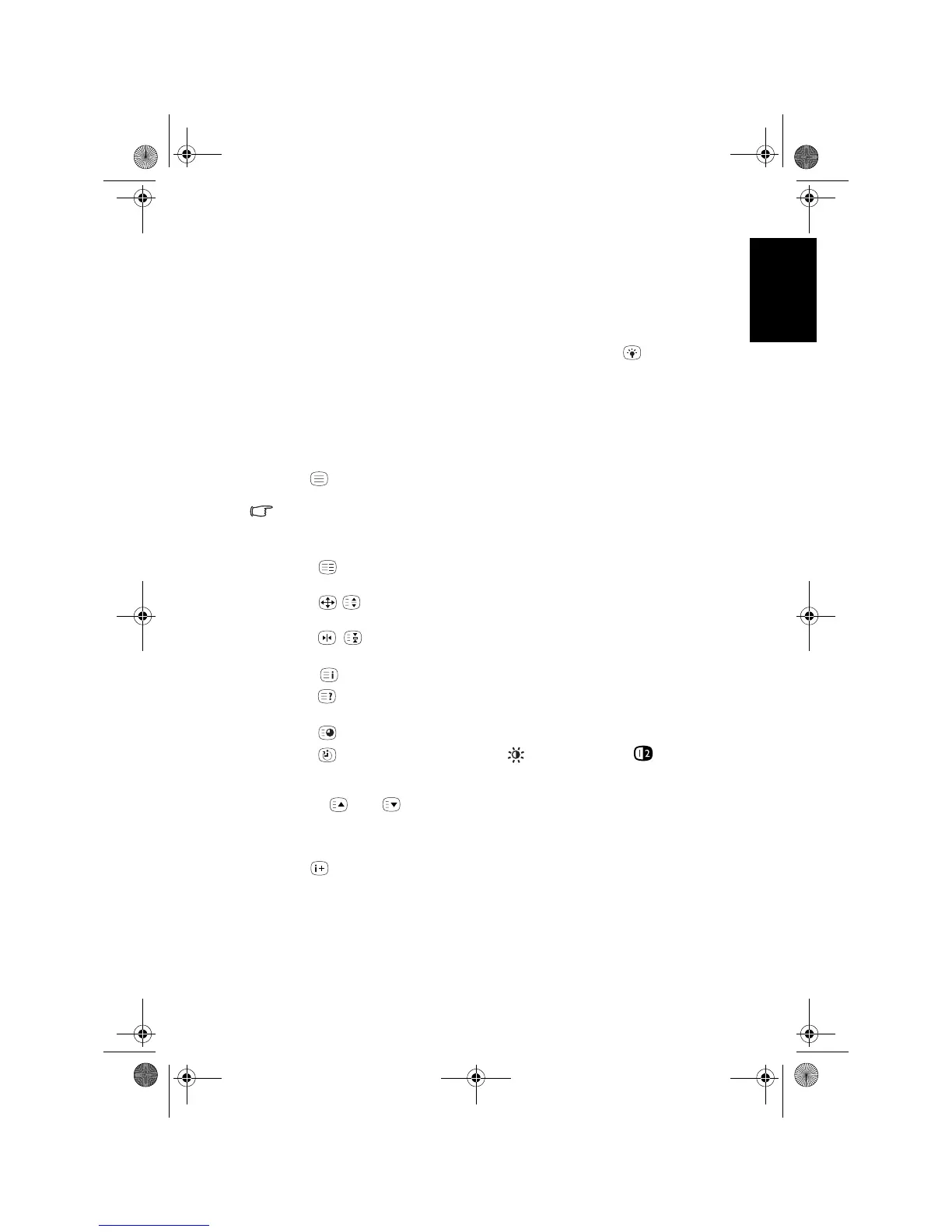
When Teletext displays on-screen, you can:
• Press
Mode to cycle between Teletext only and superimposed on the
video image.
• Press
/ Aspect/Teletext size to enlarge Teletext size. Press it again to
resume normal size.
• Press /
Freeze/Teletext freeze to freeze Teletext messages. Press it
again to restore normal update.
• Press
Index to go to the Teletext index page.
• Press
Reveal to display any concealed Teletext information if available
(for example, the answer to a quiz).
• Press
Subpage to view the subpages when provided.
• Press
Sleep/red, senseye/green, Preset/yellow or PIP/blue to
jump to the corresponding coloured pages as displayed across the bottom of
the Teletext screen.
• Press or to go to the previous or next Teletext page, or to move
between subpages when selected.
Displaying information
Press INFO on the remote control to display the input signal information.
The information displayed varies according to the input source being selected.
V32B_V37B_EN.book Page 23 Wednesday, January 23, 2008 10:55 AM



 To Next Page