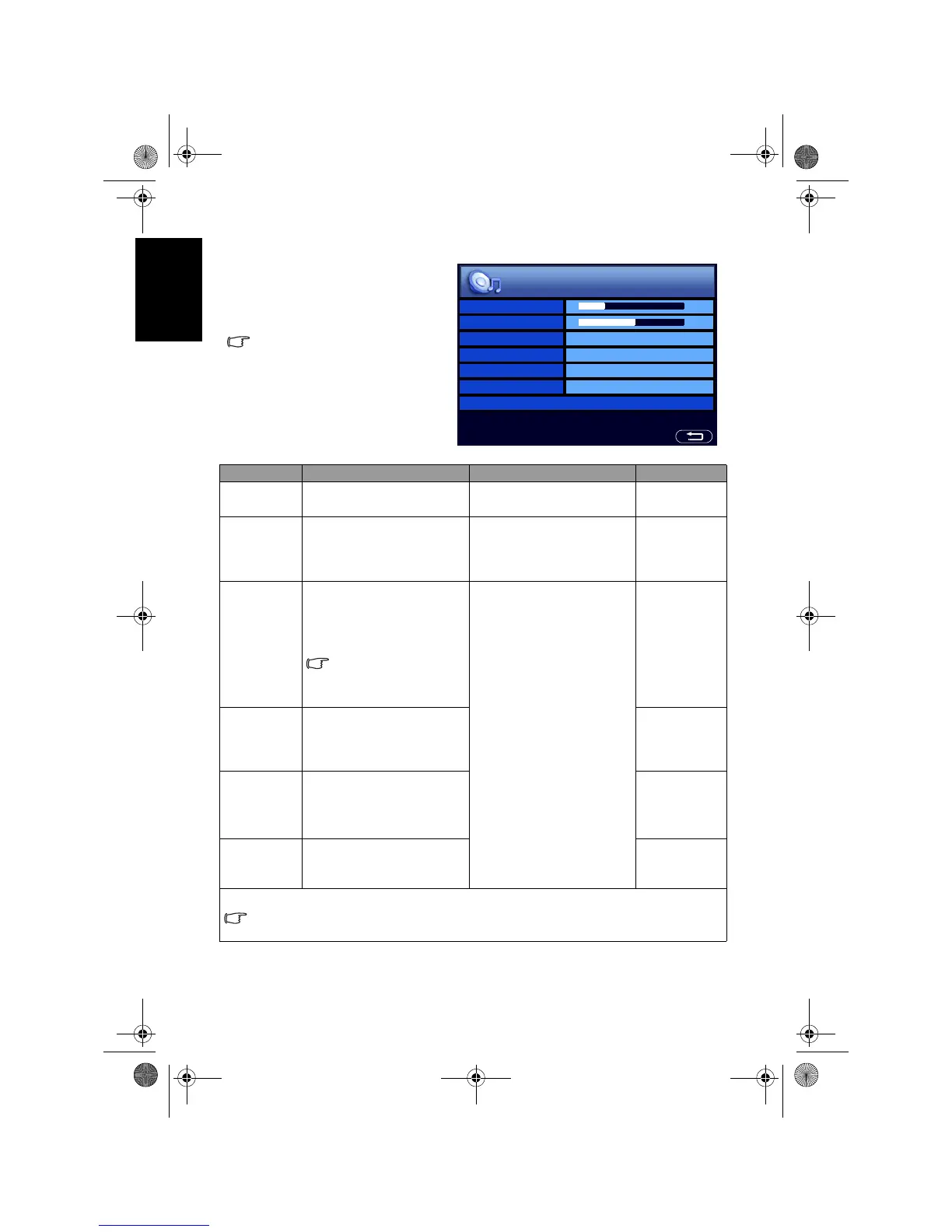
OSD (On-Screen Display) menu32
English
Audio menu
The available menu items are
dependent on the input source
being selected.
The illustration is for reference
only.
Item Function Operation Range
Volume
Adjusts the volume level of
the TV’s built-in speakers.
Press
+ to increase or - to
decrease volume.
0 to 47
Balance
Adjusts left or right speaker
volume level.
Press
+ to increase right
speaker volume, - to
increase left speaker
volume level.
-12 to 12
Sound Type
Selects a sound type when
viewing programs or videos
that support multiple
sounds.
Available options are
dependent upon the
received signal.
Press + or - to change
selection.
• Automatic
• Stereo
• Mono
• Sound1
• Sound2
• Language1
• Language2
Steady
Sound
If set to
Auto, the TV
automatically adjusts the
sound level to be constant
amongst different channels.
• Auto
• Off
Surround
Activates or deactivates the
SRS TruSurround XT
sound effect.
• SRS
TruSurround
XT
• Off
Speaker
Out
Enables (On) or disables
(Off) sound output to the
built-in speakers of the TV.
• On
• Off
Advanced Audio Settings - Press OK to enter.
This menu item becomes unavailable if the Surround item is set to SRS TruSurround
XT.
Volume
Balance
Sound Type Automatic
Steady Sound Off
Surround Off
Speaker Out On
Advanced Audio Settings >



 To Next Page