OSD (On-Screen Display) menu42
English
Child Lock
The Child Lock function can be used to prevent access to certain programs.
For example, to prevent children from viewing inappropriate programs such
as adult-only programs. This Child Lock only affects the TV/CATV input (not
AV and Graphic inputs), and prohibits the selection or display of every
program which has had its
PR Lock menu item set to On (see "Locking/
unlocking a program for the Child Lock function" on page 41).
When the Child Lock function is enabled and a locked program is selected,
“
Lock“ appears on-screen and the program cannot be viewed unless you
unlock the program or disable the Child Lock function using the correct Child
Lock password.
WARNING: You will be inconvenienced if you activate the password functionality
and subsequently forget the password. Write the password you use in this
manual, and keep it in a safe place for later recall.
Enabling/disabling Child Lock
1. In the TV menu, press or to select Child Lock, and then press OK.
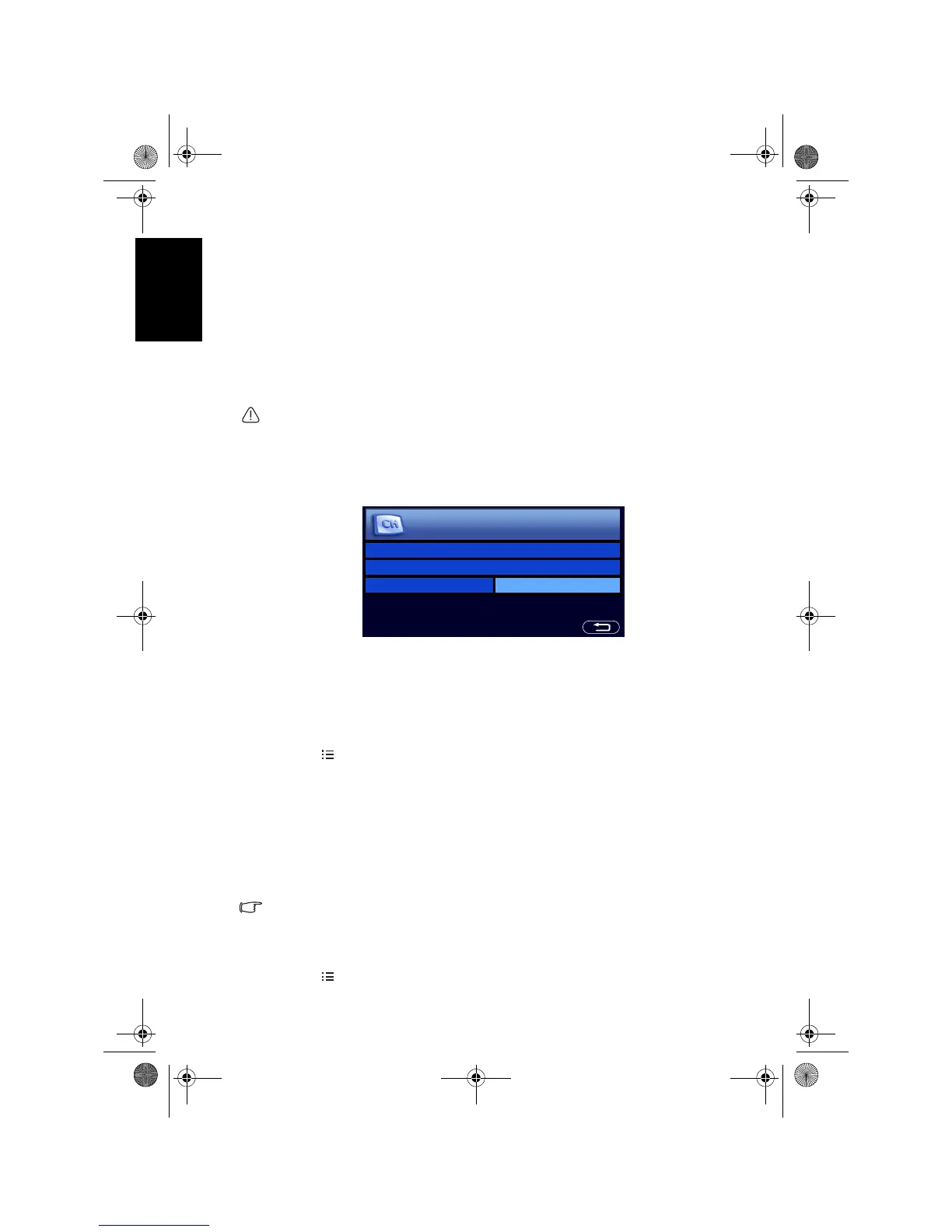
The following menu will display:
2. Enter the 4-digit password using the Program selection numeric buttons
(default password: 0000)
. When entering, you can press - to clear a wrong
character. If you enter the wrong password, try again.
3. Press to select
Activation and then press + or - to select from the
following options:
•
On: Enables the Child Lock. Once enabled, the program will be locked.
•
Off: Disables the Child Lock.
4. Press
MENU to close the menu.
Changing Child Lock password
1. In the TV menu, press or to select Child Lock and then press OK.
2. Enter the password using the Program selection numeric buttons
(default
password: 0000)
. When entering, you can press - to clear a wrong
character. If you enter the wrong password, try again.
3. Press to select
Change Password and then press OK.
4. Enter a new 4-digit password using the Program selection numeric
buttons.
IMPORTANT: Write your selected password down here in this manual and keep
this manual in a safe place so that it is available to you should you ever forget it
Password: __ __ __ __
5. Enter the new password again using the Program selection numeric
buttons.
6. Press
MENU to close the menu.
Enter Password - - - -
Change Password
Activation Off
Enter Password by Using Keys 0 to 9.
Child Lock
V32B_V37B_EN.book Page 42 Wednesday, January 23, 2008 10:55 AM



 To Next Page