Connecting audio and video inputs 29
English
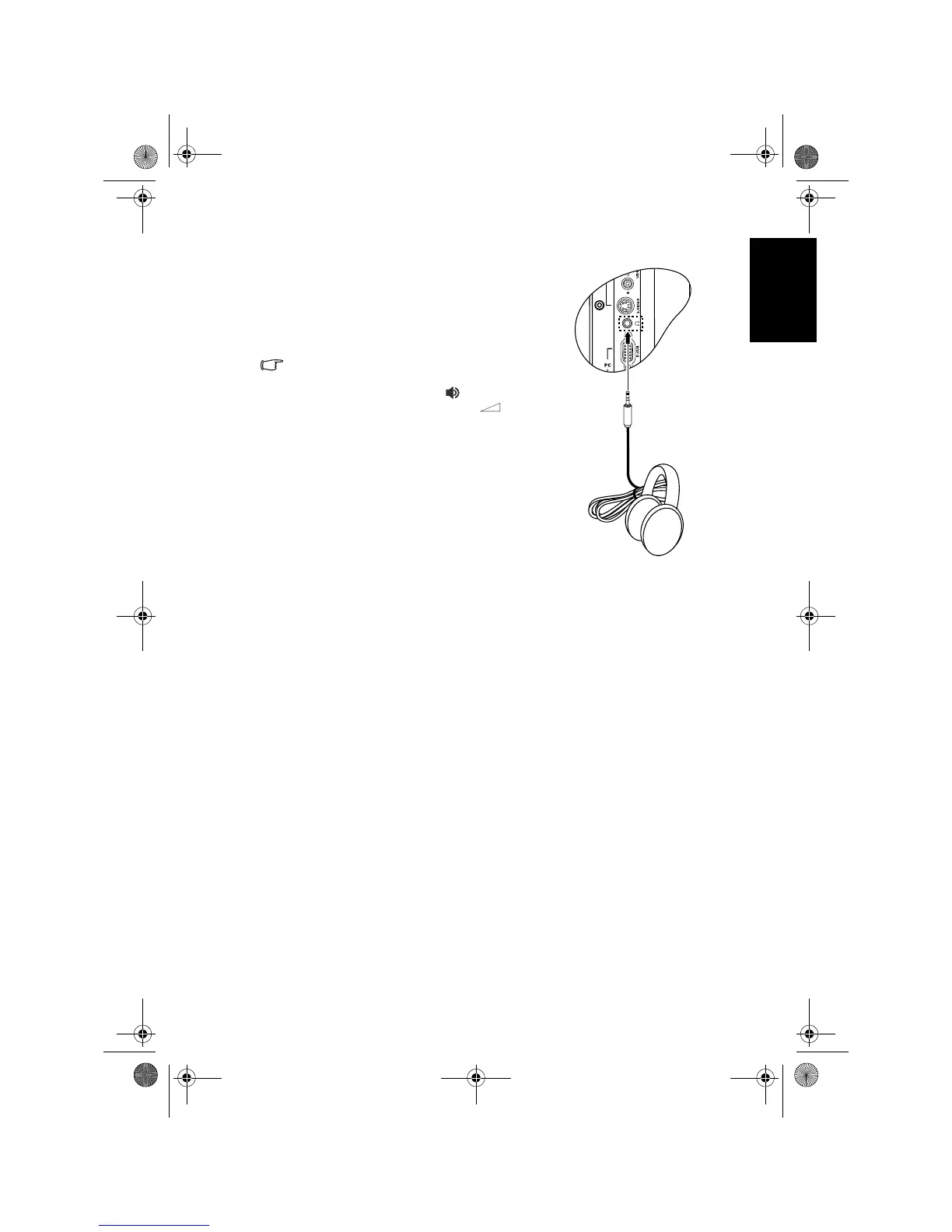
Connecting the headset audio output
This TV provides a stereo headset output
socket for delivering the audio signal to a
stereo headset.
Connect the stereo headset plug (3.5mm
Mini-jack type) to the stereo headset output
socket on the TV using a suitable audio cable.
Once connected, the TV’s speakers will be
muted automatically. The volume level can
be adjusted by pressing the (Volume)
andbuttons on the TV, or the
(Volume) + and - buttons on the remote
control.
Avoid prolonged use of the headset or
listening in an excessive volume level,
otherwise your hearing will be damaged.
Headset
V32B_V37B_EN.book Page 29 Wednesday, January 23, 2008 10:55 AM



 To Next Page