OSD (On-Screen Display) menu 43
English
Setup menu
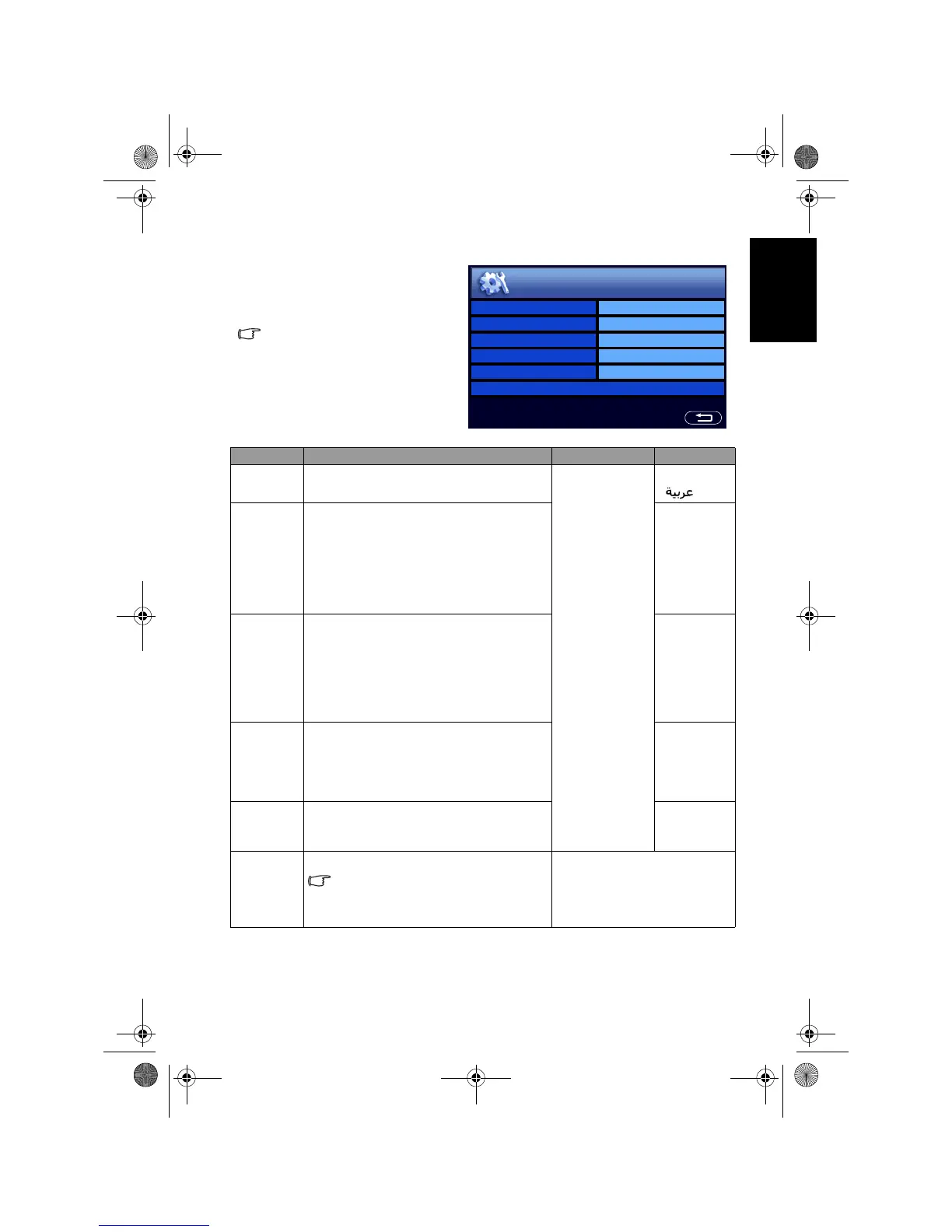
The available menu items are
dependent on the input source
being selected.
The illustration is for reference
only.
Item Function Operation Range
Language
Select your desired language for the OSD
menu.
Press
+ or - to
change selection.
• English
•
Sleep
Timer
Set the Sleep Timer to automatically turn
off the TV. 1 minute before shutdown, a
message will display on-screen. At this
time, if you wish to cancel the function,
press any button on the remote control.
Once the time expires, the TV will be put
to the standby mode automatically.
Off, 15, 30,
45, 60, 90,
120
(minutes)
ECO
Once set to
On, the TV will activate the
Display Power Management System
(DPMS) and enter power saving mode
when no PC input signal is detected for 5
seconds, or enter standby mode
automatically if no Video signal is
detected for 10 minutes.
• Off
• On
HDMI/DVI
Input
Select the DVI input mode according to
the device connected. Select
PC if a PC is
connected. If a video device (for example,
a digital Set Top Box) is connected, select
Video.
• PC
• Video
Blue
Screen
Once set to
On, if no input signal is
detected, a blue screen will be displayed
automatically.
• Off
• On
Reset All
Settings
Restore all settings to their default values.
The TV program memory will not be
cleared. That is, you do not need to
scan and store the TV programs again
after the reset.
Press OK to activate the reset.
Language English
Sleep Timer Off
ECO On
HDMI/DVI Input Video
Blue Screen Off
Reset All Settings
Setup
V32B_V37B_EN.book Page 43 Wednesday, January 23, 2008 10:55 AM



 To Next Page